


Use APKPure App
Get Root Explorer old version APK for Android
Root Explorer is a pro file manager app that gives superusers full system access.
Root Explorer suits users who need to fix stuck files, adjust system settings, or work across local and remote storage. It requires root access to reach protected folders, and it organizes content with a clear tabbed layout for quick moves between locations. For transparency, the developer states that no data is collected or shared. If you work on advanced tasks on Android, download Root Explorer APK to manage important changes carefully.
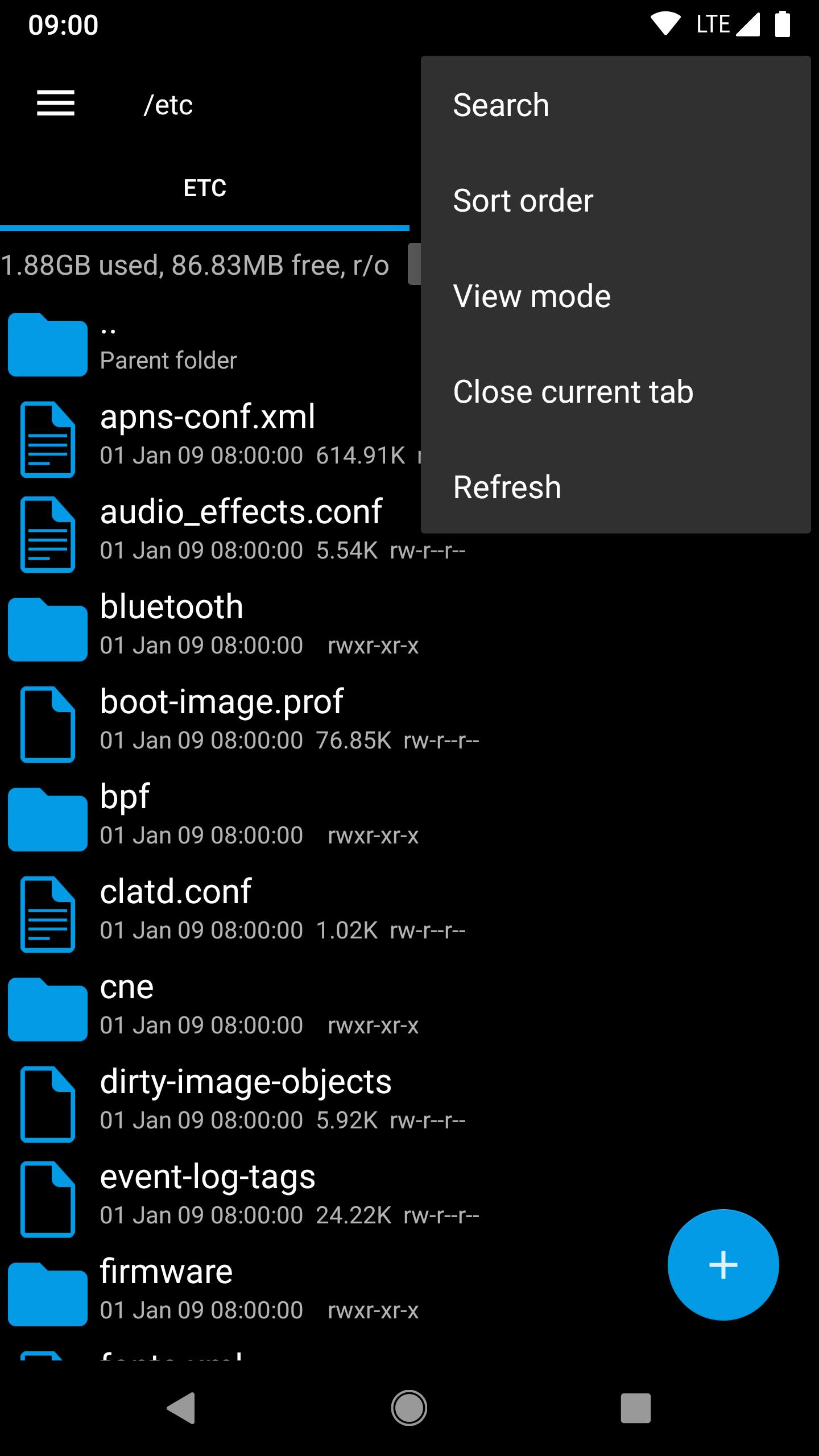
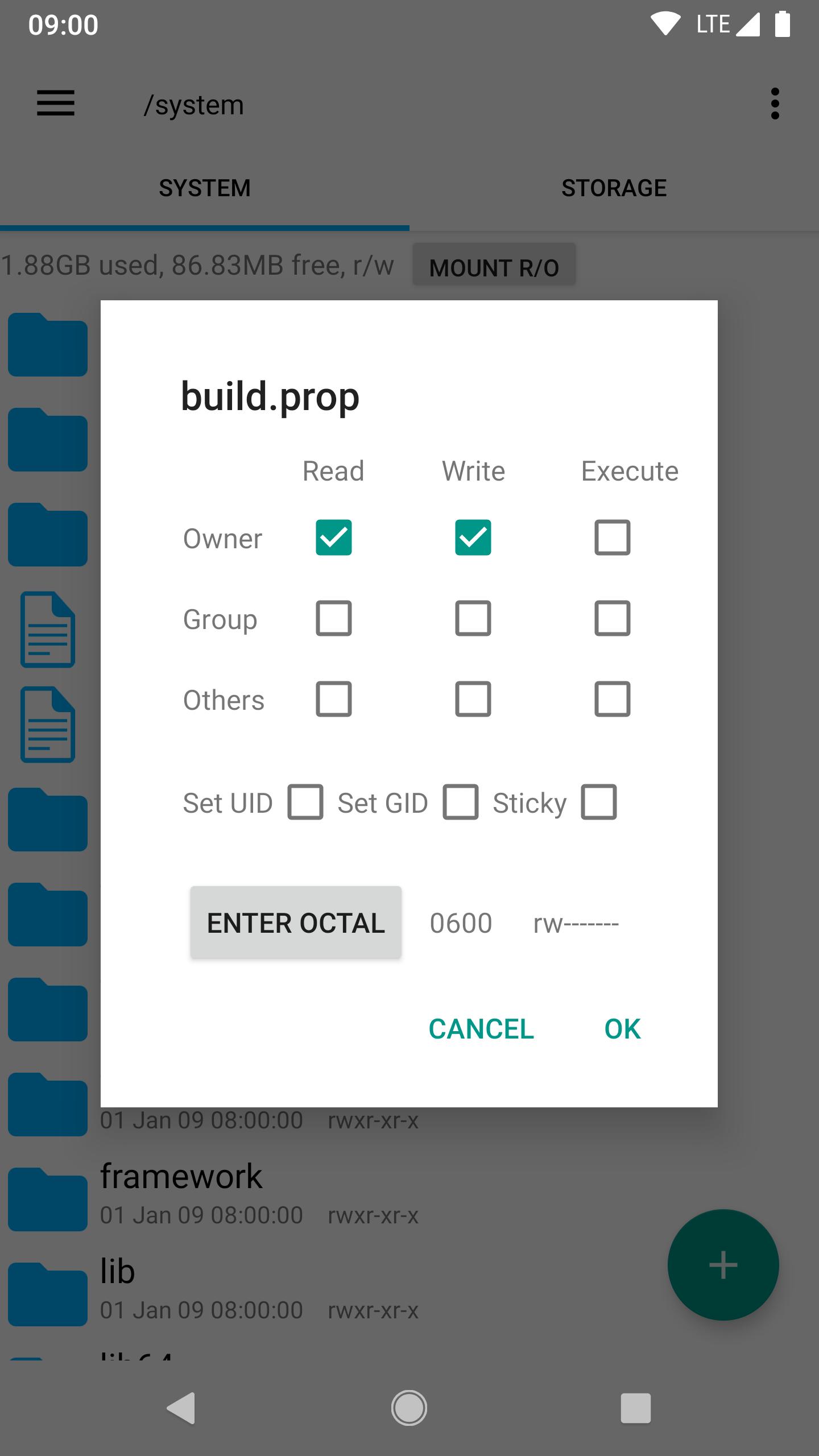
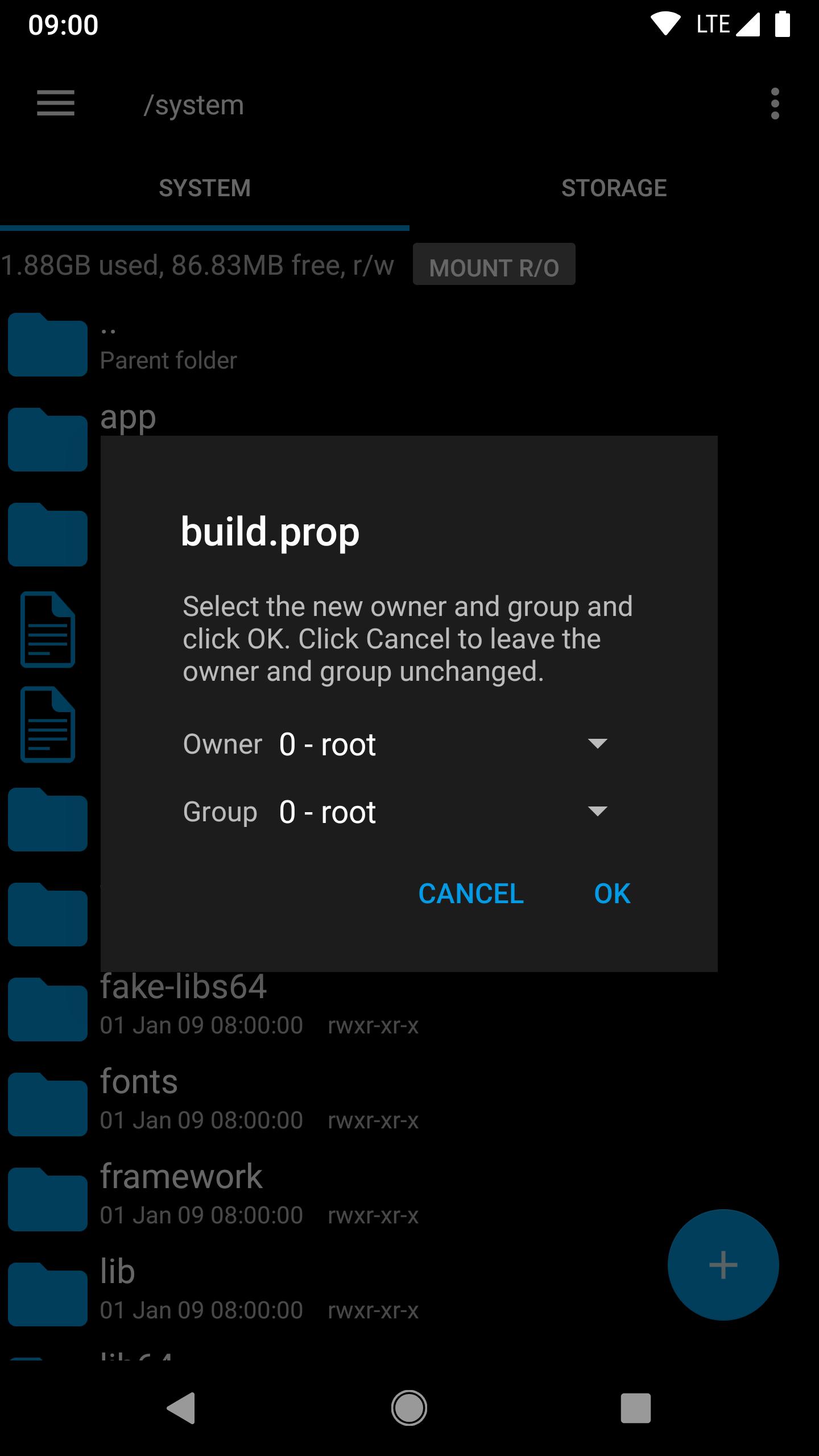
Root Explorer lets you browse protected directories, including the data folder, when your device is rooted. You can remount partitions in read and write mode to change files, then switch back when finished. It also supports changing permissions and owner or group values, creating symbolic links, and running scripts. When working on system files, make a backup before changes to avoid unwanted results.
Built in editors and viewersRoot Explorer includes a Text Editor for quick edits and a SQLite database viewer for inspecting app data. You can open an APK to view its binary XML, which helps with configuration checks and troubleshooting. MD5 checksums are available to verify file integrity, and image thumbnails make browsing faster. When needed, use Open With to hand a file to another app for specialized actions.
Archive management and toolsYou can create and extract ZIP and TAR or GZIP archives directly inside Root Explorer. RAR extraction is supported, so you can unpack common downloads without leaving the app. Multi select, fast search, bookmarks, and shortcuts speed up everyday tasks. When sharing is the goal, send files by email or over Bluetooth with just a few taps.
Cloud and network integrationRoot Explorer connects to Google Drive, Dropbox, and Box for unified file access across accounts. You can also browse SMB or CIFS network shares to reach files on a local server or a shared computer. This makes moving data between device storage, cloud folders, and network locations straightforward. Transfers happen within the same interface, which helps reduce context switching.
Productivity focused interfaceRoot Explorer uses multiple tabs for efficient multitasking. You can keep a system directory open in one tab and a cloud folder in another, then move files between them as needed. Navigation stays consistent as you change locations, so you can focus on the task rather than the menu. This approach reduces backtracking and speeds up routine work.
A rooted device and granted superuser permissions are required for access to protected directories and system changes. If a location is read only, you remount it to read and write before editing files, then return it to read only afterward. Permission and ownership changes control who can read or modify a file, so set them carefully and confirm results. Back up important data before you modify or remove any system items.
The developer states that no data is collected or shared. If you experience issues after purchase, the developer offers a 24 hour refund policy with no questions asked. Email support is described as responsive, which helps when learning root workflows or resolving errors. For best service and cloud reliability, consider using the Root Explorer latest version.
Set aside a few minutes to grant root access and explore the interface. Keep backups ready if you plan to edit system files, and move gradually through each step. If you prefer installing first, start with Root Explorer APK and follow the simple process below.
Root Explorer focuses on reliable root controls, practical editors, and integrated storage connections. For advanced file tasks on a rooted device, download Root Explorer to work across system, network, and cloud locations in one place.
For support or refund questions, contact the developer using the email below.
Last updated on Jun 7, 2024
1.提升文件查找速度; 2.适配安卓13系统;
Latest Version
 4.12.9
Uploaded by
Speed Software
Requires Android
5.0
Available on

Category
Report





Discover what you want easier, faster and safer.
