


Use APKPure App
Get Explorer old version APK for Android
Explorer is a file manager app that organizes local storage and connects to cloud and SMB sources.
Explorer suits users who need to handle files across internal memory, SD cards, and remote locations without switching tools. It offers a straightforward interface that keeps browsing clear, and supports ongoing operations for longer copies or moves. As a result, everyday tasks stay consistent from one folder to the next. For quick access on Android, downloading Explorer APK helps set up a reliable workspace when you need to manage documents, media, and backups across devices.
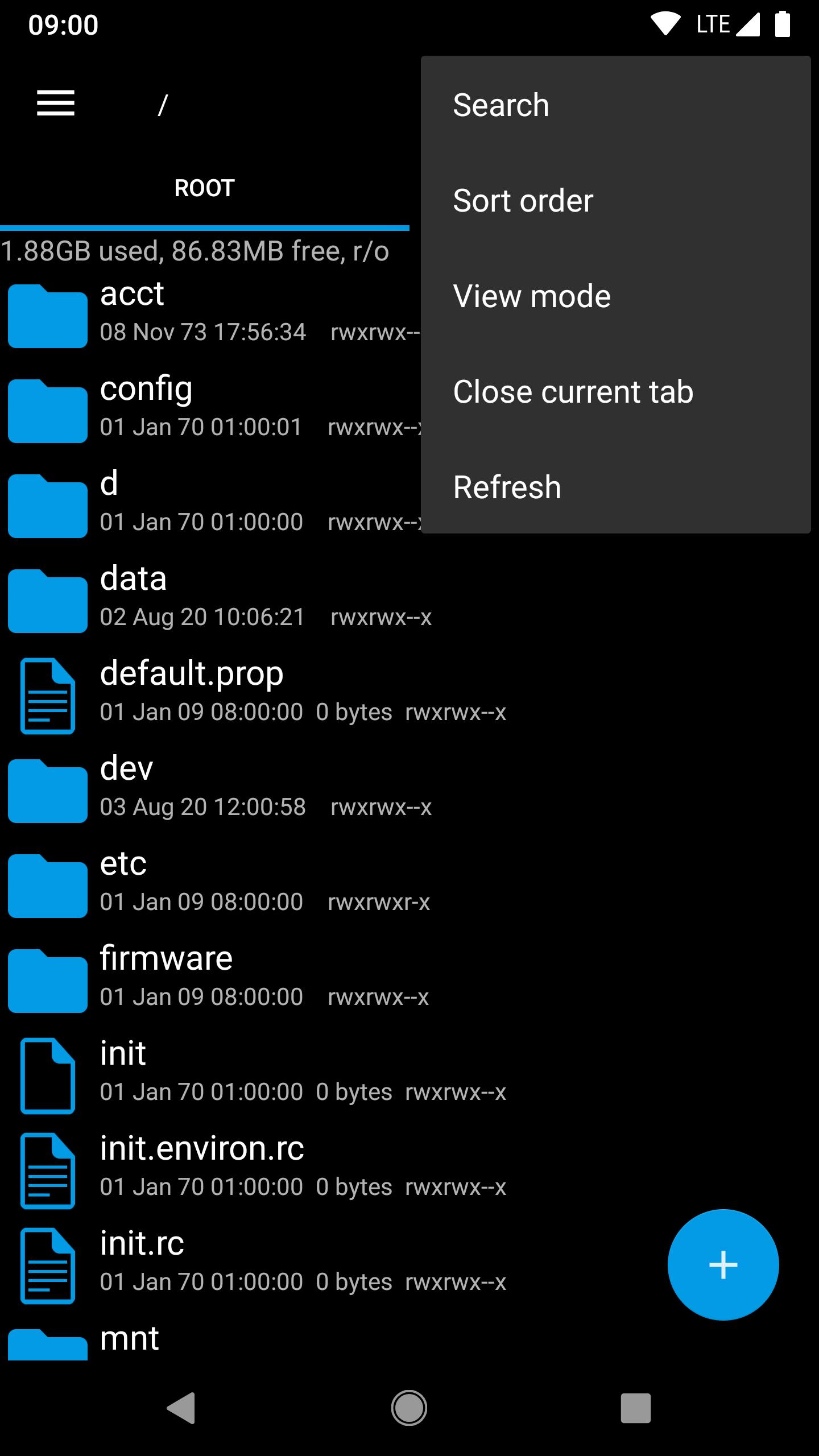
Explorer lets you open several tabs so you can move between folders with a swipe or a tap. This approach makes side by side navigation simple, and reduces backtracking through deep paths. You can keep important locations available, then switch quickly while you sort, rename, or compare files.
Cloud drives and SMB with streamingExplorer for Android connects to Google Drive, Box, Dropbox, and SMB network shares. You can browse remote folders alongside local storage, then stream audio or video directly to your player apps without downloading files first. This keeps remote content accessible within the same layout, so you can manage and play media smoothly.
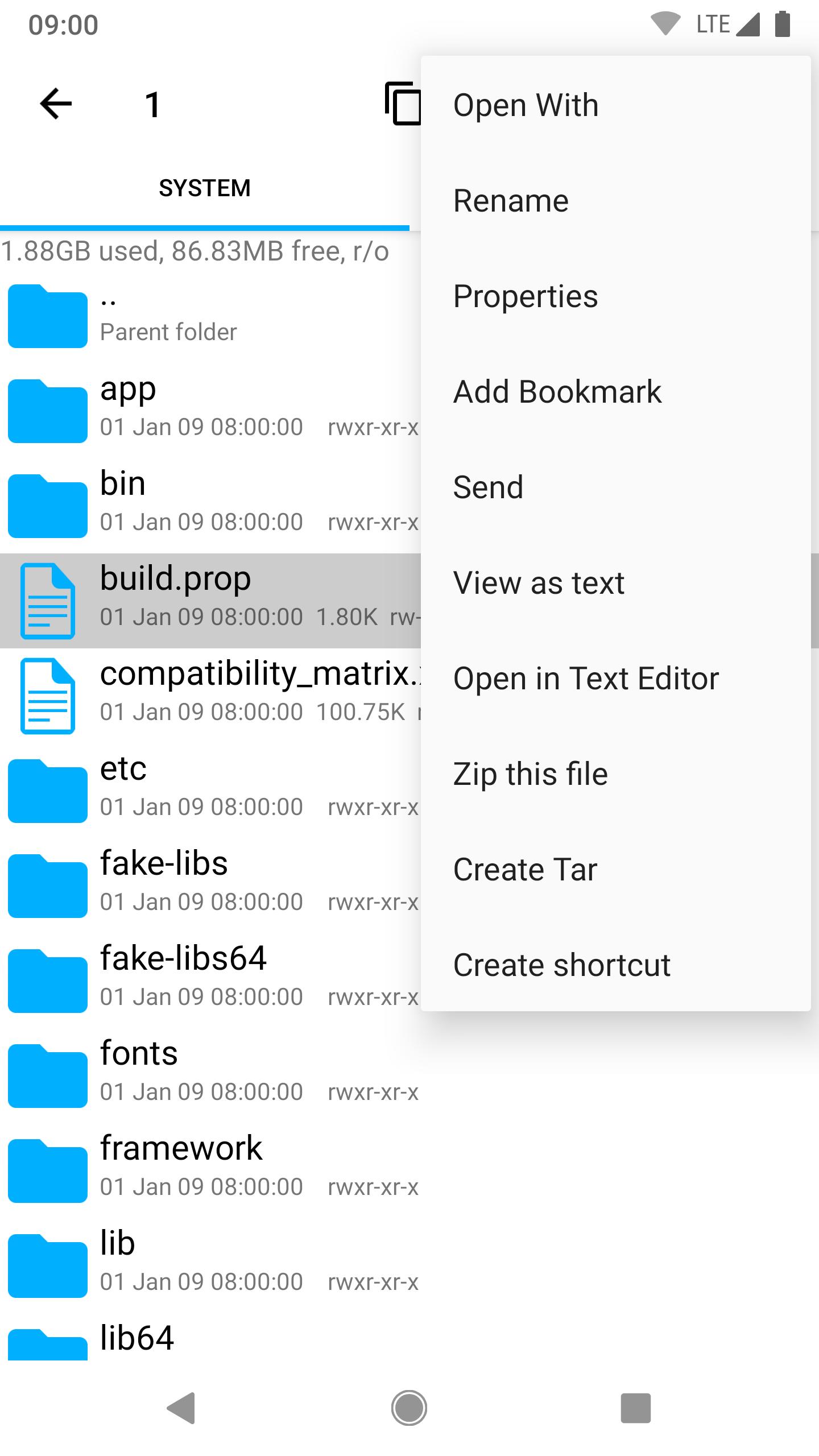
Archive creation and extractionExplorer handles ZIP and TAR creation, and extracts ZIP, TAR, and RAR archives. You can pack folders for backup or transfer, then unpack them when needed. The workflow fits into your normal browsing, so you can prepare archives and check contents without leaving the file explorer app.
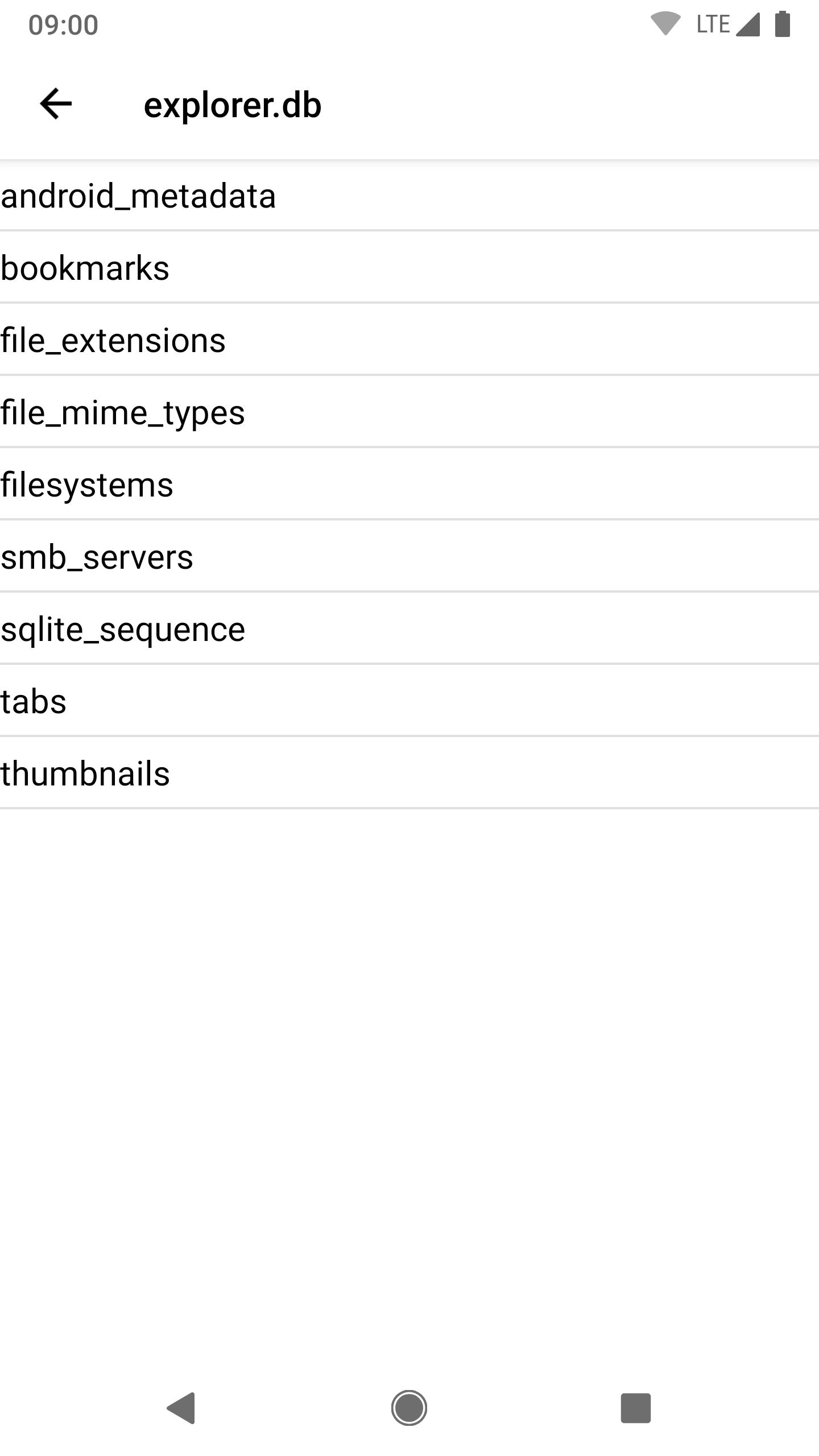
Utilities for editing and inspectionExplorer includes a text editor, a SQLite database viewer, file search, bookmarks, and Open With options. When you need to verify files, properties show size, date, and MD5 checksums for integrity checks. Background operations keep long copy or move processes running, so you can continue browsing while tasks complete.
Themes, icons, and shortcutsExplorer supports light, dark, and home wallpaper themes and offers icon sets for visual clarity. You can add home screen shortcuts to files and folders for faster access to frequent locations. With bookmarks and tabs alongside these options, your workspace aligns with your preferences and routine.
Explorer requests full network access only to enable cloud and SMB features. No information is sent to the developer, and permissions focus on the core functions needed for storage management and remote browsing. Users who prefer privacy-friendly tools can review connection settings and choose which services to enable. This approach keeps the file explorer app focused on your device and selected network shares.
Explorer supports 11 languages to assist users across different regions. Interface texts and menu labels adapt to your chosen language, which makes navigation more familiar and reduces setup time. This is helpful for teams and families who share devices and need clear, localized options.
To begin, launch Explorer and review the main panels and tabs. You can start with local folders, then add remote services when needed. For users planning a fresh setup, download Explorer to manage both device storage and connected drives within one app.
Explorer provides a clear way to work with local storage, cloud drives, and SMB shares in one place. For a stable setup on Android, consider Explorer latest version to handle archives, stream media, and verify file details across devices.
For support or questions, contact the developer at:
Last updated on Feb 11, 2026
Fix for recent Dropbox issue (SDK version updated)
Latest Version
 3.12.9
Uploaded by
Hazwan Syahmi
Requires Android
Android 5.0+
Available on

Category
Report





Discover what you want easier, faster and safer.
