


Use APKPure App
Get Android Auto old version APK for Android
Android Auto is a driving companion app that mirrors essential phone apps on your car display.
Android Auto helps you drive with confidence by bringing navigation, communication, and entertainment into a clean interface made for the road. It uses large buttons, clear text, and voice control so you can keep your attention on driving. You can connect your phone with a USB cable or wirelessly when supported, and your car display becomes the hub for directions, calls, messages, and music. It works with many vehicle models and aftermarket head units. Therefore, it fits easily into everyday commutes and long trips without changing how you already use your favorite apps.
Drive with accurate navigation
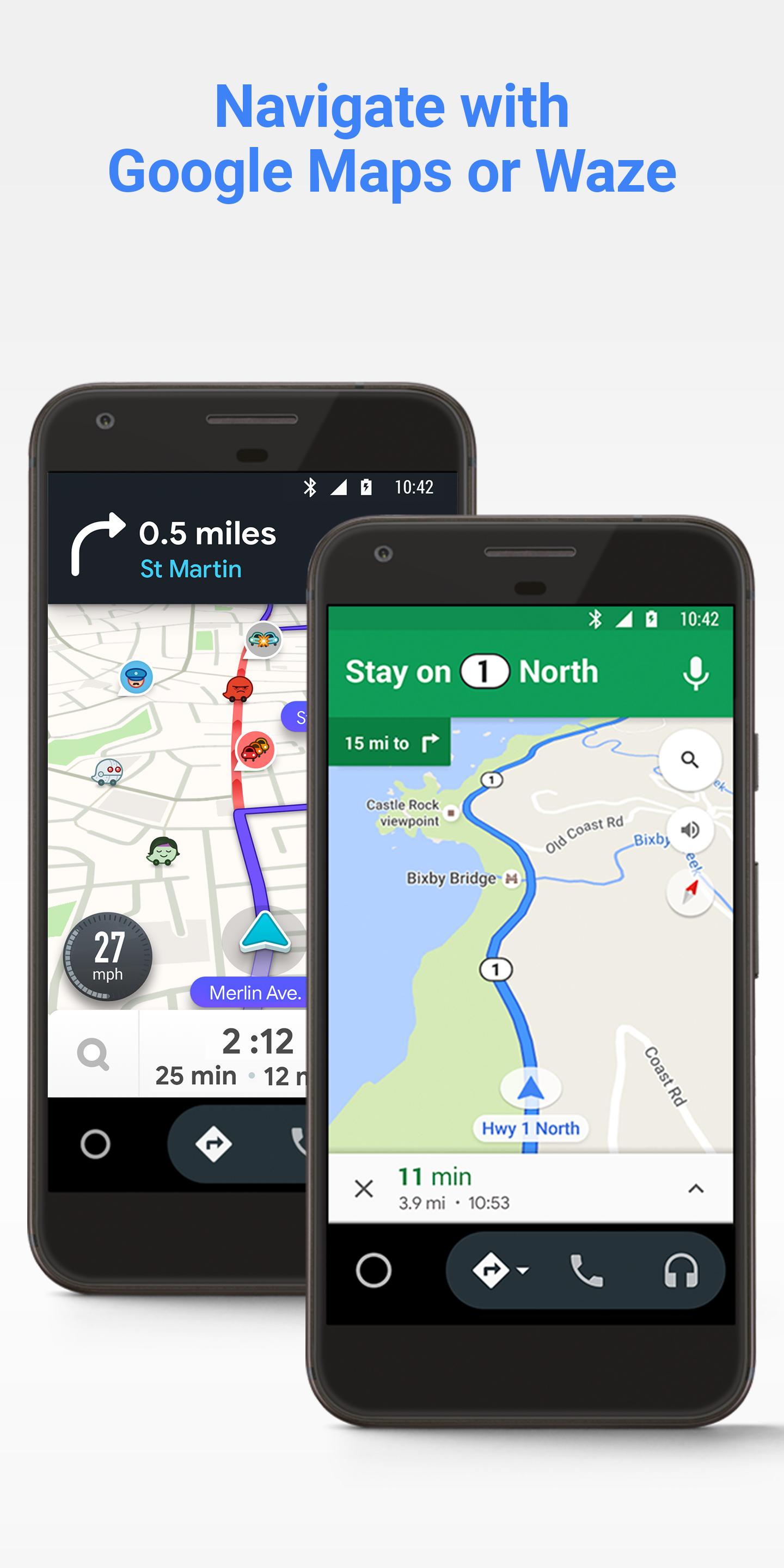
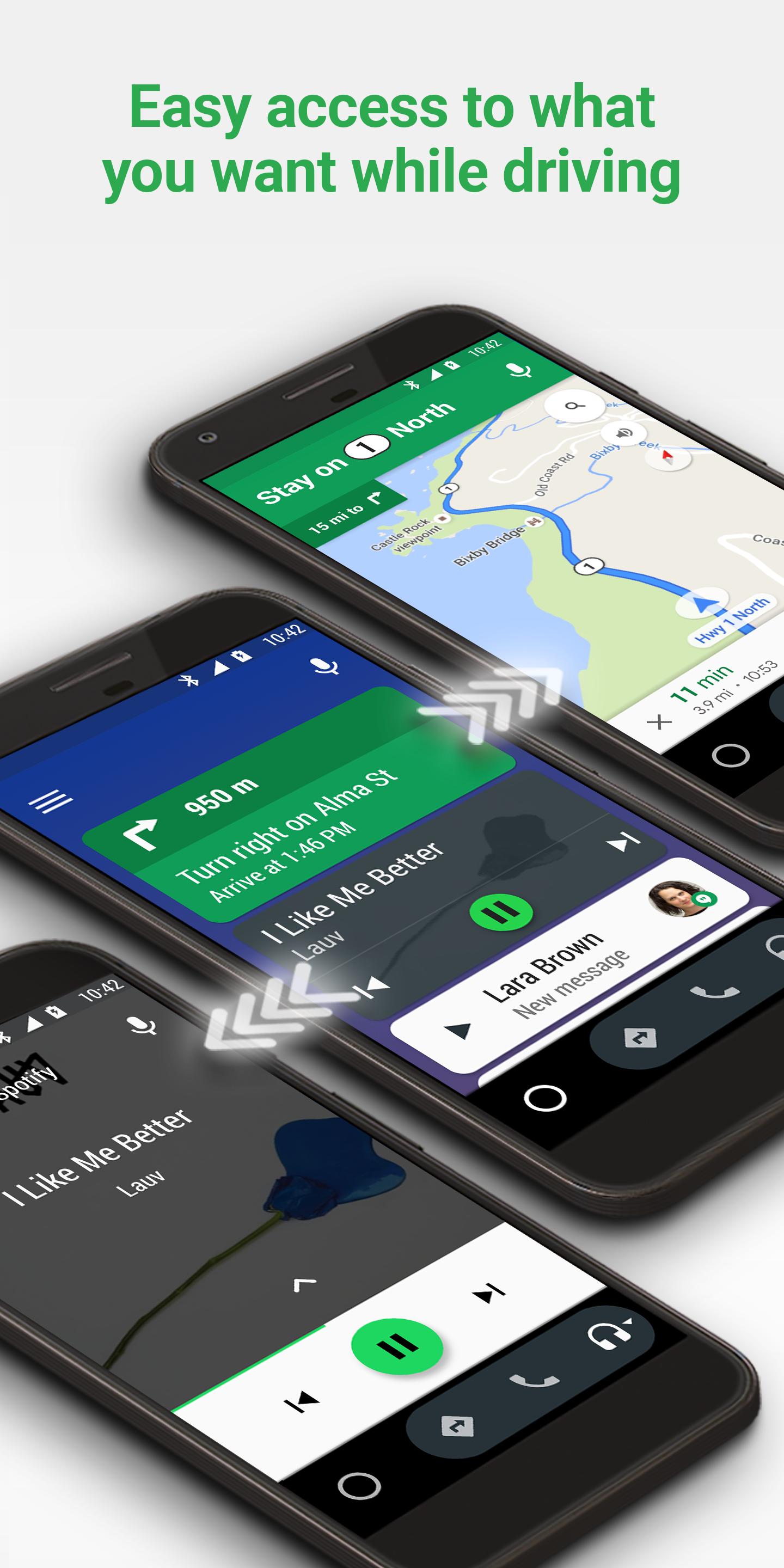
Android Auto gives you turn-by-turn directions with Google Maps or Waze, along with live traffic, lane guidance, and hazard alerts. You can see the route clearly and adjust it by voice as conditions change.
Reply and catch up by voice
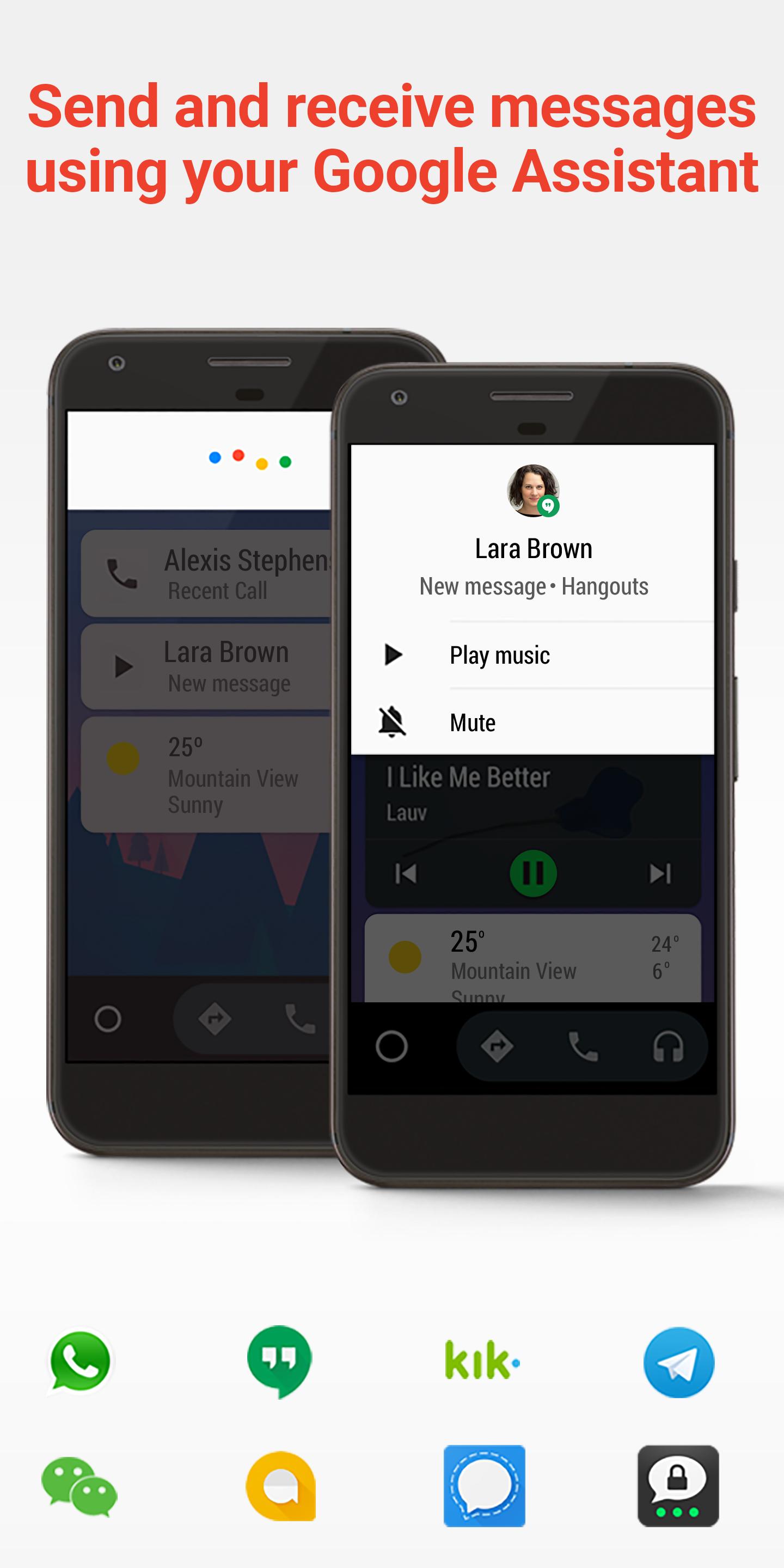
Android Auto reads incoming messages aloud and lets you respond with your voice. Moreover, you get smart replies and AI summaries that condense long group chats so you can decide if a reply is needed now or later.
Listen and control media safely
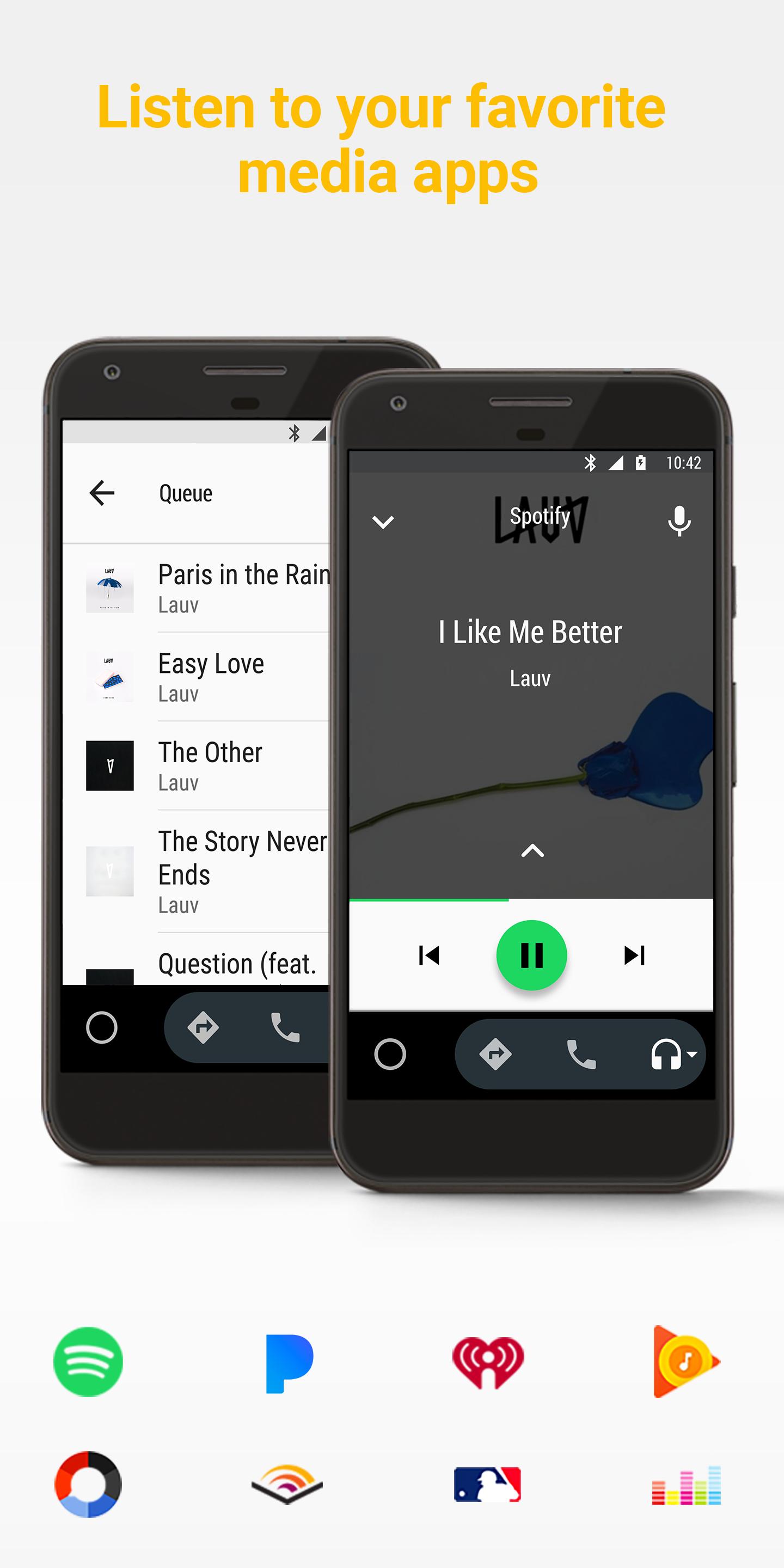
You can play music, radio, audiobooks, and podcasts from apps like Spotify and Audible using simple voice commands. Also, you can play, pause, and skip without reaching for your phone, which keeps your hands on the wheel.
Call hands-free and check your day
Android Auto helps you make and answer calls with voice commands. In addition, Google Assistant can show your schedule, reminders, and meeting details so you can stay organized while driving.
Plan EV trips with charge insights
For electric vehicles, Android Auto can show estimated battery level at arrival and suggest charging stops on your route. Therefore, you can choose stations along the way and reduce range anxiety during longer drives.
Set up quickly and use more apps
Android Auto supports plug and play over USB and also wireless connection on supported phones and cars. Then, you can access parked apps and games, join meetings with compatible productivity apps like Zoom, and control smart home devices when needed.
Android Auto works with apps for navigation, messaging, music, radio, audiobooks, podcasts, news, and more. You can start with popular choices and then add others to fit your routine. In addition, you can discover parked-only apps for breaks and quick meetings when the car is not moving.
Navigation: Google Maps and Waze for routes and traffic.
Music and audio: Spotify, YouTube Music, Audible, and podcast players.
Messaging: SMS, popular chat apps with read aloud and reply by voice.
Productivity and parked apps: Zoom and simple games when safely parked.
Android Auto and voice features vary by country and language. Availability can change over time as services expand. Therefore, it is a good idea to check the latest coverage details for your region and your language before a trip.
If a feature is not available in your area today, you can still download Android Auto and use supported functions where allowed. Moreover, car integration may differ by brand, model, and infotainment system.
If Android Auto is not showing or not working as expected, start with quick checks. First, confirm your cable or wireless connection is stable and that your car supports the connection type you are using. Then, make sure the required app permissions are granted on your phone.
Download Android Auto APK latest version on APKPure for the newest fixes.
Enable Android Auto projection in your car's settings.
Restart your phone and the car's head unit to refresh connections.
Clear Android Auto cache if prompts or app icons do not appear.
Getting started is straightforward. You only need your phone and a compatible car or head unit. After the first setup, Android Auto will connect faster the next time.
Connect your phone to the car via a quality USB cable or start wireless pairing if your car supports it.
Follow on-screen prompts on both the phone and the car display, then grant permissions for contacts, messages, and notifications.
Choose your preferred navigation app and set it as the default so routes open quickly on future drives.
Customize the app launcher order and notification settings inside Android Auto so your most used apps are easy to reach.
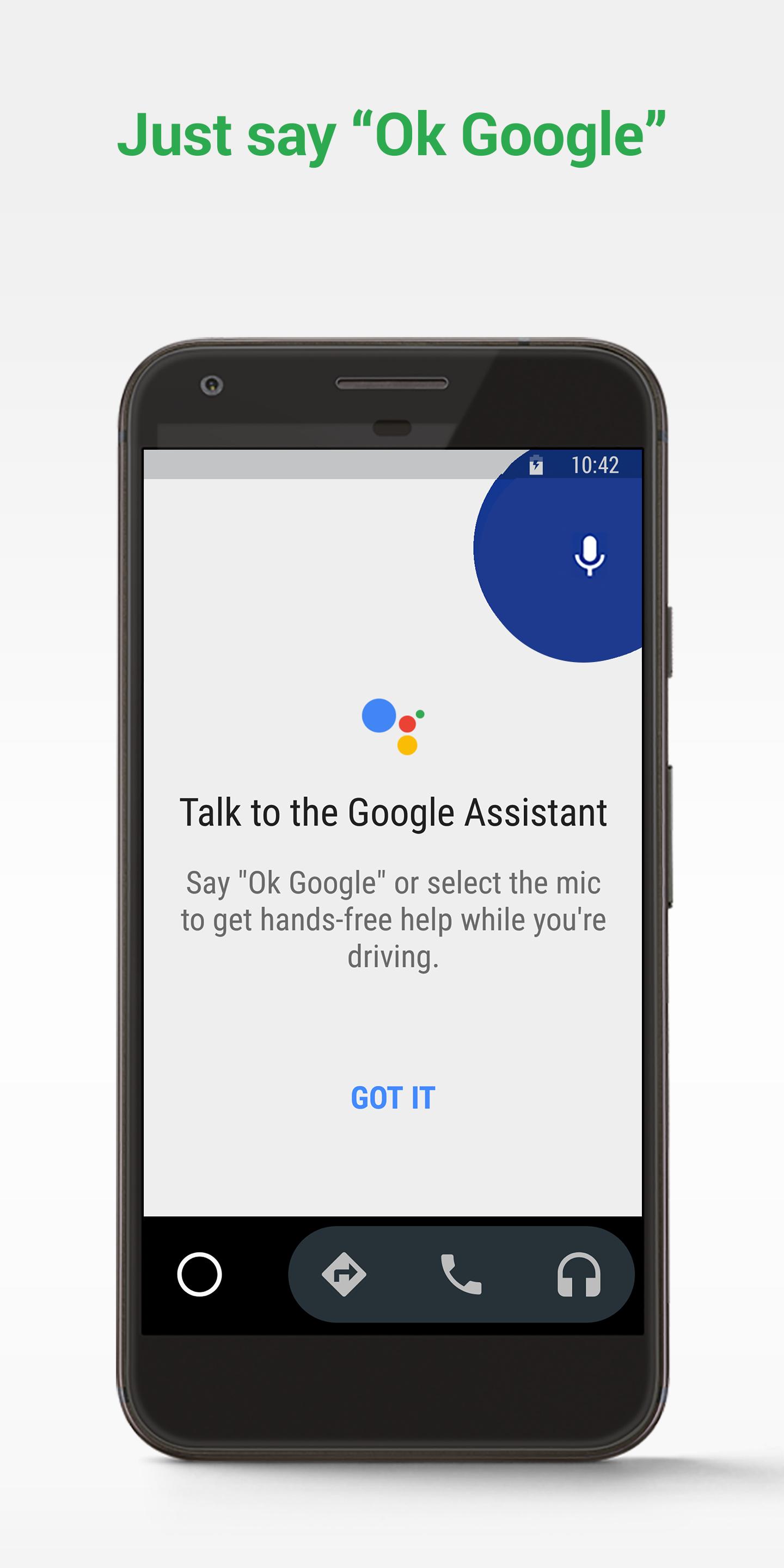
Say "Hey Google" or use your steering wheel voice button to get directions, send messages, play audio, and make calls without touching the screen.
Android Auto keeps navigation, communication, and audio within easy reach while you stay focused on the road. Download the Android Auto APK latest version on APKPure to access new features and stability improvements.
For official information and support, see the links below.
Official website: android.com/auto
Help center and guides: support.google.com/androidauto
Compatible apps catalog: g.co/androidauto
How do I get Android Auto to run on my car display?
To run Android Auto on your car display, connect your phone via USB or start wireless pairing if supported, then follow the prompts on both screens. After setup, enable Android Auto or phone projection in your car settings and select Android Auto from the infotainment source list.
Which apps can I use on Android Auto?
Android Auto supports navigation, messaging, music, radio, audiobooks, podcasts, and select productivity apps. You can manage calls, listen to audio, and send messages by voice. For a full list, browse the compatible apps catalog and add the apps you use most.
Where is Android Auto on my phone?
On newer Android versions, Android Auto lives in phone settings and appears on the car display when connected. You can search “Android Auto” in your device settings to manage preferences, or open the app icon if it is visible on your launcher after installation.
Last updated on Feb 3, 2026
Minor bug fixes and improvements. Install or update to the newest version to check it out!
Latest Version
 16.1.660414-release
Uploaded by
Google LLC
Requires Android
Android 9.0+
Available on

Category
Report

Discover what you want easier, faster and safer.
