


Use APKPure App
Get Time Scheduler old version APK for Android
Stay organized, focused and in control of your time.
Keep track of your time with the Time Scheduler app and manage your day by scheduling the tasks according to the time.
Home
• All the schedules are displayed on home screen.
• A schedule contains the start and end time, duration of the task and name of the job.
• The schedules shown in different background colors.
Add schedules
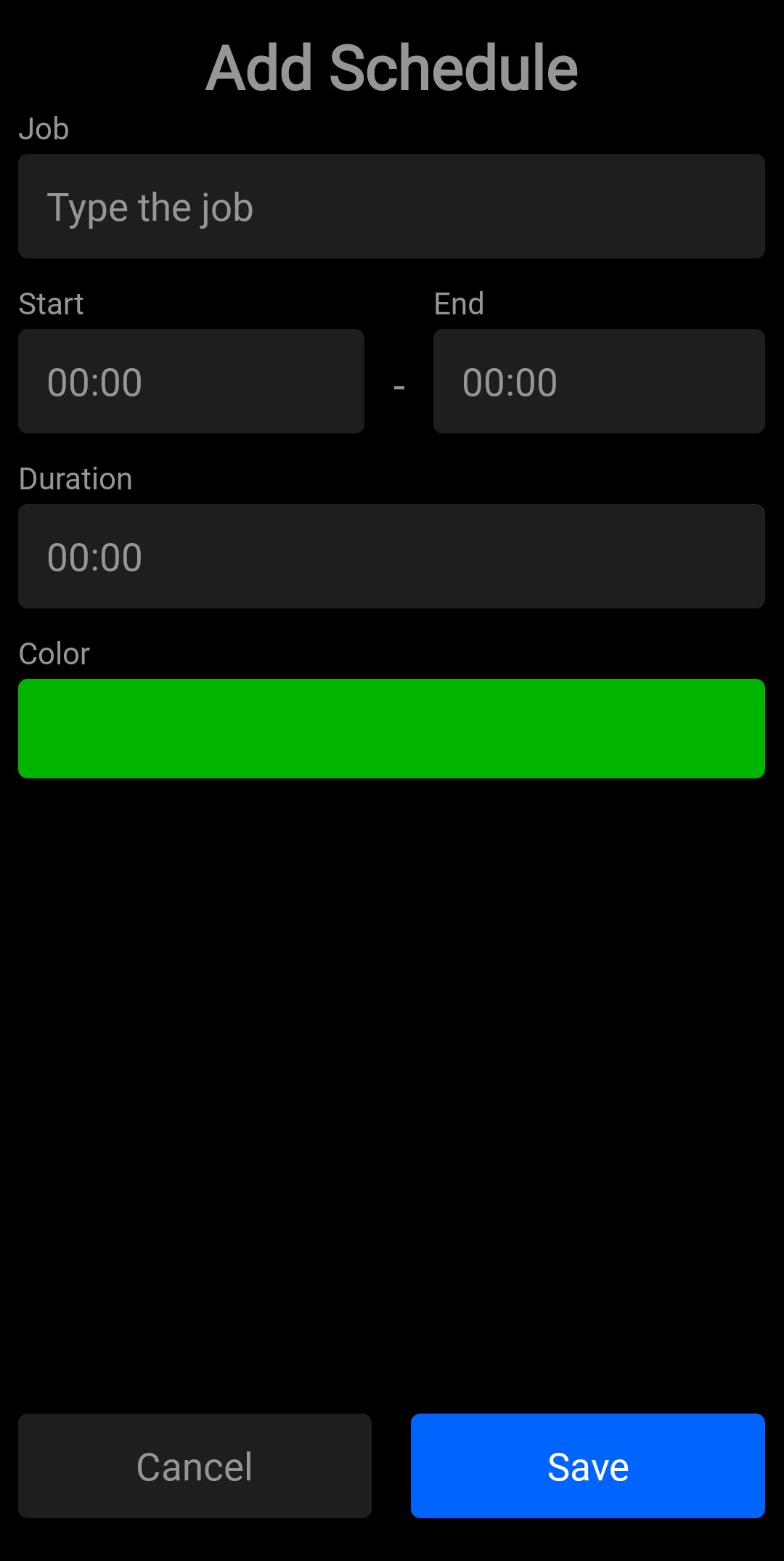
• Create new schedule by clicking on the New button.
• Type the name of the task.
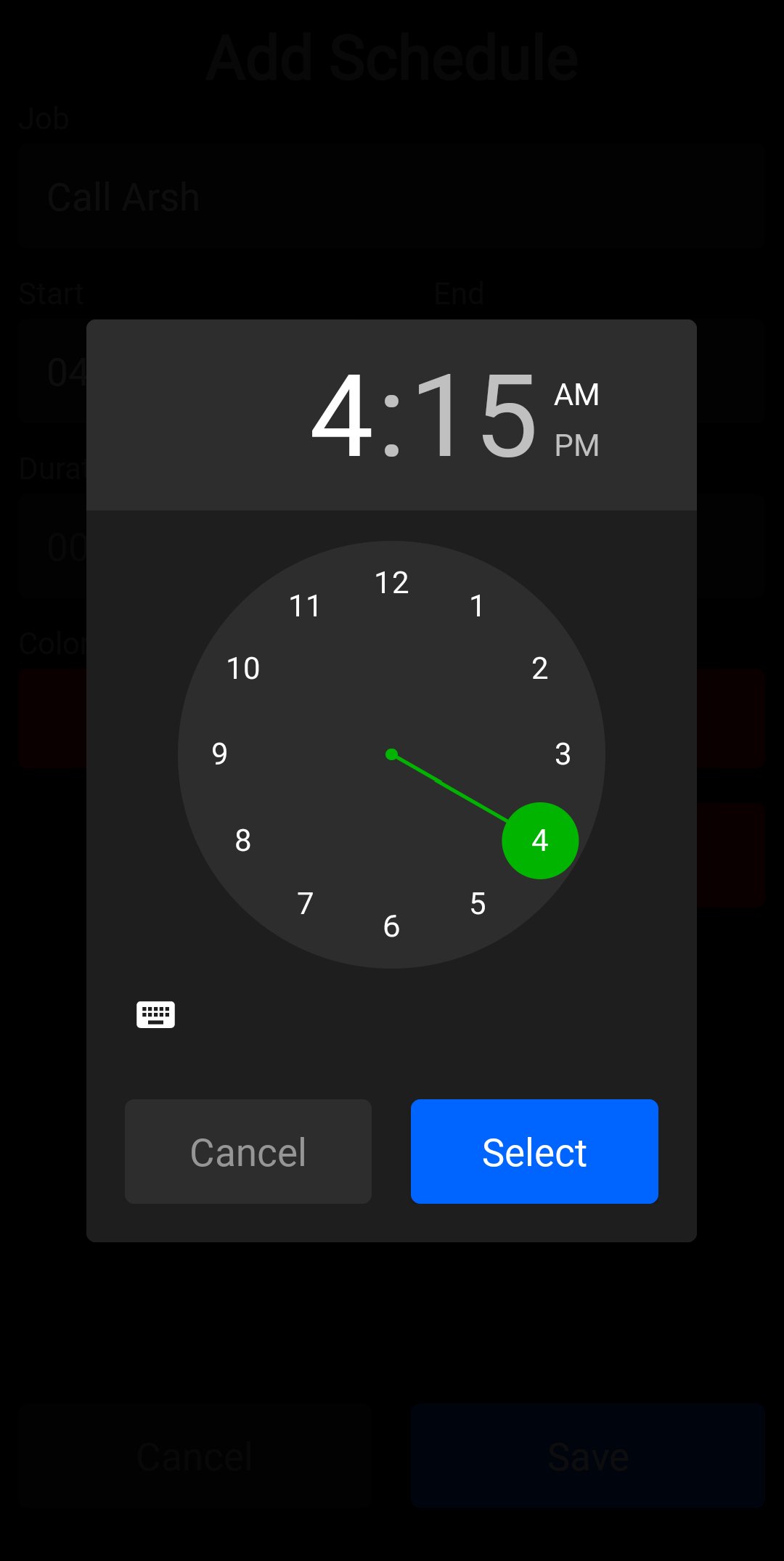
• Select start and end time of the job.
• Duration of the task is automatically calculated.
• Choose the color for the job.
• Save the schedule.
Settings
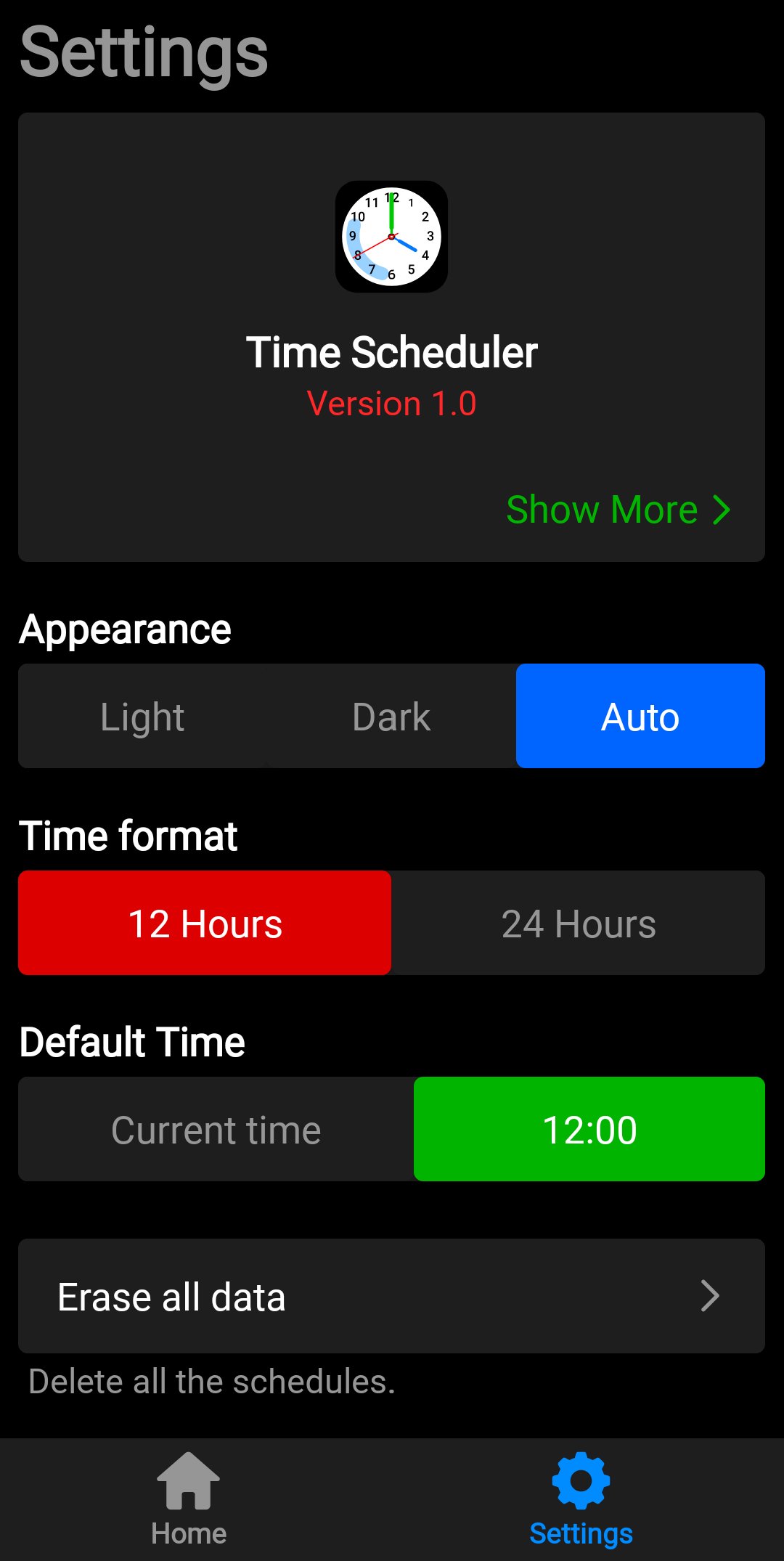
• Access the about page.
• Change appearance of the app (Light mode, Dark mode and Auto: according to your device).
• Switch between time format (12 Hours and 24 Hours).
• Choose default time for schedules. Initially the time shown to you when selecting the start and end time (Current time and 12:00).
• Delete all the schedules at once from the Erase all data option.
• Check your subscription status.
About
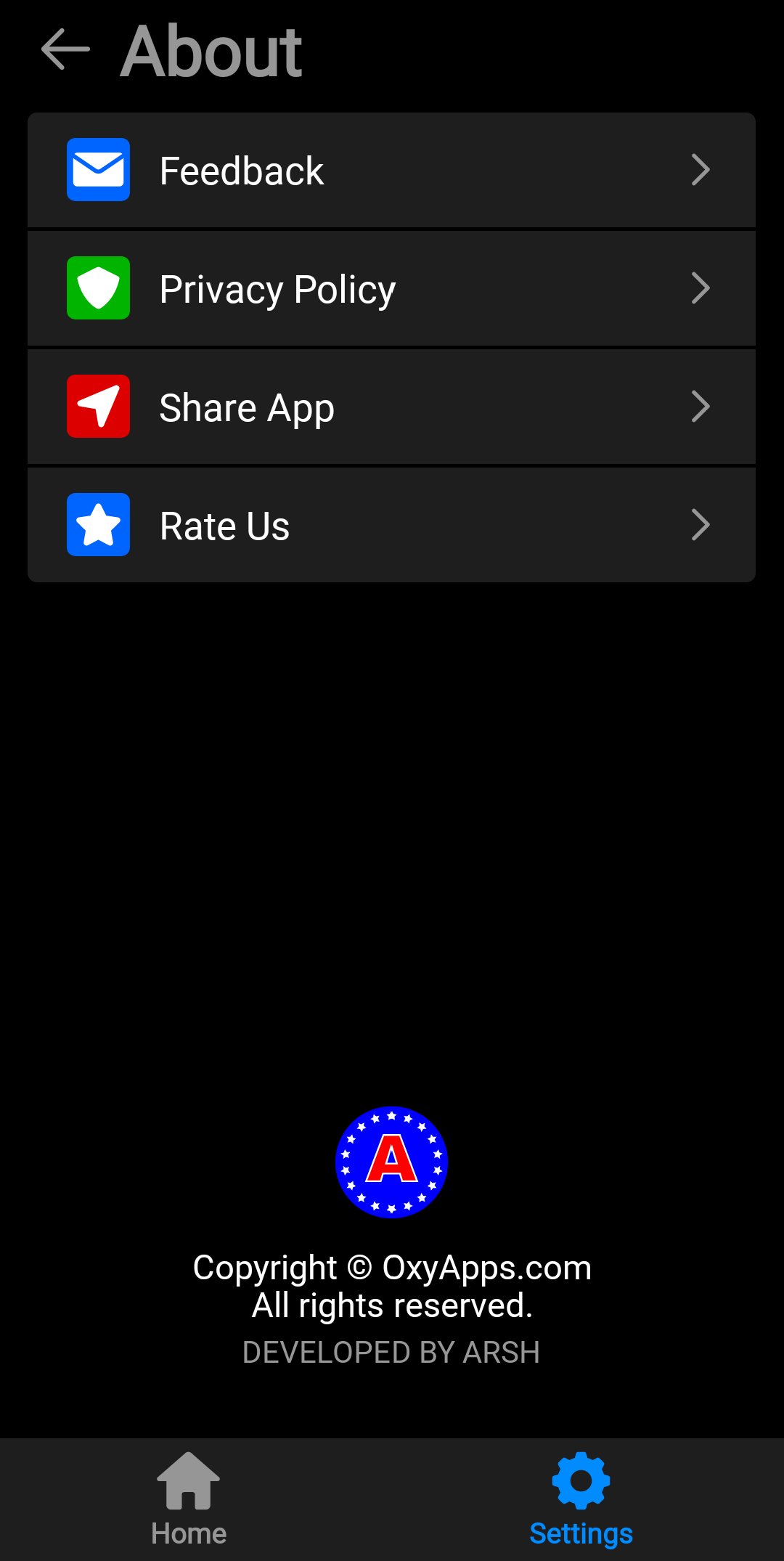
• Send your feedback via email.
• Read the Privacy policy.
• Share the app with family and friends.
• Give the rating on the Play Store.
Last updated on Mar 13, 2024
Minor bug fixes and improvements. Install or update to the newest version to check it out!
Latest Version
 1.0
1.0
Requires Android
5.0
Available on

Category
Report





Discover what you want easier, faster and safer.

Time Scheduler
1.0 by OxyApps.com
Mar 13, 2024