


Use APKPure App
Get Test DPC old version APK for Android

Test DPC is a device policy controller app that lets developers simulate Android Enterprise management and validate policies in work profile or device owner modes.
Test DPC helps you build and verify Android Enterprise solutions in a safe, controlled environment. It lets you provision a device as fully managed or create a work profile, so you can observe how policies, app restrictions, and compliance checks behave before any real rollout. This tool is intended for developers, EMMs, ISVs, and OEMs who need a reliable way to test management flows. It is for development only and should not be used with real data. Test DPC is also an open source reference that you can study to understand DPC patterns and implementation details.
Provision real management modes
Test DPC lets you provision a test device in device owner mode for fully managed scenarios or set up a work profile for BYOD cases. This mirrors how management works on actual deployments. Therefore, you can validate behavior early and reduce surprises later.
Create and control a work profile
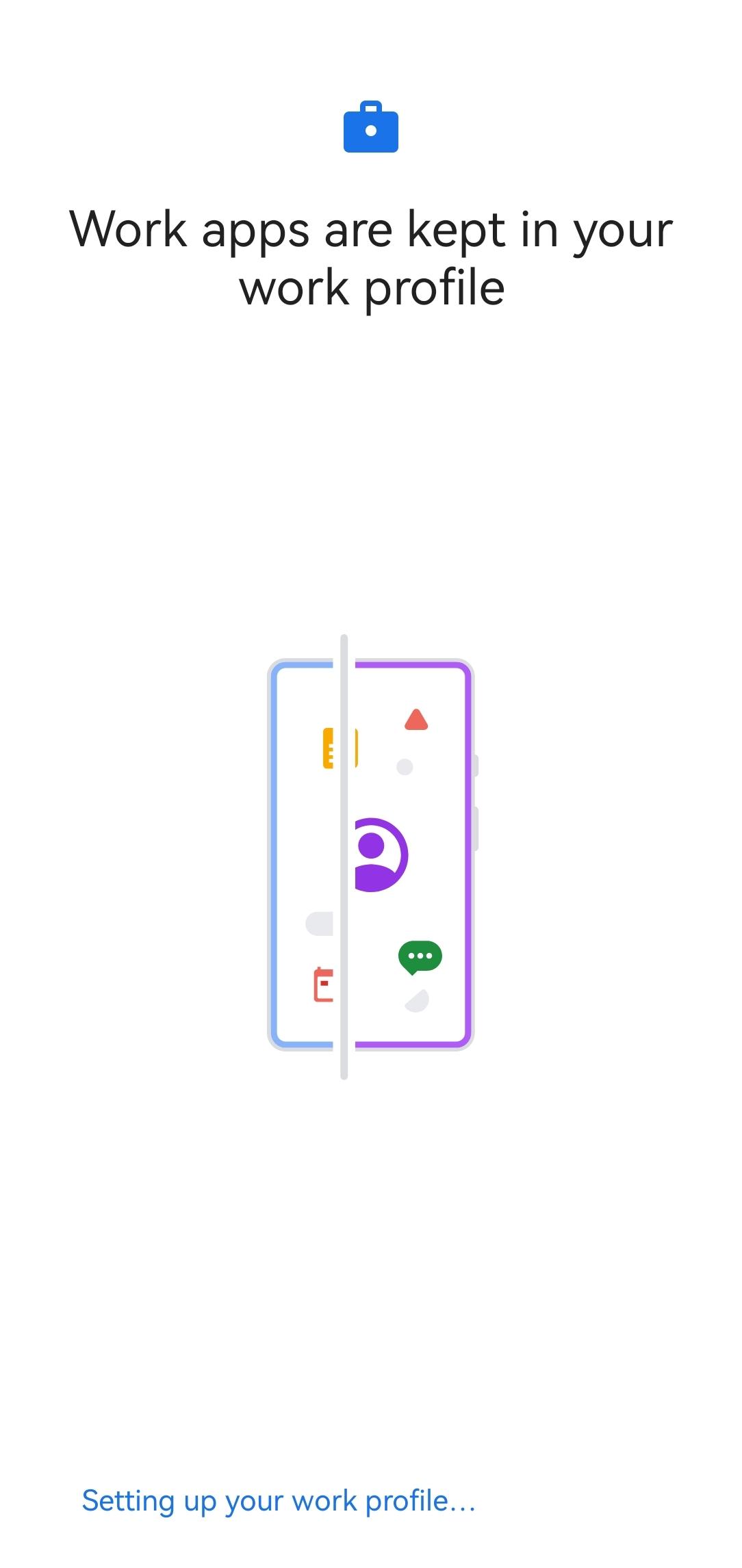
You can set up a work profile and enable or disable work apps to mirror enterprise usage. Moreover, Test DPC separates work and personal spaces, so you can see how data separation and app visibility function in practice.
Apply policies and app restrictions
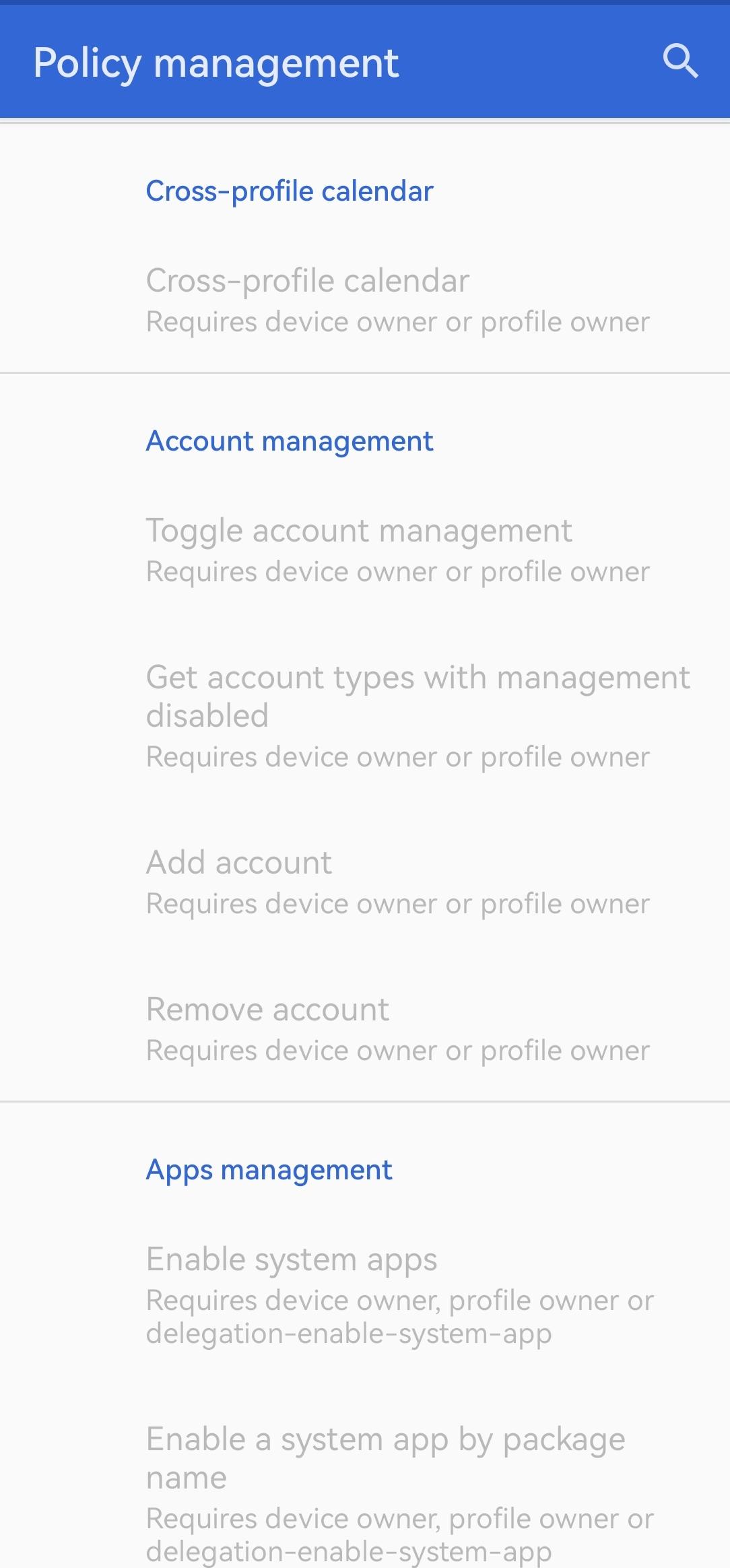
Test DPC allows you to configure app restrictions and enforce security policies across managed contexts. In addition, you can observe how policies affect installed apps, permissions, and user actions so you can fine tune your management strategy.
Validate compliance and flows
You can test compliance checks and end to end management flows safely on a test device. Moreover, Test DPC helps you find policy gaps and verify remediation paths before you deploy to real users.
Use an open source reference
Test DPC is published as open source, which makes it a useful reference for learning DPC capabilities and prototyping features. In addition, you can review the code to understand best practices and adapt patterns for your own DPC implementation.
Test DPC is for development and testing only. It should never be used in production, and you should avoid using it with real data. Always test on non production devices.
Developers building enterprise apps, EMM providers, ISVs, and OEM partners use Test DPC to simulate managed environments. This helps each team verify policies, app behavior, and integration points before rollout.
According to its official declaration, Test DPC does not collect or share user data. It is built for controlled testing, so you can focus on policy behavior rather than analytics or tracking.
This quick guide explains how to use Test DPC to simulate Android Enterprise scenarios. The steps focus on clean provisioning, policy setup, and validation on a test device.
Download Test DPC APK latest version from the APKPure page and install it on a test device. Open the app and review the on screen notes about development only usage.
Choose a provisioning mode. Select device owner for a fully managed test device or select work profile to simulate BYOD management.
Follow the provisioning prompts. For a work profile, approve the profile creation and allow requested permissions so the work apps can be managed in a separate space.
Configure policies and app restrictions inside Test DPC. Then apply settings such as password rules, permission grants, or app visibility, and confirm that they take effect in the managed context.
Install or open target apps in the managed space and verify behavior. So you can confirm that restrictions, compliance checks, and management flows work as expected before deployment.
Test DPC gives you a controlled way to test Android Enterprise policies and flows. Get the latest Test DPC APK on APKPure to start validating work profile and device owner scenarios safely.
Official resources
What is the use of Test DPC APK?
Test DPC APK is used to simulate Android Enterprise management on a test device. With Test DPC, you can provision device owner or work profile modes, apply policies, and verify app behavior before deployment. This helps developers and enterprise teams validate compliance and management flows without touching production data.
What is DPC in Android?
A DPC is a Device Policy Controller that manages policies and restrictions on Android devices. Test DPC is a sample DPC that demonstrates how policies work in fully managed and work profile environments, and it provides a safe space to test these controls during development.
Should I use Test DPC with real user data or in production?
No, Test DPC is for development only and should never be used with real user data or in production. Test DPC is designed to help you simulate and validate policies on non production devices so you can avoid risks to users and live environments.
How do I download and update Test DPC APK latest version on APKPure?
To download and update Test DPC APK latest version, visit the Test DPC page on APKPure, tap Download, and install the file on your test device. To update, return to APKPure and get the latest Test DPC APK, then install the update over your existing test build.
Does Test DPC collect or share user data?
According to the official declaration, Test DPC does not collect or share user data. Test DPC focuses on enabling policy testing and management validation, not on gathering analytics from users.
Last updated on Mar 23, 2026
Bug fixes.
TargetSDK is now 35.
Edge-to-edge layout improvements.
Shell commands added:
* set-screencapture-disabled
* add-persistent-preferred-activity ...
* clear-persistent-preferred-activity ...
Latest Version
 9.0.14
Uploaded by
K Khant Hmoo
Requires Android
Android 6.0+
Available on

Category
Report




Discover what you want easier, faster and safer.
