


Use APKPure App
Get Surfboard old version APK for Android

Surfboard is a network debugging app that intercepts Android traffic and routes, modifies, or blocks connections with rule based profiles.
Surfboard uses Android VpnService to capture device traffic for testing and diagnostics. It is designed for developers and power users who need precise control over how apps and domains reach the network. You can create or import a human readable profile that defines routing rules, proxy entries, and per app behavior. Moreover, Surfboard is not a consumer privacy VPN service. It is a proxy and debugging client that focuses on routing logic and traffic inspection.
Rule-based traffic control
Surfboard applies rules that match by domain, keyword, regular expression, or IP range. You decide which connections are proxied, modified, or blocked. Therefore, you can isolate issues and verify behavior quickly during development.
Multiple proxy protocols
It supports HTTP, HTTPS, SOCKS5, SOCKS5 TLS, Shadowsocks, VMess, and Trojan. This broad compatibility helps you test different backends and tools without switching apps. In addition, you can define several proxies in one profile and route selectively.
Per app routing and split tunneling
Surfboard lets you choose which apps use the VPN interface and which are excluded. You can bypass sensitive apps while keeping test targets inside the tunnel. Also, you can enforce separate behaviors for work and personal apps in the same session.
Profile-driven setup
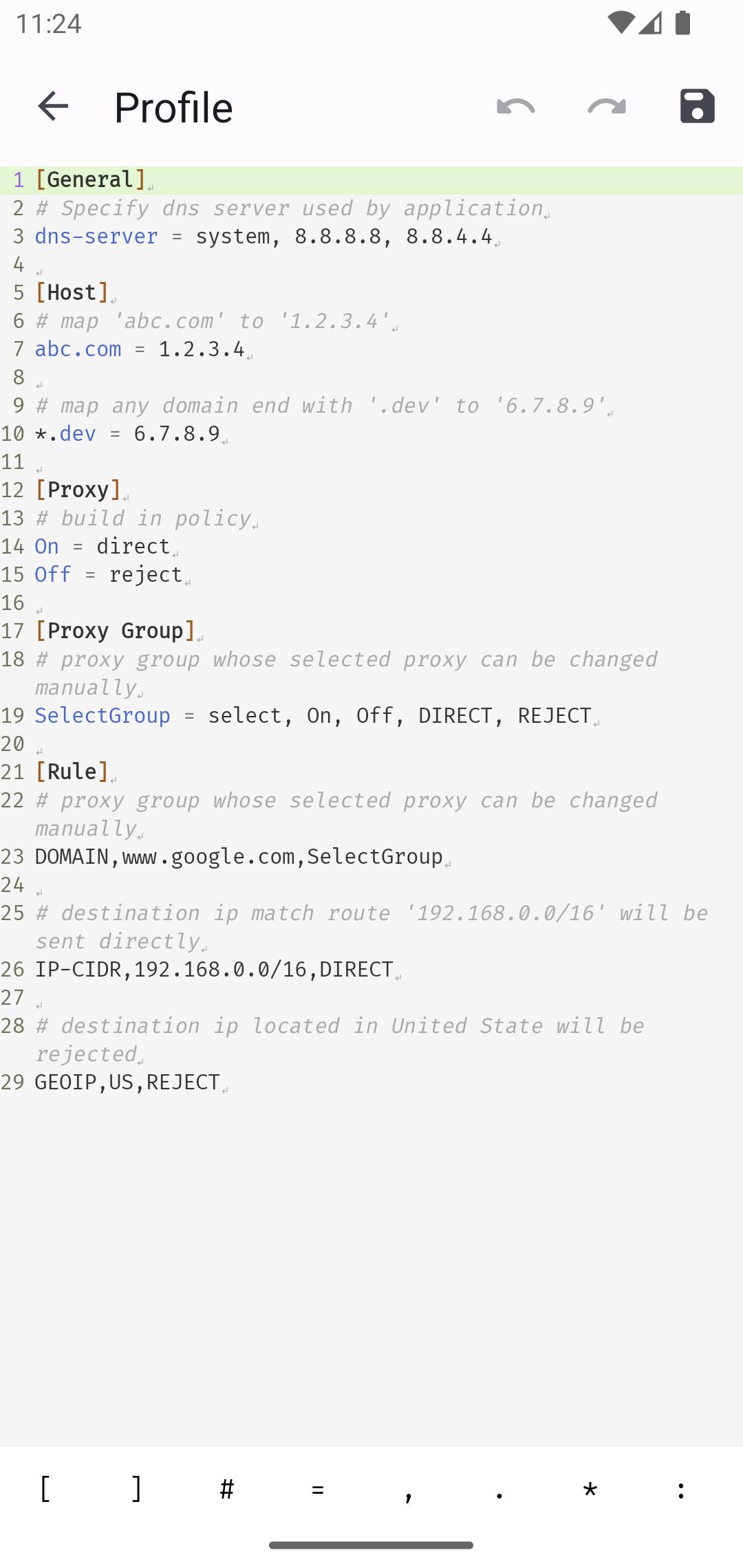
With the Surfboard app, you can author a clear profile file that includes proxies, rules, and filters. Profiles are easy to share across devices or teams to keep configurations consistent. Furthermore, importing a profile by file path or URL makes onboarding simple.
Logs and diagnostics
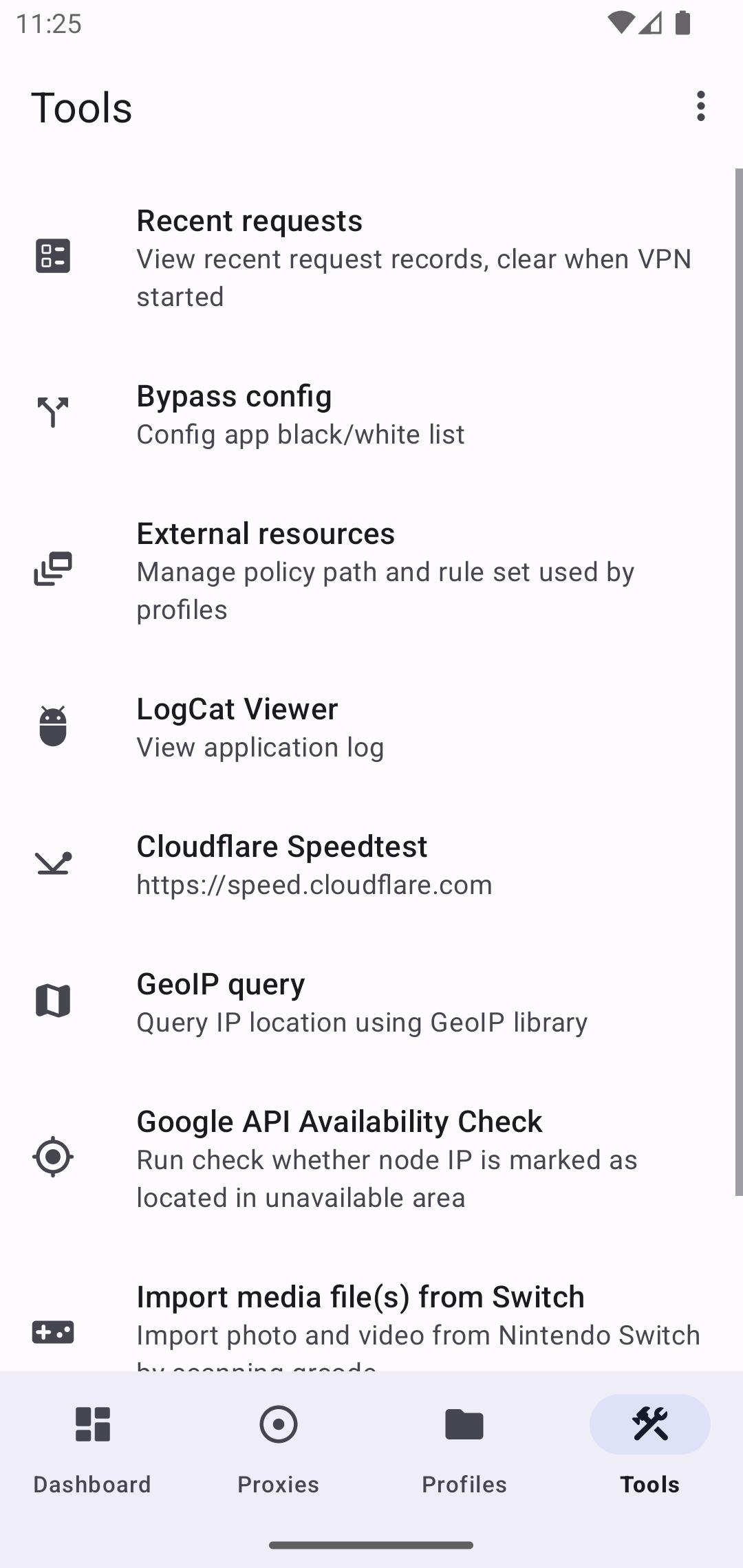
Surfboard provides connection logs that reveal which rule matched and which proxy handled the request. This visibility makes it easier to confirm intended routing and find misconfigurations. Then you can adjust the profile and retest immediately.
Open source and community updates
The Surfboard app is open source with releases on GitHub, a Telegram news channel, and community translations. You can review changes, report issues, and stay informed about updates. Moreover, official docs and how to guides help you learn configuration step by step.
Surfboard focuses on traffic redirection and debugging on Android. It uses VpnService to create a local VPN interface for routing control. It is not positioned as a privacy VPN and does not market anonymity features. Therefore, treat it as a developer tool that sends traffic through proxies you define, and verify each proxy’s trust and policy before use.
You can find documentation, releases, and news on the official channels below. These resources explain installation, profile format, and examples in detail.
Docs and guides: https://getsurfboard.com
Installation options: https://getsurfboard.com/docs/installation/
GitHub releases: https://github.com/getsurfboard/surfboard/releases
Telegram channel: https://t.me/surfboardnews
Profile format: https://getsurfboard.com/docs/profile/
Below is a quick start to help you get productive on day one. The steps focus on creating or importing a profile and starting a test session. You can then refine rules as you learn how your apps behave.
Download Surfboard APK latest version from APKPure, install it, and open the app.
Grant the Vpn service permission when prompted so Surfboard can capture device traffic for routing.
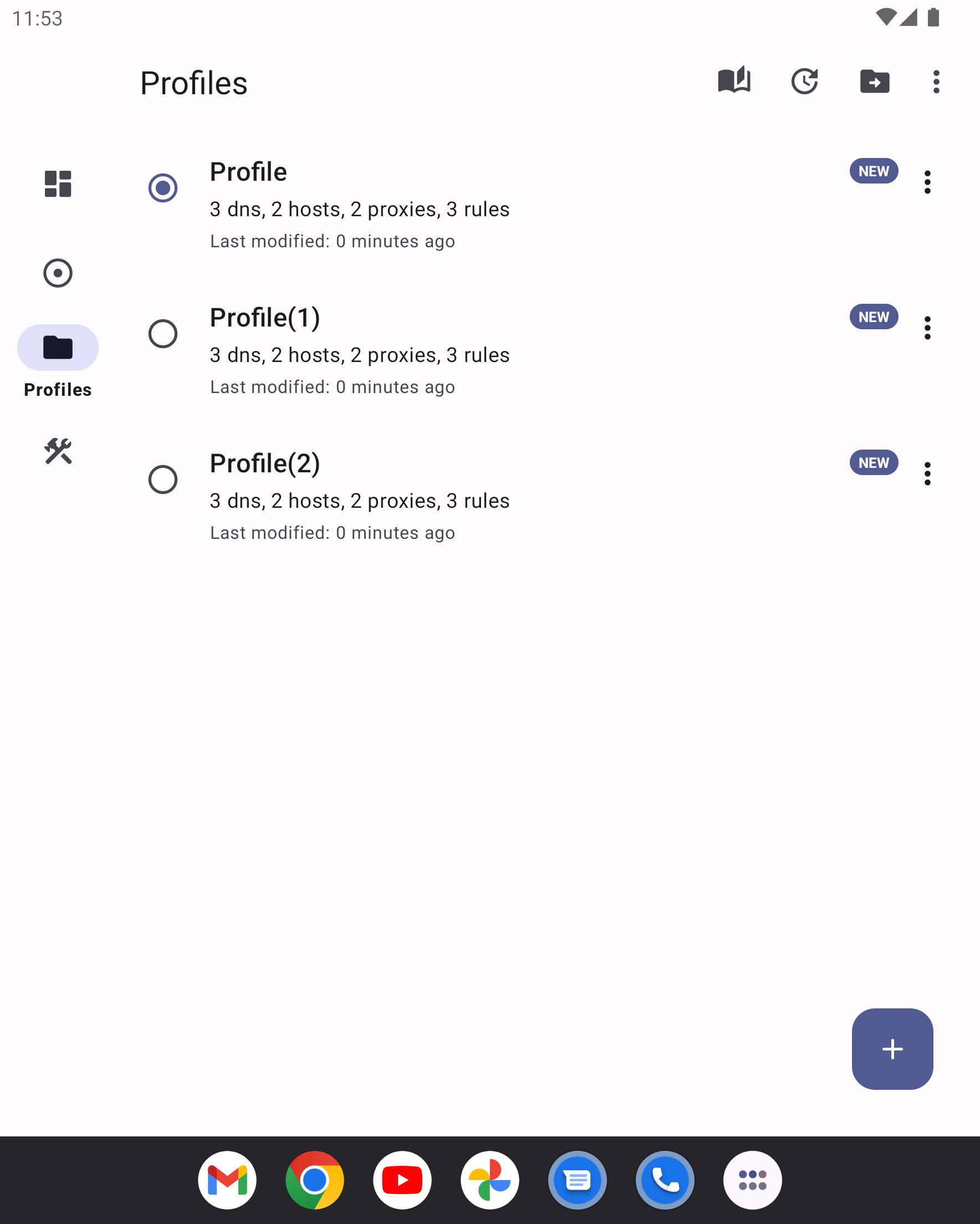
Open Profiles and choose Import to add a profile file from local storage or paste a URL to a hosted profile.
After import, review proxies and rules in the profile, then edit any entries to match your test environment.
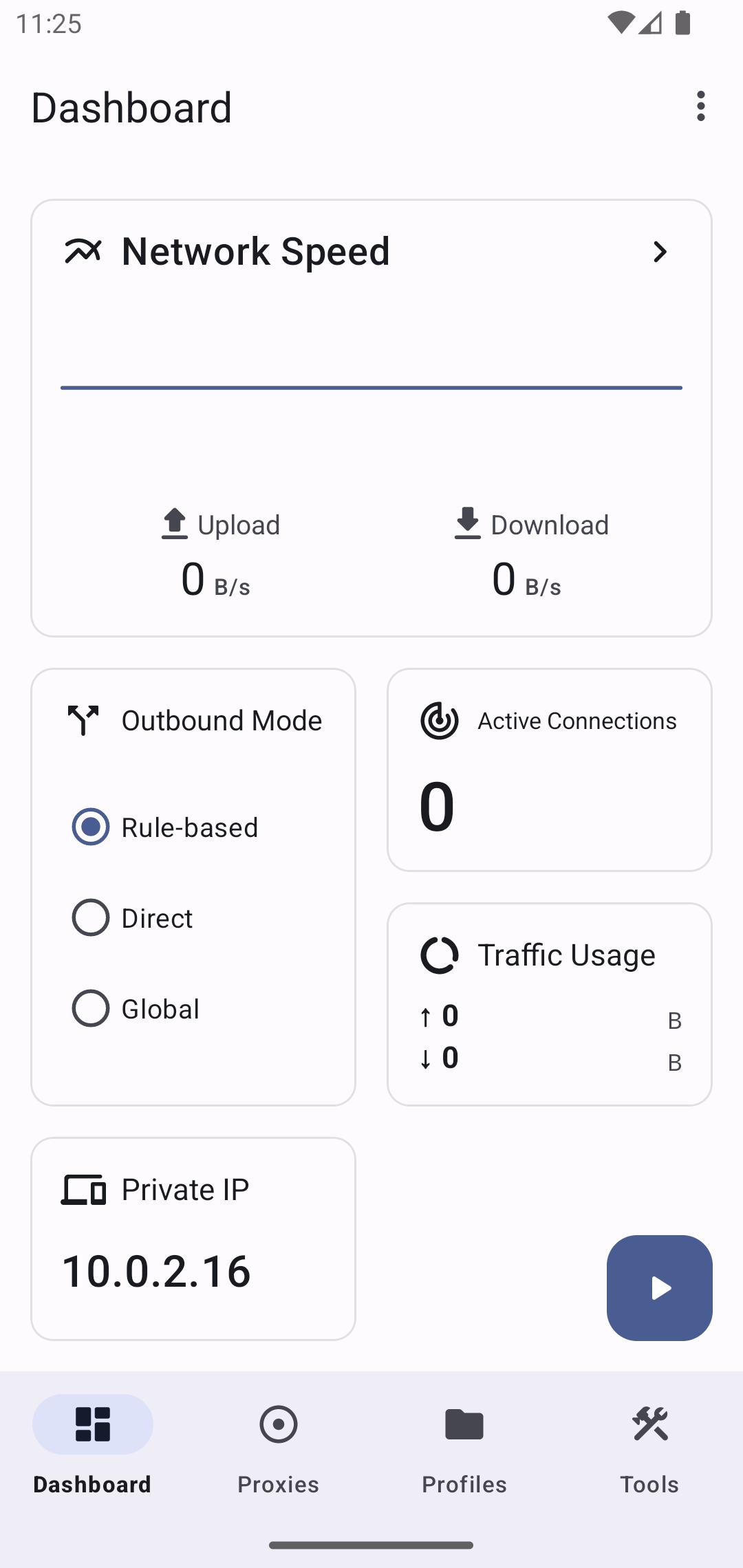
Then tap Start to enable the service, open a target app, and watch logs in Surfboard to confirm rule matches.
So you can iterate, tweak rules or proxy priorities, save the profile, and restart the session to validate changes.
Surfboard gives you rule-based routing, per-app control, and multi-protocol proxy support on Android. Download Surfboard APK latest version from APKPure to configure profiles and verify network behavior with clear logs. Therefore, you can streamline debugging without switching tools.
Is Surfboard VPN free to use?
Yes, Surfboard is free to download and use, and the project is open source. You can follow the docs for configuration without a purchase.
What does Surfboard VPN support in terms of proxy protocols?
Surfboard supports common proxy protocols including HTTP, HTTPS, SOCKS5, SOCKS5 TLS, Shadowsocks, VMess, and Trojan. This range lets you test different upstreams and switch routing per rule in one profile.
How do I create or import a Surfboard profile?
Open Surfboard, go to Profiles, and choose New to build from scratch or Import to load a local file or URL. The profile defines proxies, rules, and per-app settings, and the official profile format is documented at getsurfboard.com for reference.
Last updated on Jan 31, 2026
Minor bug fixes and improvements. Install or update to the newest version to check it out!
Latest Version
 mobile-2.25.5 (Build 263)
Uploaded by
Surfboard
Requires Android
Android 6.0+
Category
Report



Discover what you want easier, faster and safer.
