


Use APKPure App
Get Shift work calendar old version APK for Android
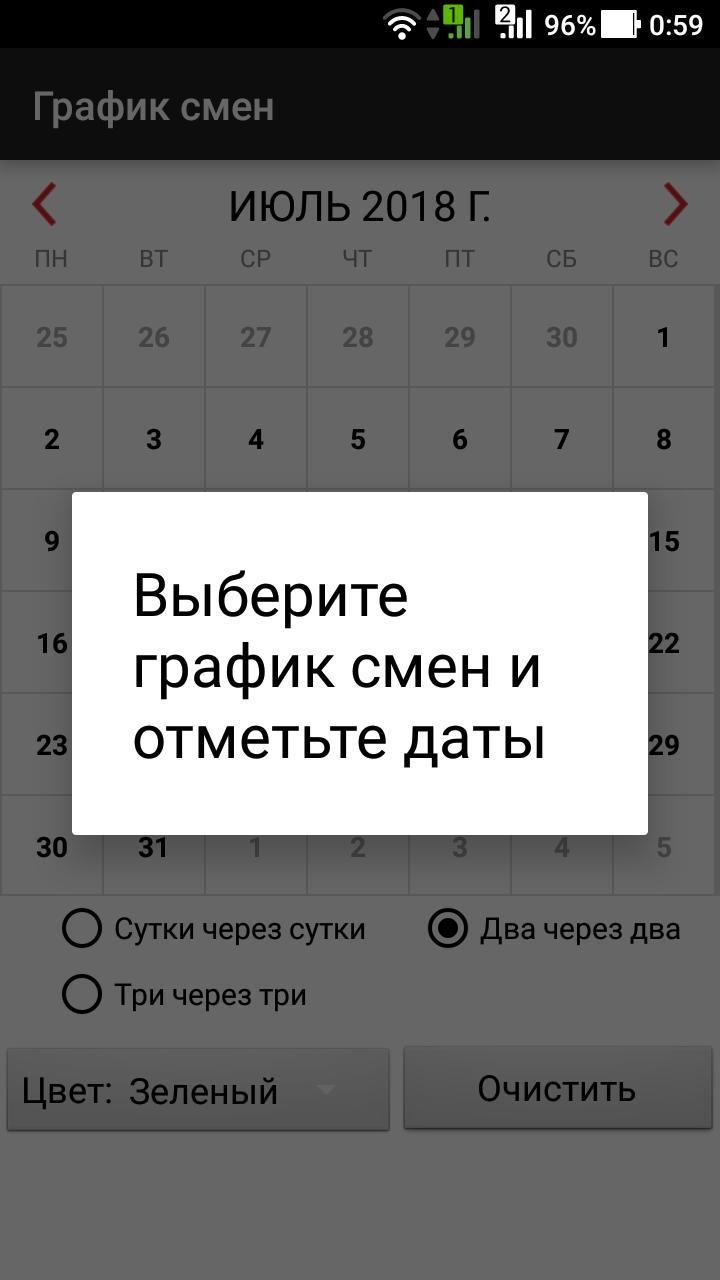
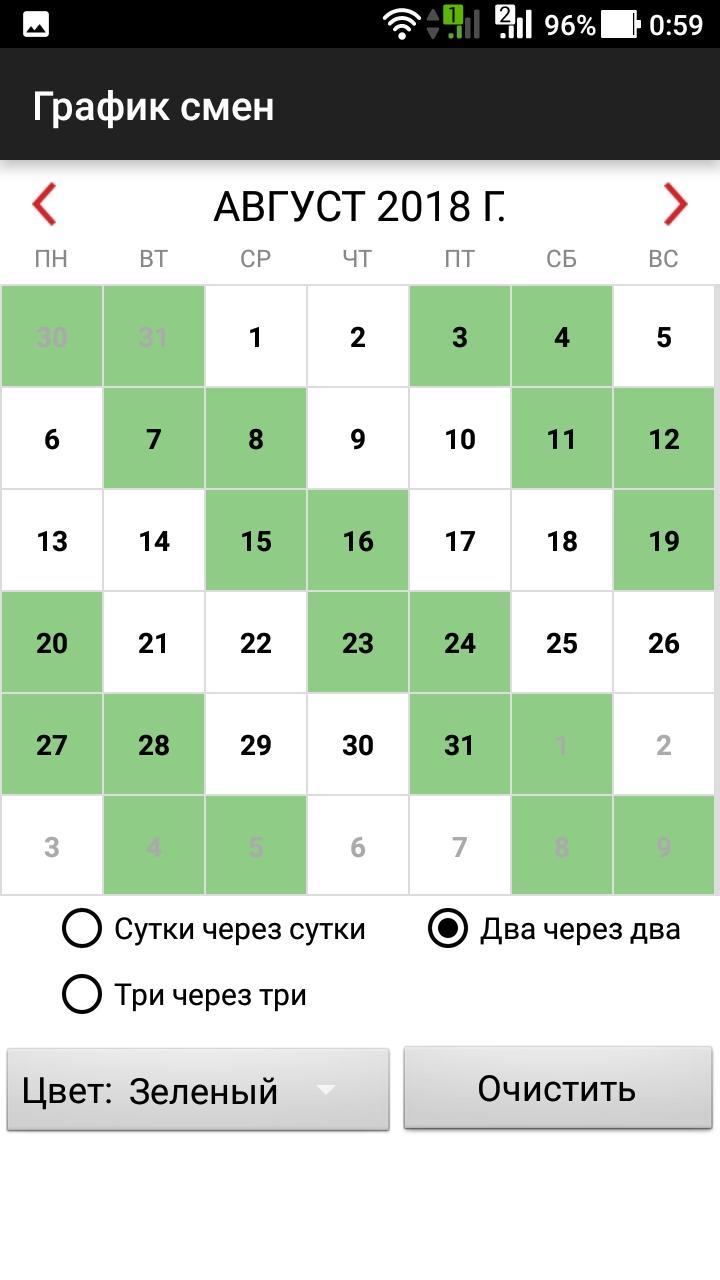
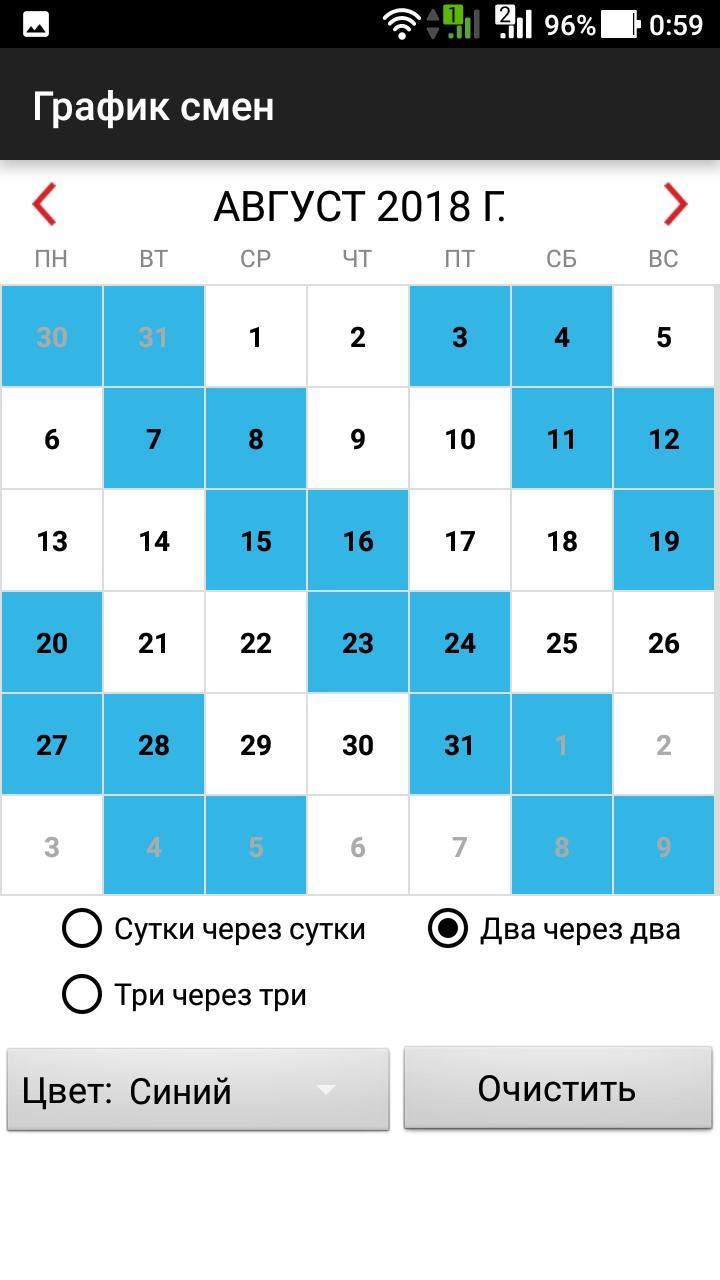
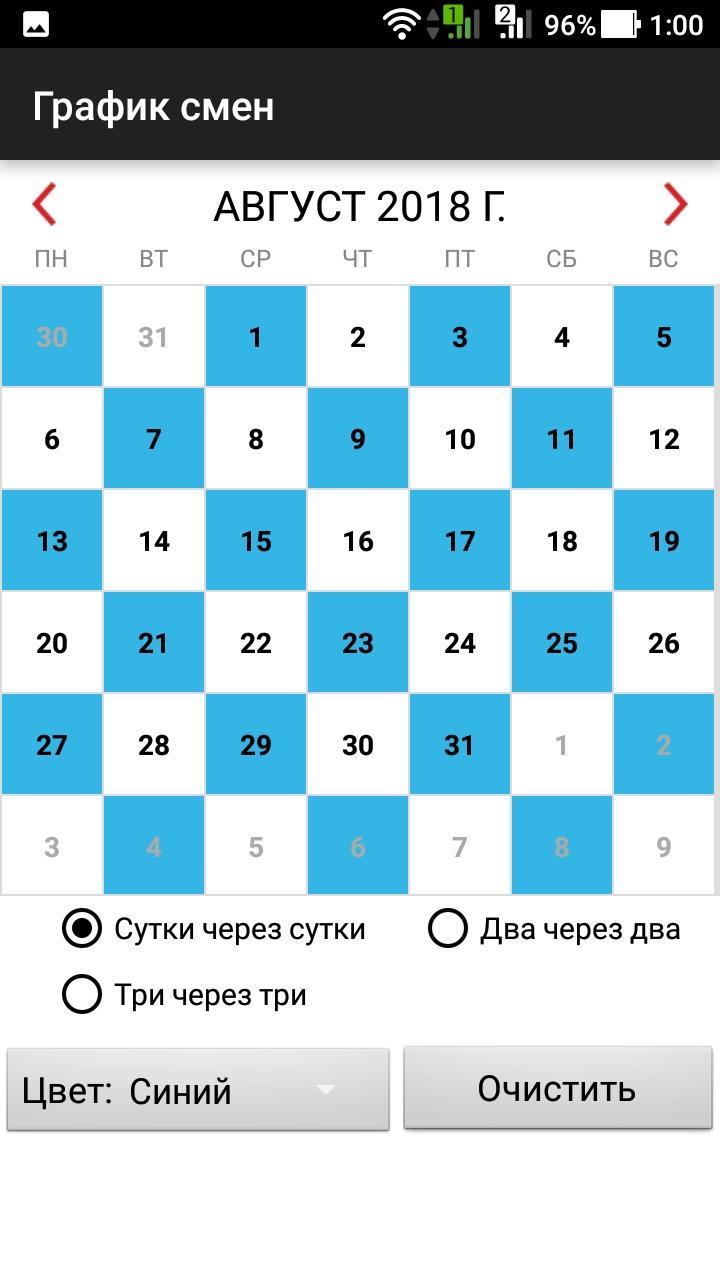
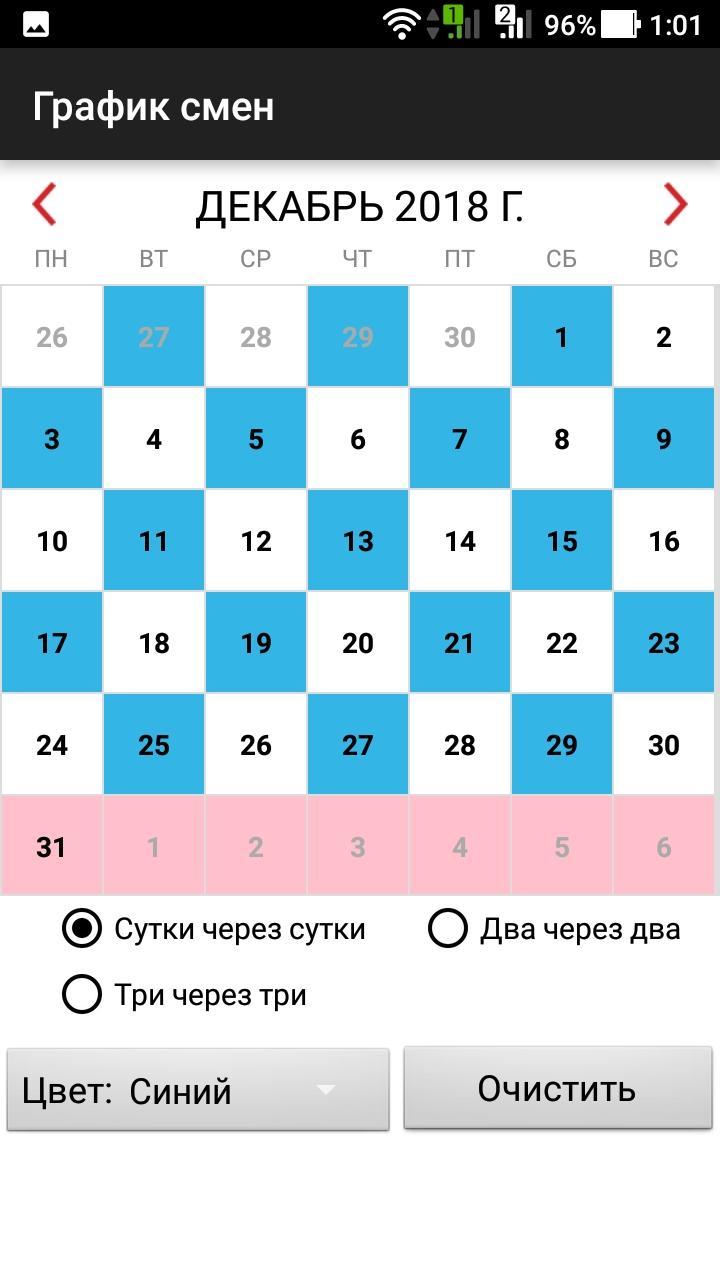
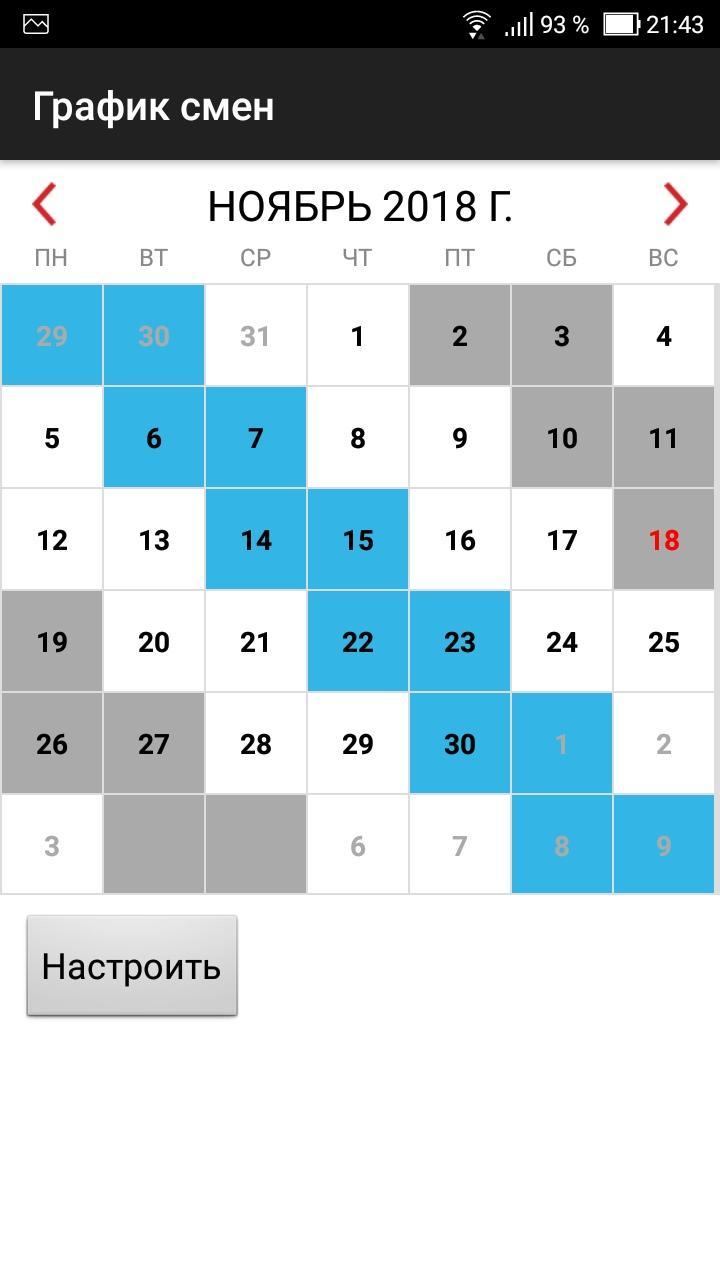
The application shows working days when you work on a shift schedule.
The app is easy to use. You need to choose a work shift and mark the dates when you work. The application will show the working days in color. Work shifts are available: one work day-one day off, one work day - two days off, one day work - three days off, two days work - two days off, three days work - three days off, four days work - four days off, two days work - four days off, 5WD - 2HD, 3WD - 2HD, 2WD - 1HD, 3WD - 1HD, etc.
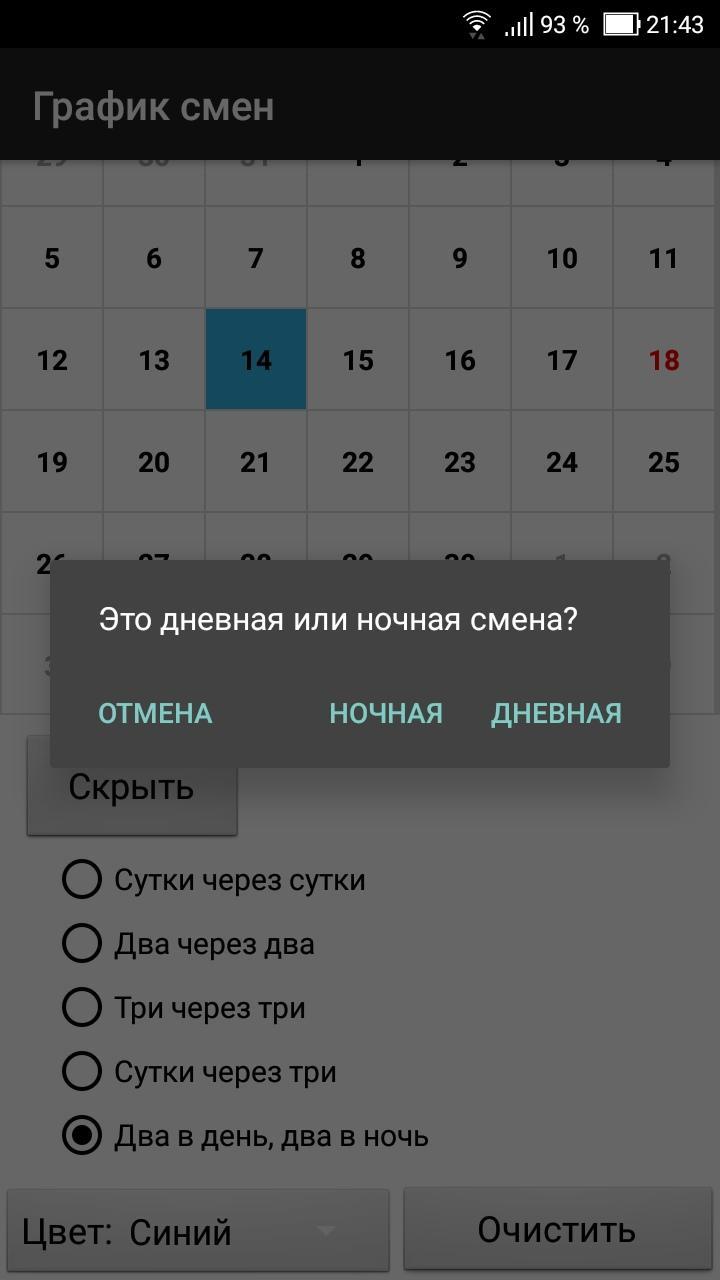
For day / night shifts, you need to select the "day / night shifts" checkbox.
You can change the shift yourself. Press and hold on the date and select "Add" or "Delete" in the dialog menu.
You can store multiple work shifts.
Last updated on Oct 13, 2025
The top bar in notes has been raised up, not obscuring the note content.
The "+" button for adding a chart has been resized.
Holidays for 2026 have been added.
A dark theme has been added.
Charts are now grouped in settings (can be collapsed).
The activity is updated when exiting the app.
Latest Version
 2.0.23
Uploaded by
Lâm Đồn Quốc Huy
Requires Android
Android 5.0+
Available on

Category
Report


Discover what you want easier, faster and safer.

Shift work calendar
2.0.23 by Burdik
Oct 13, 2025