


Use APKPure App
Get Quick Settings old version APK for Android

Quick Settings is a utility app that gives one tap access to essential Android toggles and settings shortcuts.
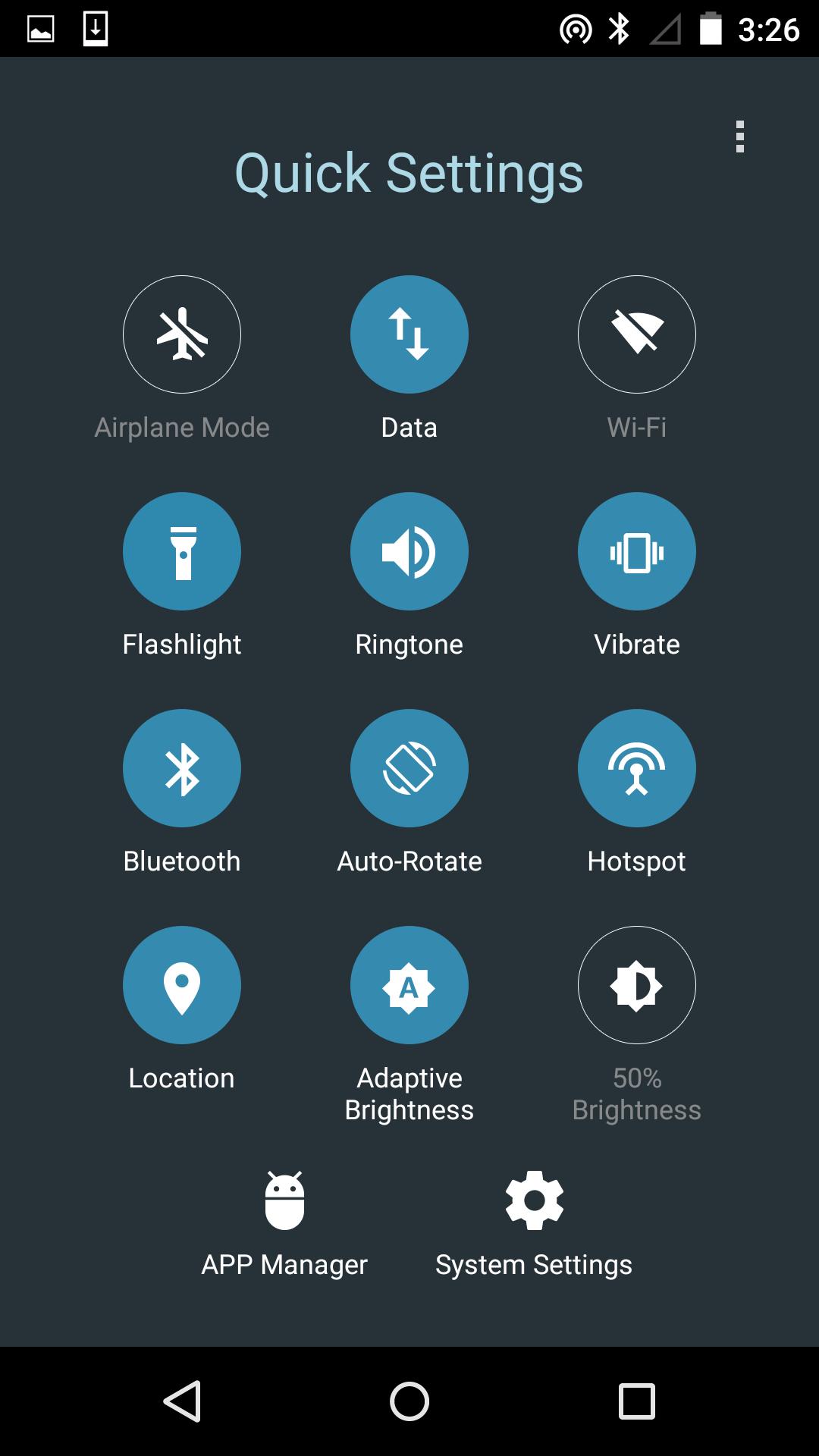
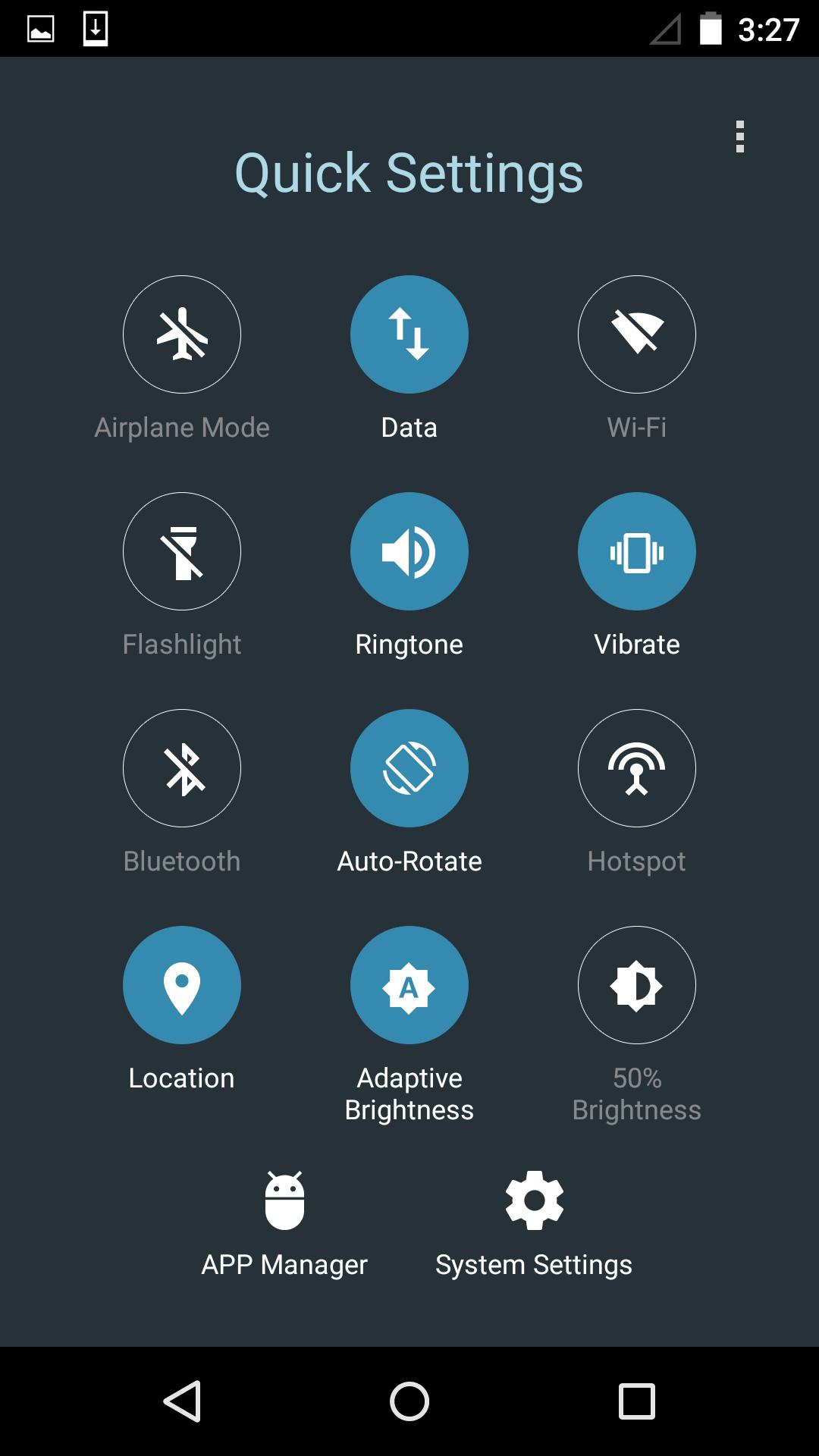
Quick Settings places your most used controls into a compact panel and a persistent notification for faster access from any screen. It brings network, display, audio, and location controls together so you can act without digging through menus. The layout follows familiar Android patterns, which makes it easy to learn and simple to use. You can open the shade, tap a tile, and move on. Therefore, daily actions take fewer steps and less time. If you want to reduce navigation and keep key switches close at hand, download Quick Settings and manage your device with less effort.
One tap controls from the notification shade
Quick Settings lets you toggle common switches directly from the shade or toolbar. You can turn services on or off with a single tap from any screen. This saves time when you need quick changes during calls, travel, or meetings.
Custom tile layout that matches your routine
Quick Settings allows you to add, remove, and reorder tiles so your top actions sit at the front. Moreover, you can group tiles by scenario such as commute, work, or home. This way, your panel fits your habits rather than the other way around.
Fast brightness and media adjustments
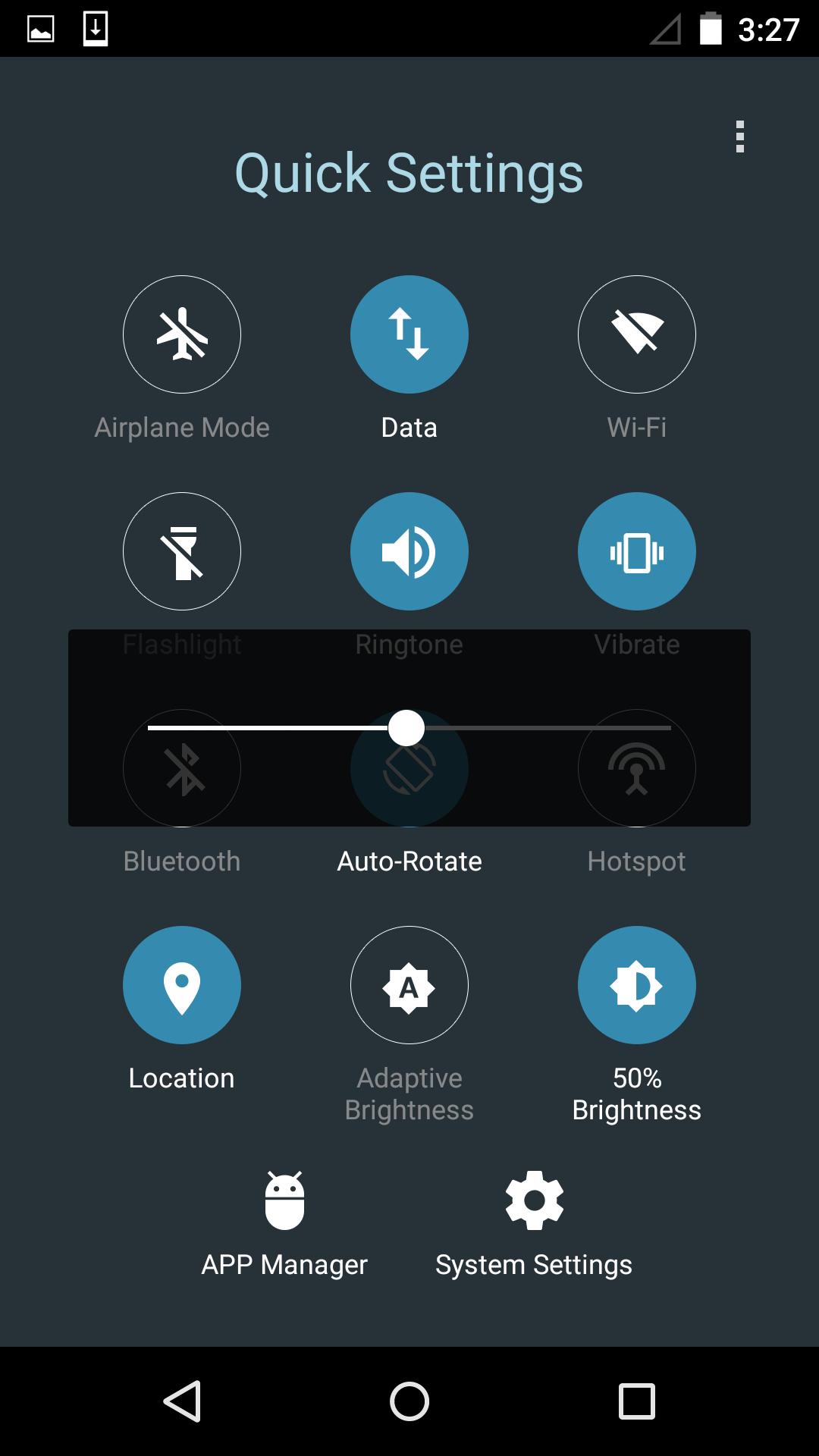
Quick Settings supports quick brightness control including adaptive options right inside the panel. In addition, media and sound mode changes are available without opening separate apps. You make display and audio tweaks in fewer taps.
Deep links to advanced system settings
Quick Settings uses Android’s long press behavior to open deeper settings instantly. You can touch and hold a tile to jump to detailed controls when needed. Therefore, advanced tasks remain close while keeping everyday actions simple.
Persistent toolbar for access anywhere
Quick Settings provides a stable notification toolbar that stays available across apps. Also, shortcuts to App Manager and full system settings help you move between quick toggles and complete controls. It keeps tools where you need them, when you need them.
Quick Settings adds app provided tiles to the Android Quick Settings panel. You can open the edit view and drag these tiles into your active grid. The experience follows Android’s standard tile behavior, so the panel works the way you expect.
If the Quick Settings shade looks crowded, some icons may be hidden. You can enter the edit mode and scroll to find tiles that are not pinned. In some cases, a small dot at the top indicates more icons, so check there and drag tiles into view.
We actively monitor Android Quick Settings design changes reported by the industry. When layouts or tile shapes change, we plan to refresh screenshots and captions. This helps keep the Quick Settings APK page current and easy to follow.
Start with the basic panel, then tailor it to your routine. The steps below show how to set up and use Quick Settings for faster control.
Quick Settings focuses on fast access to network, display, audio, and location controls in one place. Get the latest Quick Settings APK on APKPure and keep your everyday actions within a single swipe and tap.
For developer contact or support, use the official email below.
What is the quick settings app?
The quick settings app is a utility that places core device toggles and shortcuts into an easy panel. Quick Settings streamlines tasks like switching sound modes or adjusting brightness so you can act without opening multiple menus. It follows Android tile behavior, which keeps interactions consistent while saving time.
Where is the quick setting on my phone?
The Quick Settings panel appears when you swipe down from the top of the screen. Quick Settings adds its tiles to this same panel and also provides a persistent notification for access from any screen. If you do not see a tile, open the edit view and drag it into your active grid.
How to set quick settings?
To set Quick Settings tiles, open the shade, tap the edit or pencil icon, and drag tiles into the active area. You can reorder tiles so the first row holds your top actions. Long press a tile to open the related system page for detailed options when required.
What is the Quickstep app in Android used for?
Quickstep is the Android system launcher that handles the home screen and recent apps view. It is different from Quick Settings, which focuses on toggles and shortcuts. You can keep Quickstep for navigation while installing the Quick Settings APK to manage device controls more quickly.
Last updated on Jan 8, 2026
Bug fixes.
Latest Version
 20.9
20.9
Uploaded by
Sorin Ghinghes
Requires Android
Android 5.0+
Available on

Category
Report



Discover what you want easier, faster and safer.
