


Use APKPure App
Get QR Crypt old version APK for Android
Simple Effective QR Code Encryption
A new method for sharing important messages with the aid of double 128 bit encryption.
Use the app with any of your chosen communication platforms, adding an extra layer of encryption.
How to use the app.
Creating a message that is accessible to a range of people:
1. Use the setup section to set your key/password.
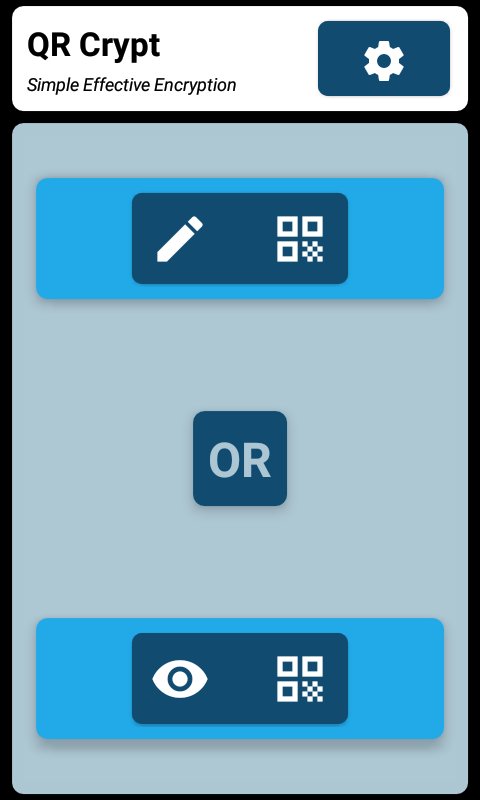
2.Tap on create a QR Code.
3. Type your message in the text area provided.
4. Tap the lock button.
5. Share the encrypted message by selecting one of three methods.
Creating a message that is accessible to only one person:
1. Use the setup section to set your key/password.
2.Tap on create a QR Code.
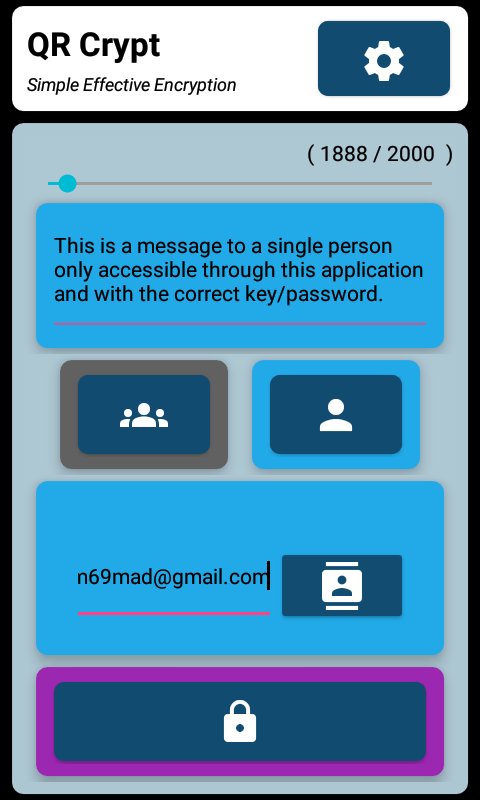
3. Type your message in the text area provided.
4. Select 'Eyes Only' mode by tapping on the single user icon.
5. Enter a valid Gmail address in the text field or select one from your contacts
6. Tap the lock button.
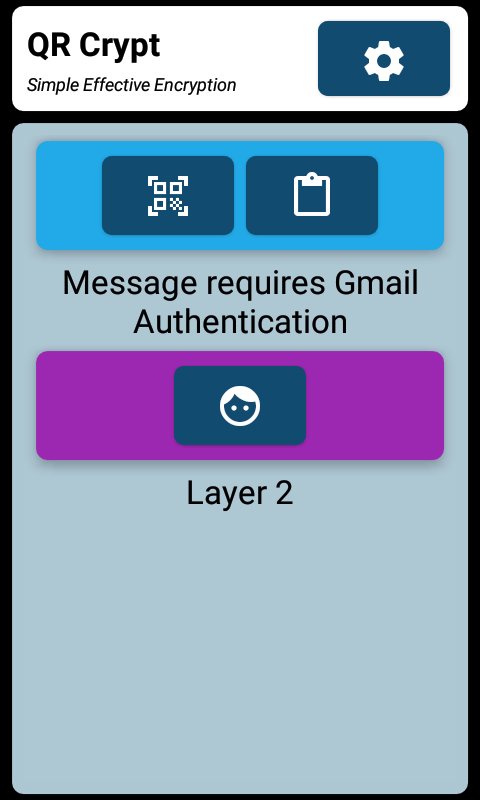
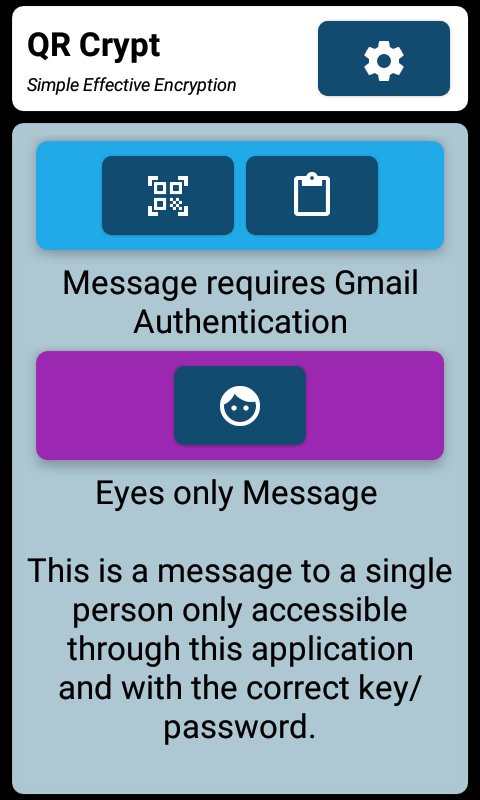
7. Share the encrypted message by selecting one of three methods.
Last updated on Jan 21, 2023
Minor bug fixes and improvements. Install or update to the newest version to check it out!
Latest Version
 1.1
1.1
Requires Android
5.0
Available on

Category
Report




Discover what you want easier, faster and safer.

QR Crypt
1.1 by DammaD
Jan 21, 2023
$1.49