


Use APKPure App
Get MakeACopy old version APK for Android
Offline document scanner focused on privacy and open source
MakeACopy is an open-source document scanner for Android that lets you digitize paper documents fully offline — with on-device OCR, no ads, and no tracking.
Your scans, text, and data stay 100 % on your device.
Main features
• 📸 Camera scanning – Capture documents with your device camera
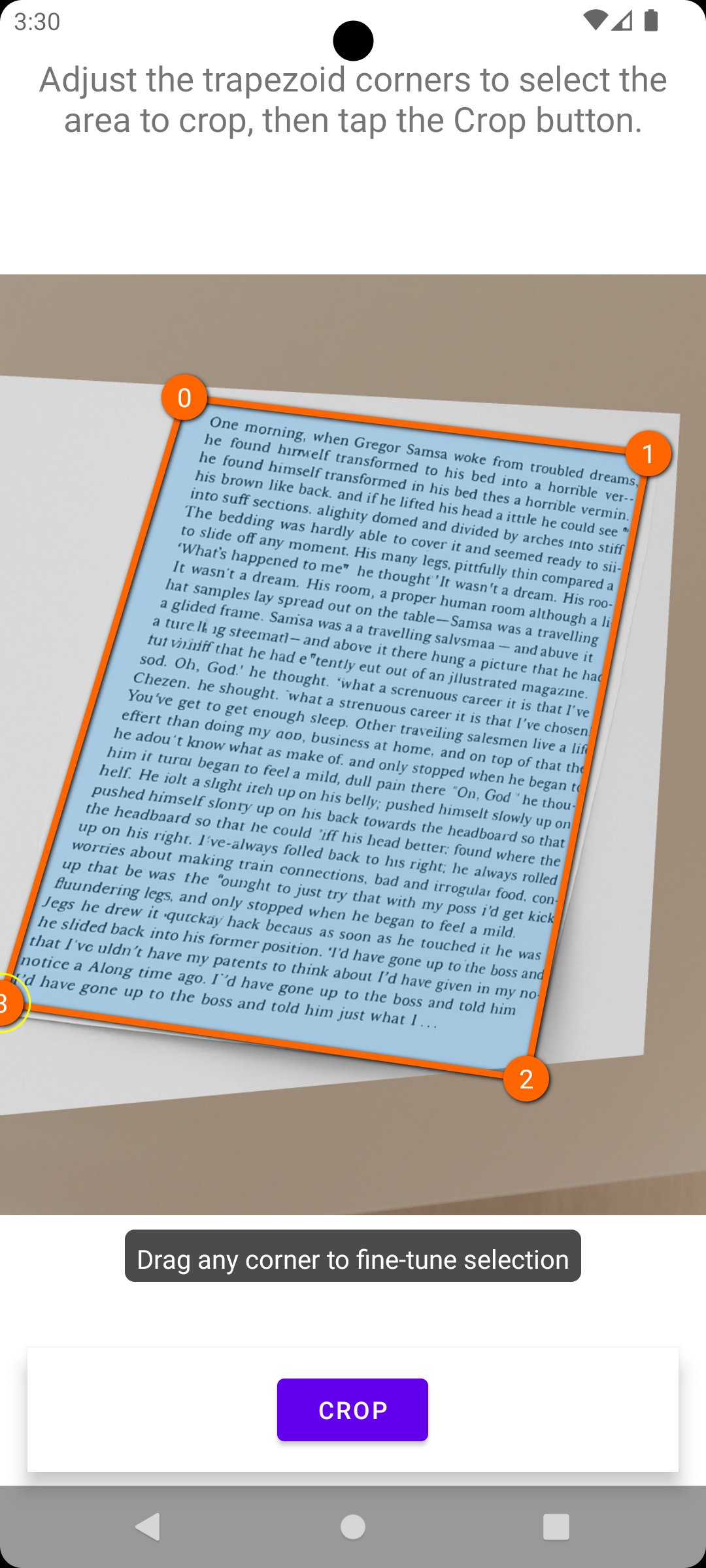
• 🖼️ Edge detection – Automatic document boundary detection using OpenCV
• 📐 Perspective correction – Adjust document shape automatically or manually
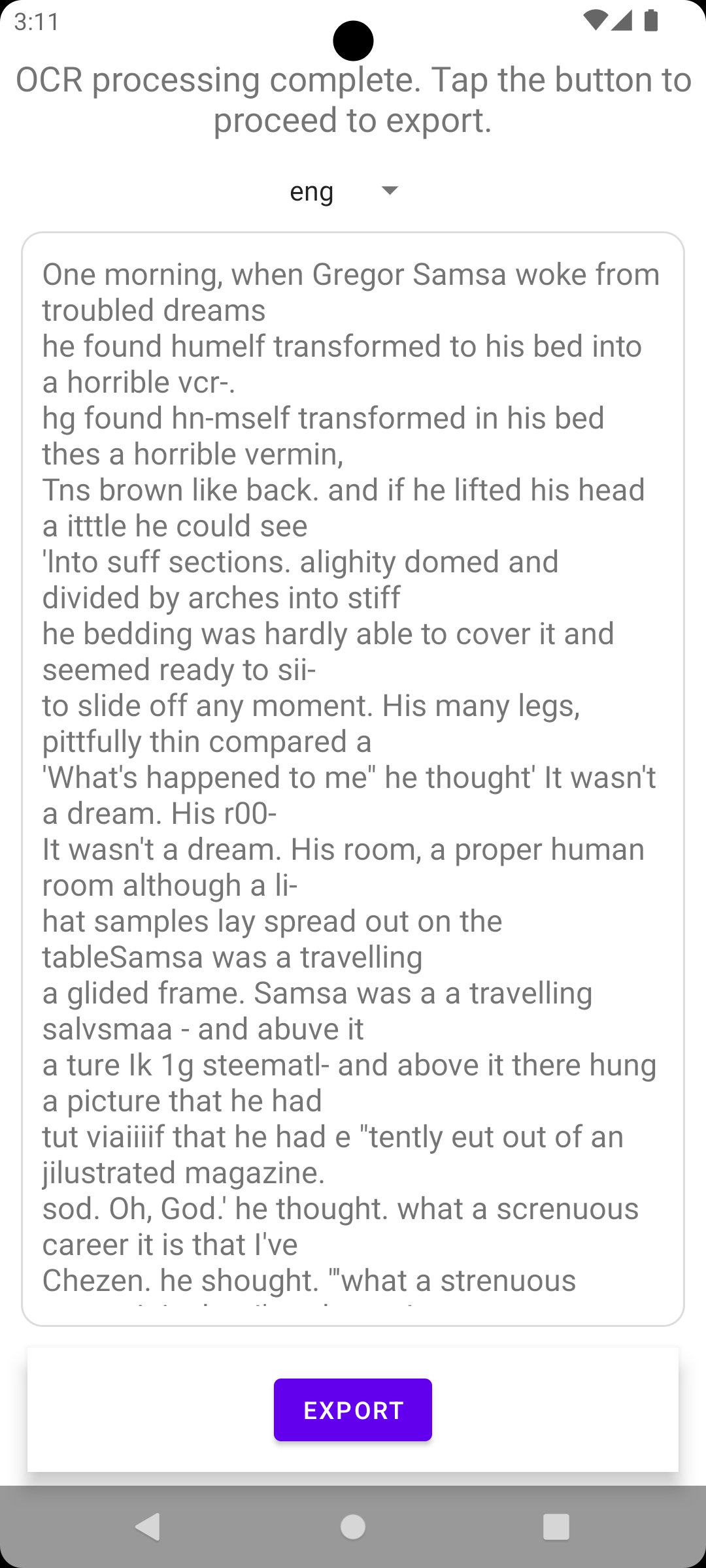
• 🔠 Offline OCR – Recognize text on-device using the open-source Tesseract engine
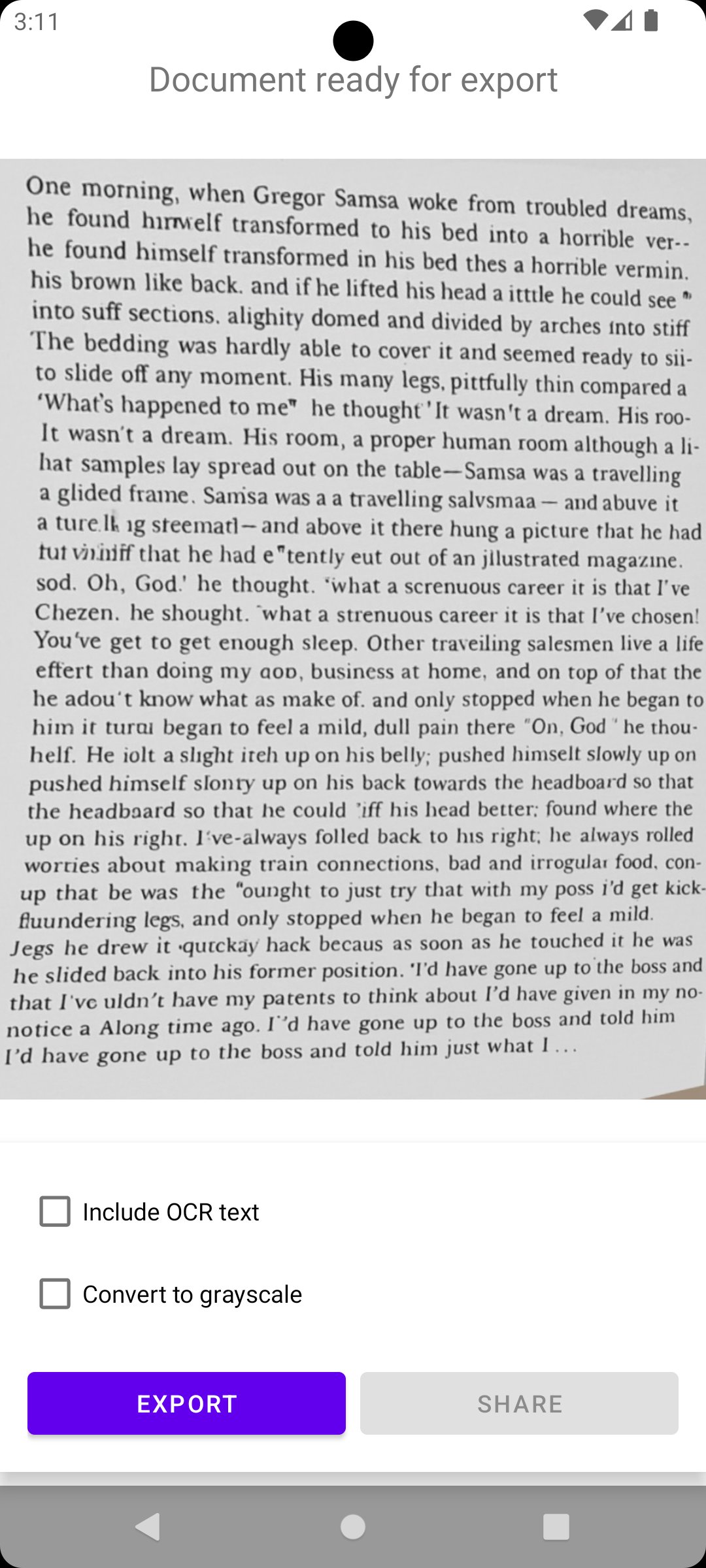
• 📄 Searchable PDF export – Save as searchable PDF or plain text
• 💾 Share & save – Export locally or share with other apps
• 🌙 Dark mode – Material 3 theme with light and dark appearance
• 🔒 Privacy-first – No ads, no tracking, no cloud — everything stays local
Open source & reproducible
MakeACopy is F-Droid compliant. All OpenCV native libraries are built from source during the build process — no prebuilt binaries, no hidden dependencies.
Every component is open source and respects your privacy.
License: Apache License 2.0
Last updated on Feb 10, 2026
MakeACopy 3.0.0
* Replaced DocAligner with a self-trained ONNX corner detection model.
* Model size reduced from ~12,6 MB to ~4,8 MB.
* Improved robustness and accuracy of document detection.
* Fully offline, no cloud or tracking
Latest Version
 3.0.0
3.0.0
Uploaded by
Agung Pratama
Requires Android
Android 10.0+
Available on

Category
Report


Discover what you want easier, faster and safer.

MakeACopy
Scan & OCR3.0.0 by egdels42
Feb 10, 2026