


Use APKPure App
Get APK Editor - Apk Extractor old version APK for Android

APK 편집기 - 모든 응용 프로그램의 APK 추출기 / 공유 / 백업 APK
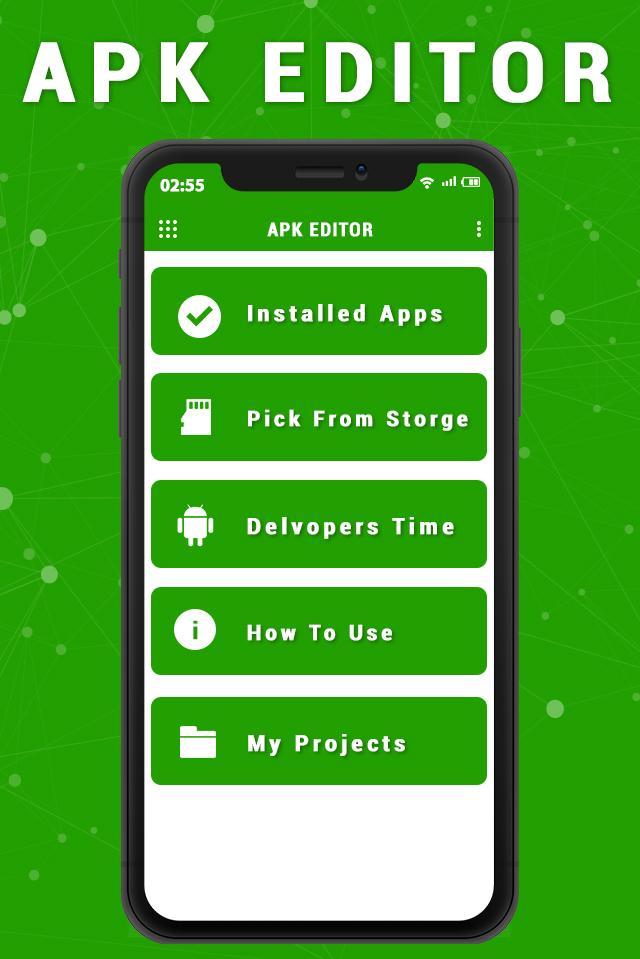
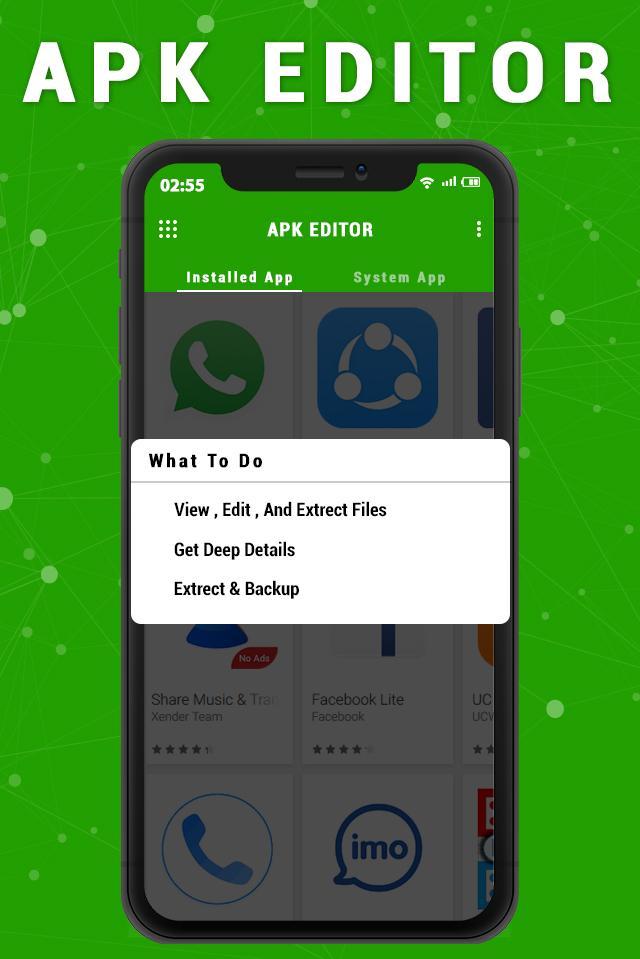
It could parse an apk file into possible source code. With this app, you could deep into an apk structure, and you could also extract pictures from it. (be authorized, or for your own use)
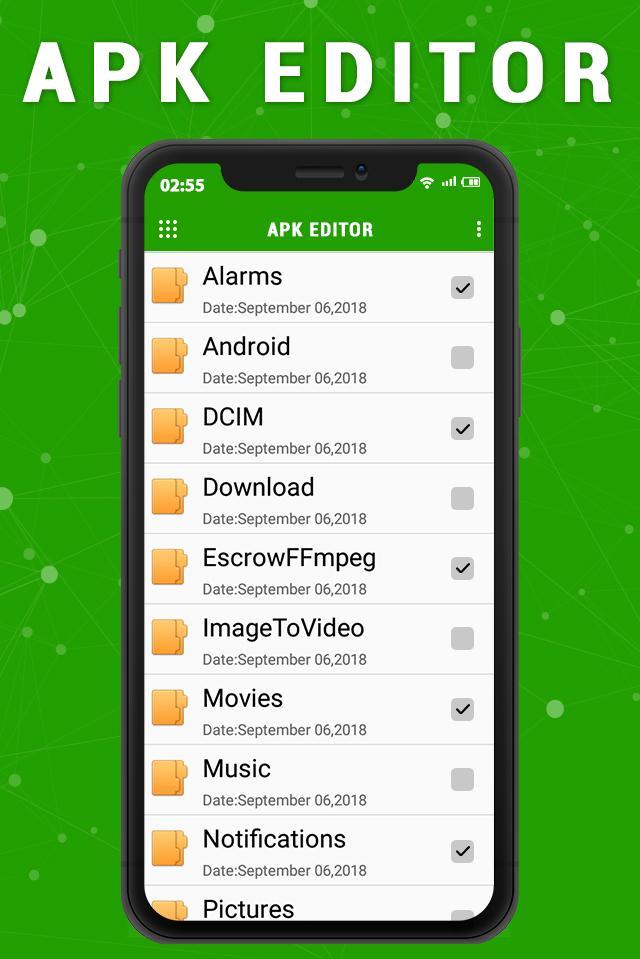
APK Extractor will extracts/share/backup APK of all application which is installed in your device and also show the list of all apk that were saved in your sd-card
★ Fast and easy to use.
★ Extract all the applications in your device User and System (ONLY ROOT DEVICE)
★ By default the file is saved in / sdcard or internal memory / APK Extractor /
★ The search option will help you to find any application applications
★ Compatible from version 4.0 to the latest version of Android 5.1.1 and the future version of Android M
★ The application is extracted apk format
★ Pressing any application you could remove or uninstall one or more applications at once
★ In the folder by pressing you can re-install or delete any file sharing
★ Also you can see the details of any application or access the store for more details
APK Extractor will extracts APK that are installed on your android device and copies them to your SD card.
You can download file Apk from apkpure or appvn to backup apk and sharing with your friends. And also you can overwrite backup of old application to updated version.
Thank You…
Last updated on Sep 25, 2019
Minor bug fixes and improvements. Install or update to the newest version to check it out!




Discover what you want easier, faster and safer.

