


APKPure Appを使用する
Serial Monitor for Arduinoの旧いバージョンをダウンロードすることが可能
BT通信を介してのArduino / Androidアプリによって送信されたシリアル文字列を監視します
Latest update: Now with VOICE OUTPUT - you can enable/disable the function through the Settings menu (refer screenshots).
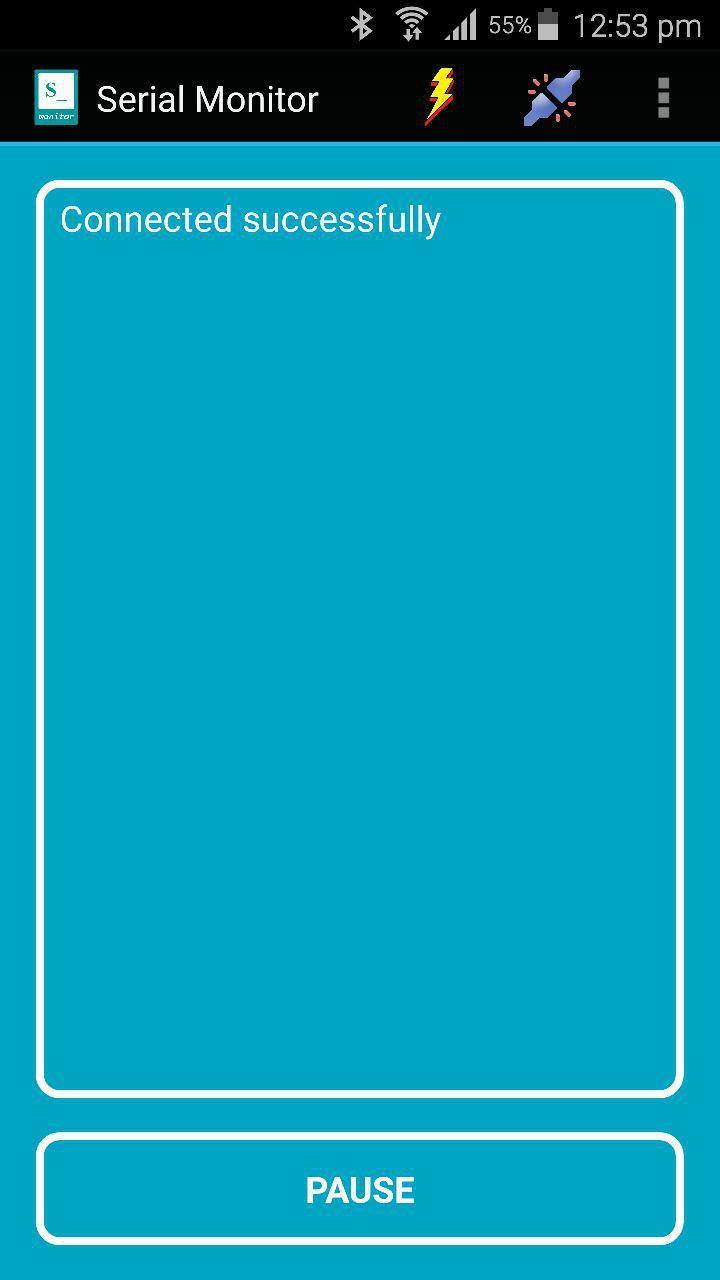
This handy app works just like the Arduino IDE's Serial Monitor but in mobile way.
Users need to connect this app to Bluetooth modules (not over USB-OTG) such as Bluetooth Bee or HC-06 on the hardware side to start the serial monitoring job.
To test this app right away, you can download my Arduino Robot Joystick (ARJ) app or Kayu Gembira app (free version of ARJ app) to another Android device, connect through Bluetooth connection using the Connect menu and voila, the monitoring job begins.
If you want to test this app using Arduino hardware, you may upload "Read Analog Voltage" sketch from the Arduino IDE's Examples menu to your Arduino board, connect the Bluetooth module to appropriate pins (VCC, GND, TX, RX) and connect to this app using "Connect" menu.
What you see on Arduino IDE serial monitor will be exactly displayed by this app.
This Full version enables you to customize the GUI appearance such as text size, text color and background color (e.g. Arduino Green) at your choice. All the changes you made in the Settings menu will be saved and applied each time you start the app.
Thank you for your support.
Last updated on 2017年04月11日
Minor bug fixes and improvements. Install or update to the newest version to check it out!




Discover what you want easier, faster and safer.


Serial Monitor for Arduino
NUDGE ME
2017年04月11日
$0.99