


Use APKPure App
Get Multi Window Launcher old version APK for Android
Multi-window peluncur
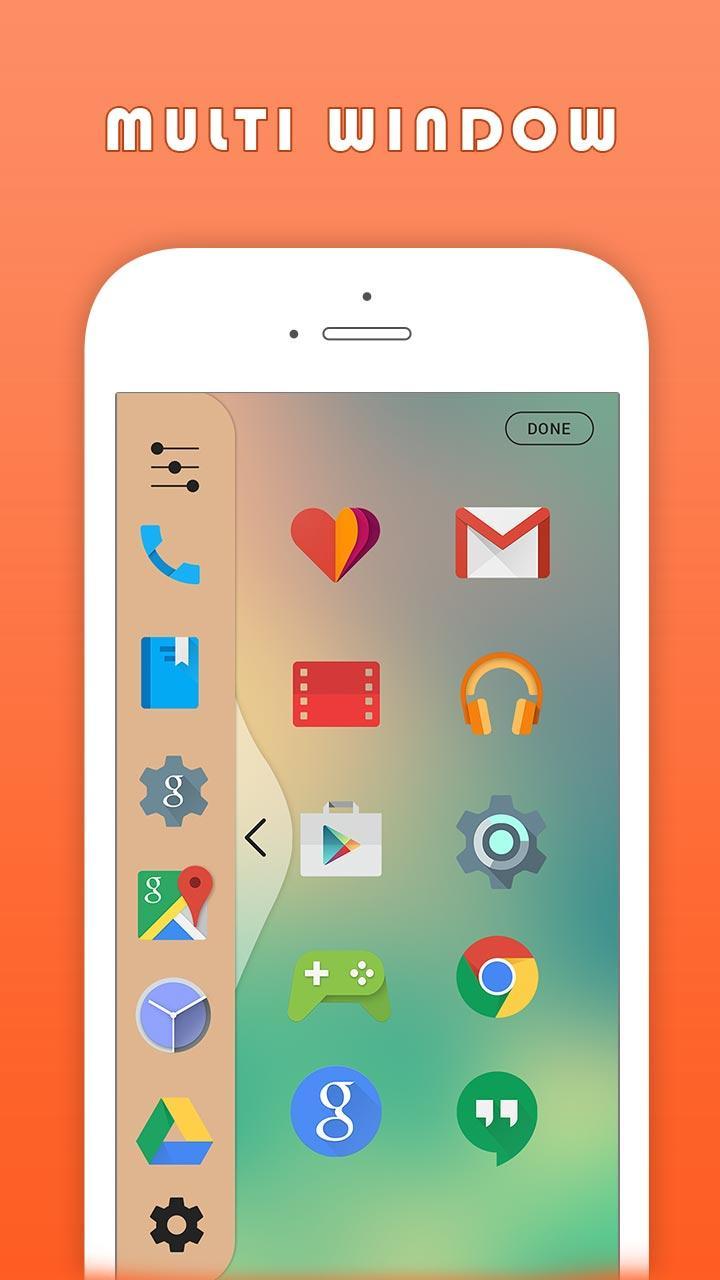
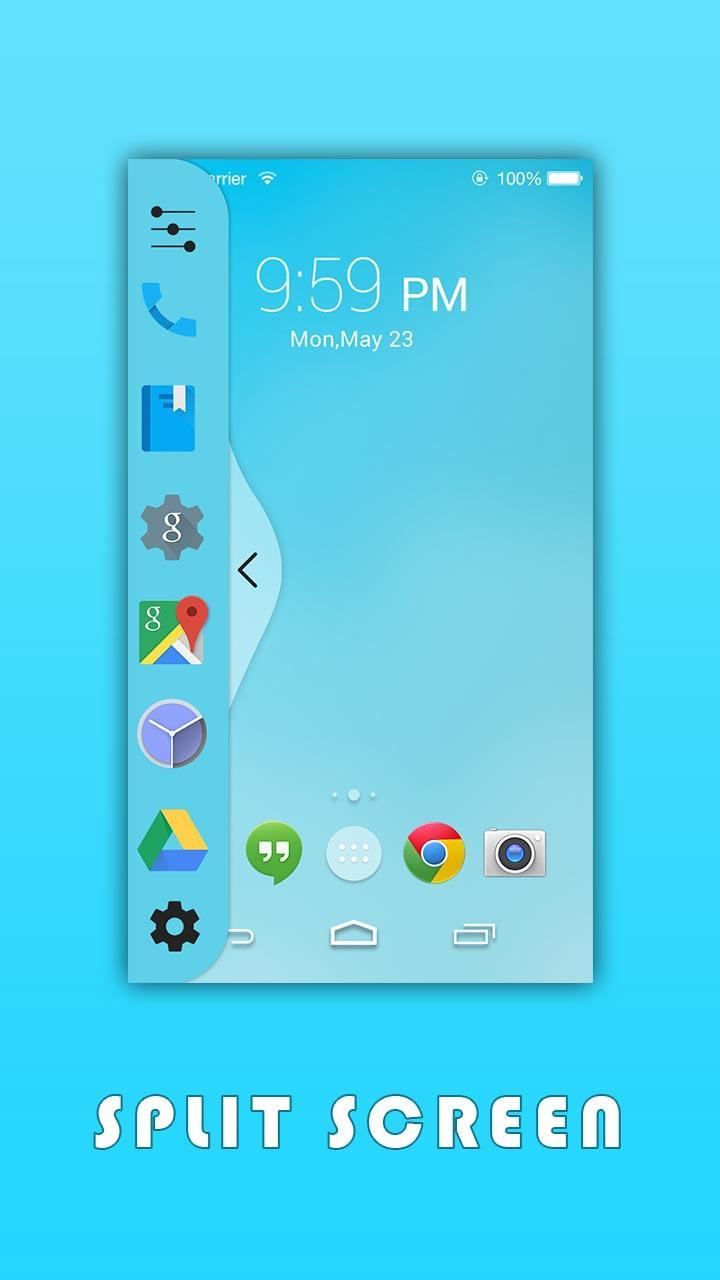
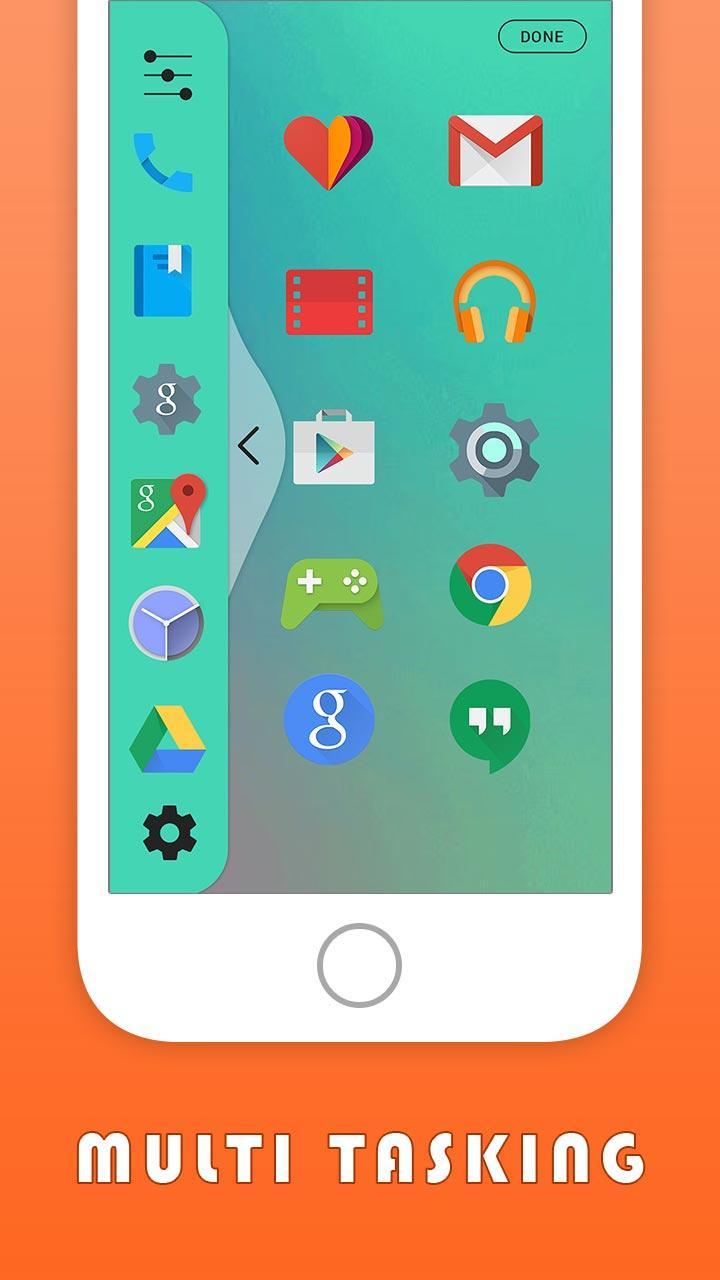
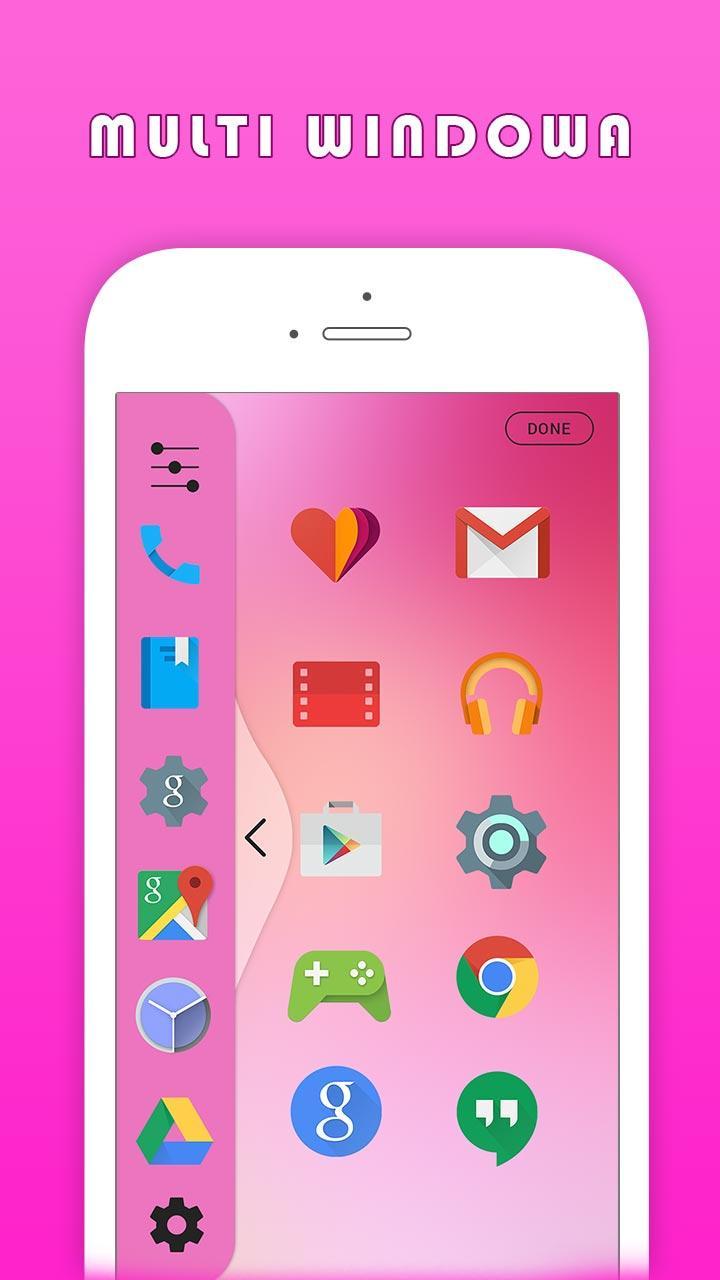
Enjoy With Multi Window Experience In Your Mobile Phone Also. Install This Free Tool To Create Your Favorite List Of Installed Icons In Your Phone. And Easily Switch From One Task To Another During Your Current Task.
Multi Window Launcher Is the app by which we can An App By Which You Can Create Shortcuts Of Your Installed Apps Icon Into Multiple Window Tray. And By Clicking On These Shortcuts, You Can Easily Switch From One Task To Another During Your Current Task.
You Can Also Create Shortcuts Of Your Installed System Apps Icon Into Multi Window Tray.
And By Clicking On These Shortcuts Icons, You Can Easily Switch From One Task To Another During
Key Features
- Long press on item and drag drop for re-arrange icons.
- 20+ Slider layer theme
- You can customize animation speed of slide bar.
- You can change size and opacity of tab button.
- You can change transparency of slide bar.
- No root required
- Easy to use and smooth.
Thanks for download
Rate Us, Support Us
Last updated on Jul 12, 2017
Minor bug fixes and improvements. Install or update to the newest version to check it out!
Versi Terbaru
 1.0
1.0
Perlu Android versi
4.1 and up
Kategori
Laporkan



Discover what you want easier, faster and safer.

Multi Window Launcher
1.0 by VIMLab
Jul 12, 2017