


Use APKPure App
Get DevCheck old version APK for Android

DevCheck is a device and system info app that shows real time hardware, network, battery, and Android OS details.
DevCheck gives you a clean, ad free way to see what is happening inside your phone or tablet at any moment. It organizes accurate information about your chipset, memory, storage, battery, network, cameras, sensors, and installed apps into clear sections. The dashboard updates in real time, so you can spot spikes, temperatures, and signal changes as they happen. In addition, DevCheck offers tools for testing, scanning, and basic troubleshooting. Power users can enable optional extras in DevCheck Pro, including floating monitors and widgets. Get the latest DevCheck APK on APKPure to start monitoring right away.
Live dashboard monitoring
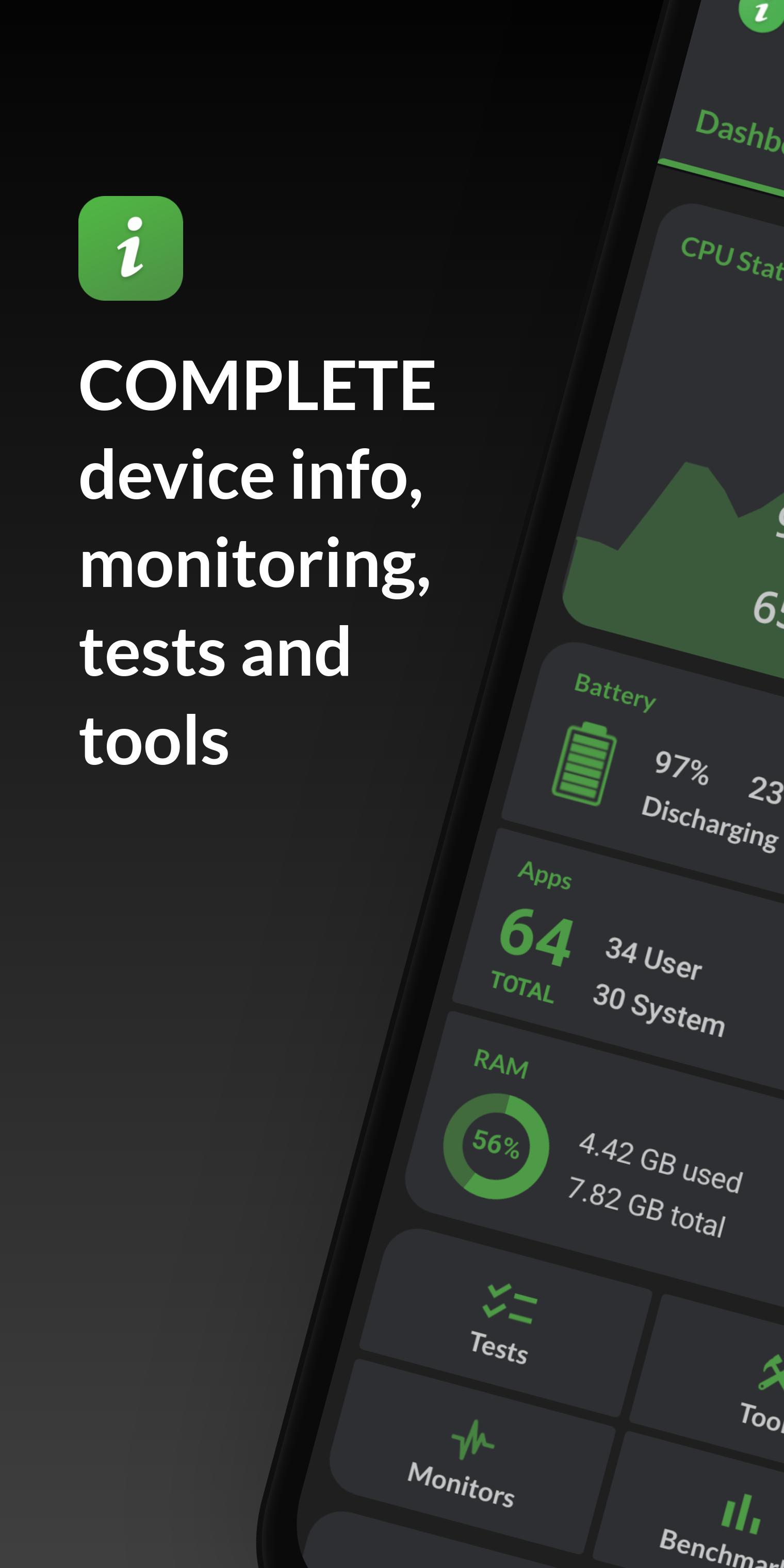
DevCheck shows CPU frequencies, memory use, battery stats, deep sleep, and uptime on a single screen. The data updates continuously, so you can watch behavior during gaming or streaming. You also get quick links to system settings for faster troubleshooting.
Detailed hardware insight
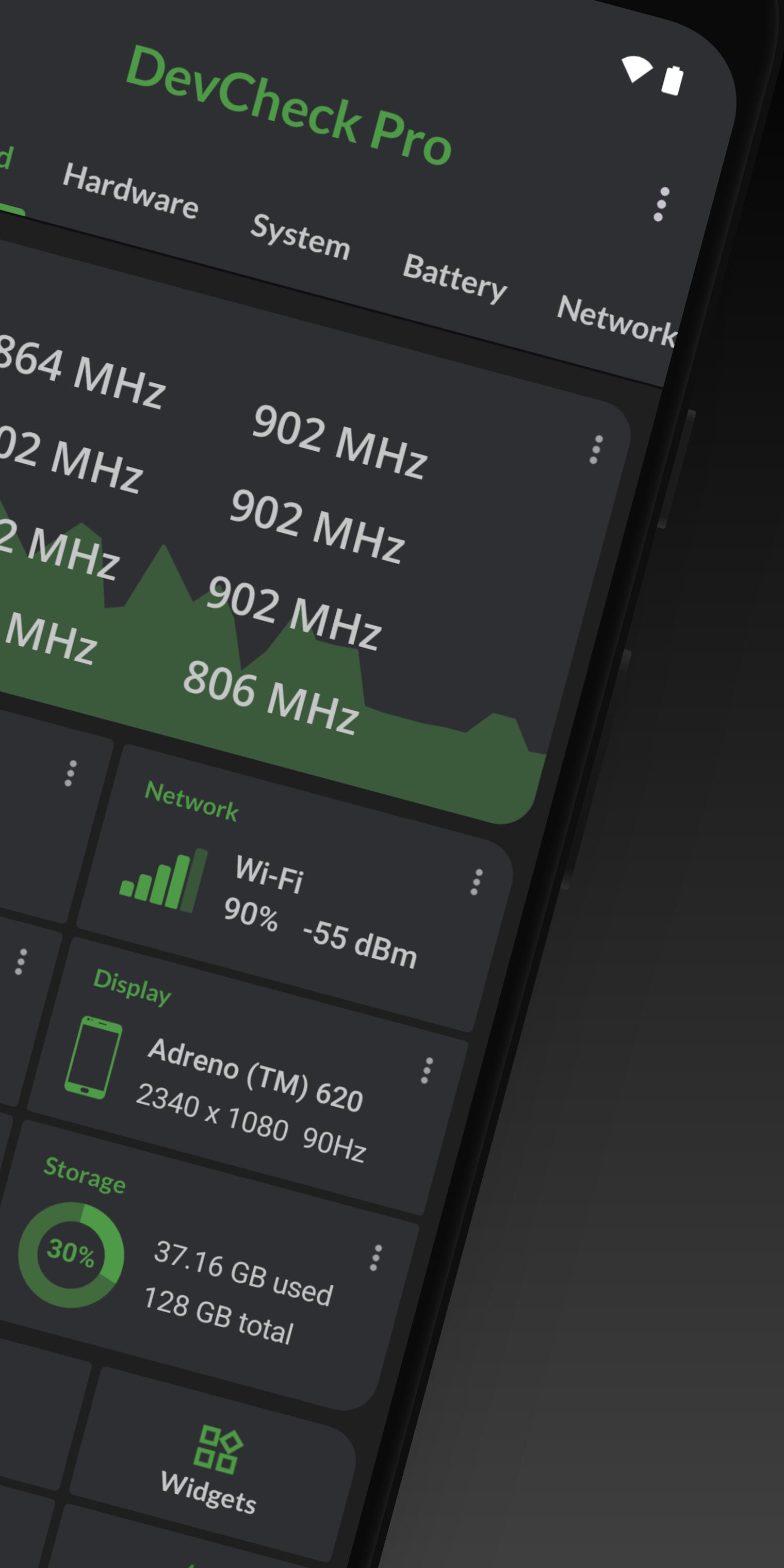
DevCheck lists SoC, CPU, and GPU models with clocks and process info, plus RAM, storage, display, and camera details. You can confirm lens resolutions and sensor vendors with one tap. Moreover, it identifies Bluetooth and input devices attached to your device.
Network and dual SIM diagnostics
DevCheck reports WiFi and cellular information including IPv4 and IPv6, operator name, and public IP. You can track live signal levels and data speeds for each SIM. Therefore, it is easier to see roaming status and network type changes in real time.
Battery health and charging
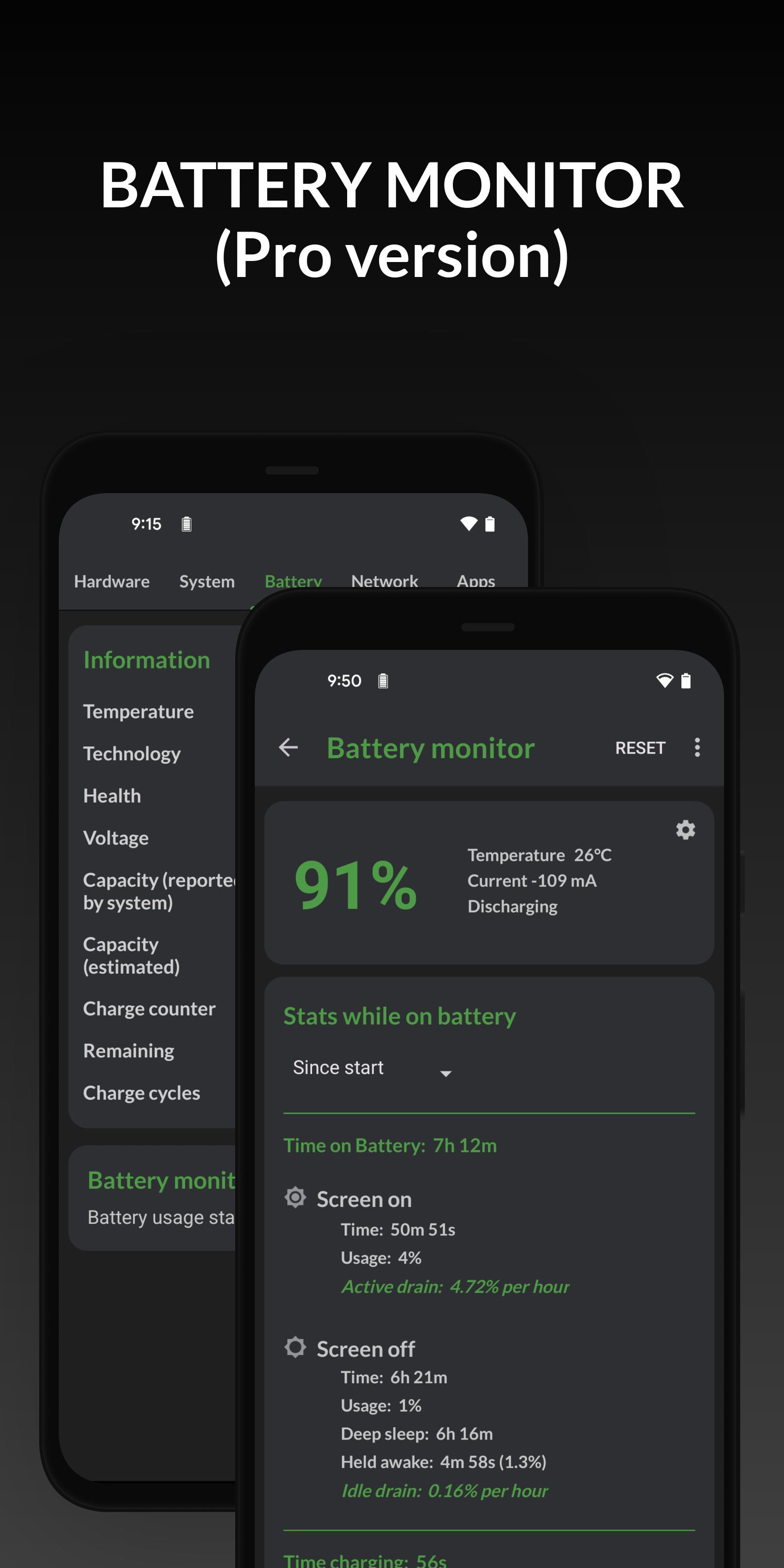
DevCheck reads health, temperature, voltage, and estimated capacity. You can verify charging current and wattage to compare cables and chargers. In addition, the Battery Monitor in DevCheck Pro helps track long term usage and charging behavior.
Sensors and system checks
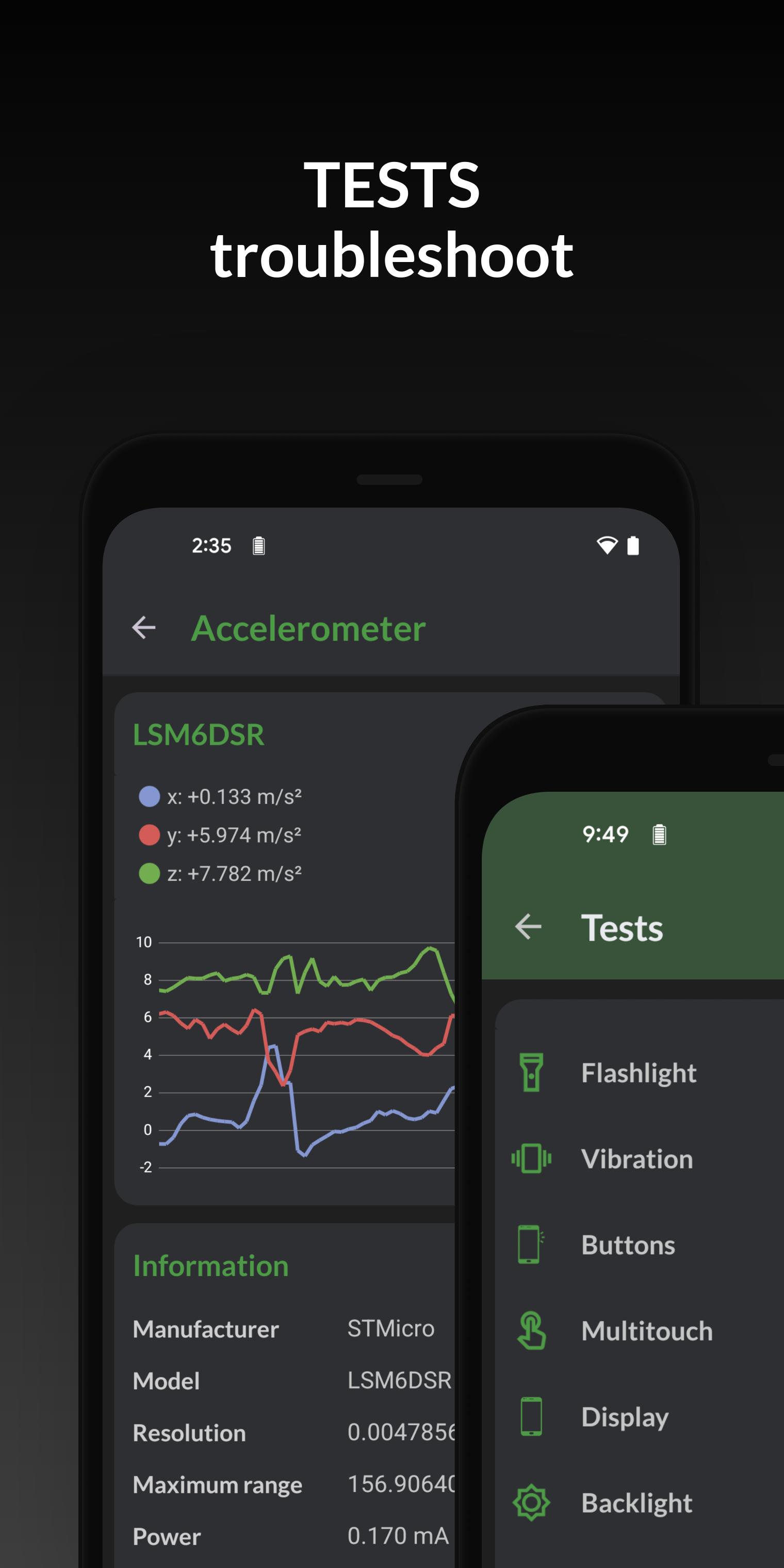
DevCheck lists all available sensors with live graphs for quick validation. It shows build number, kernel, and security patch, plus checks for root, BusyBox, and KNOX. Optional root or Shizuku access can unlock a bit more low level data where supported.
Tools, widgets, and overlays
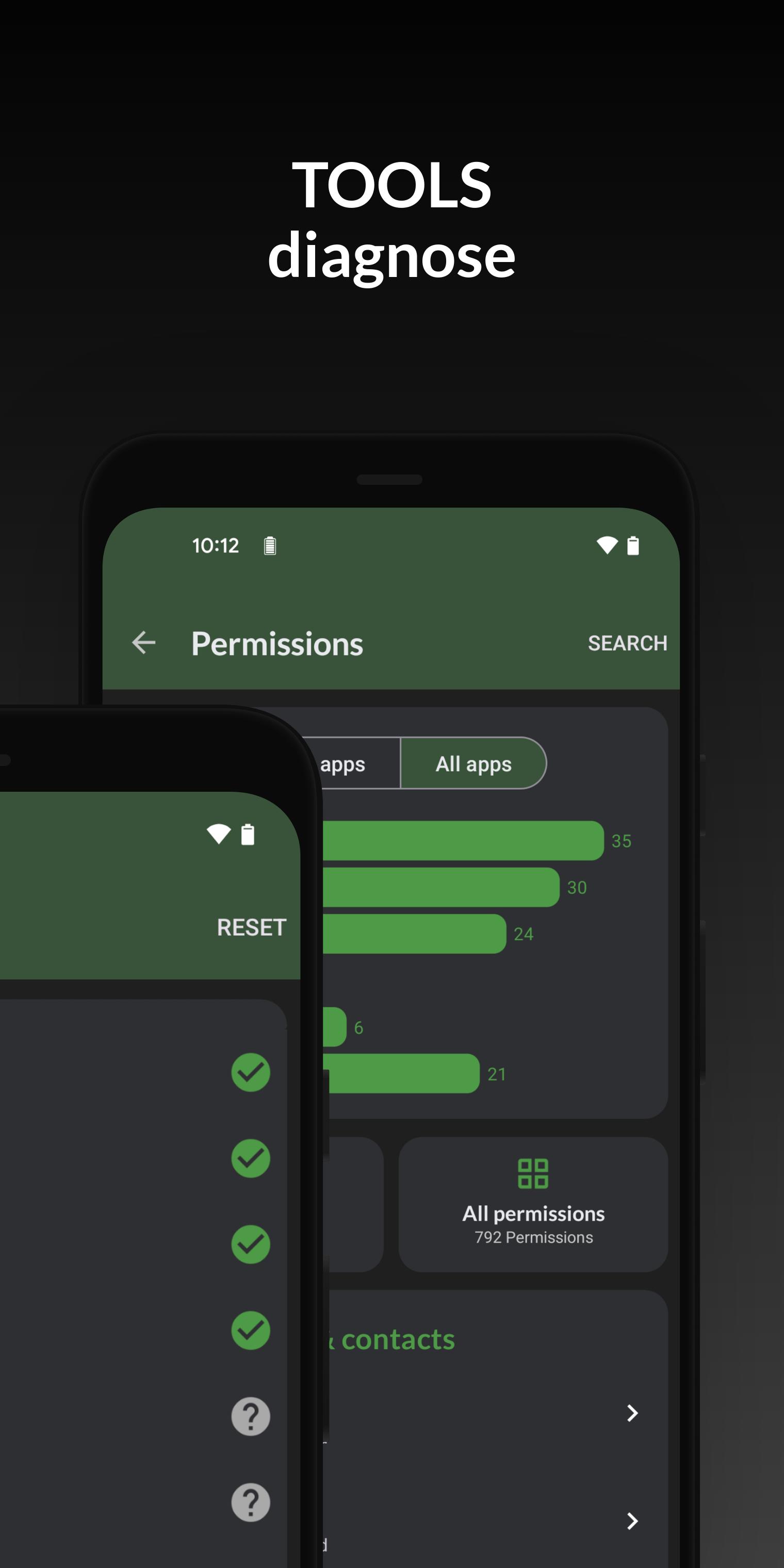
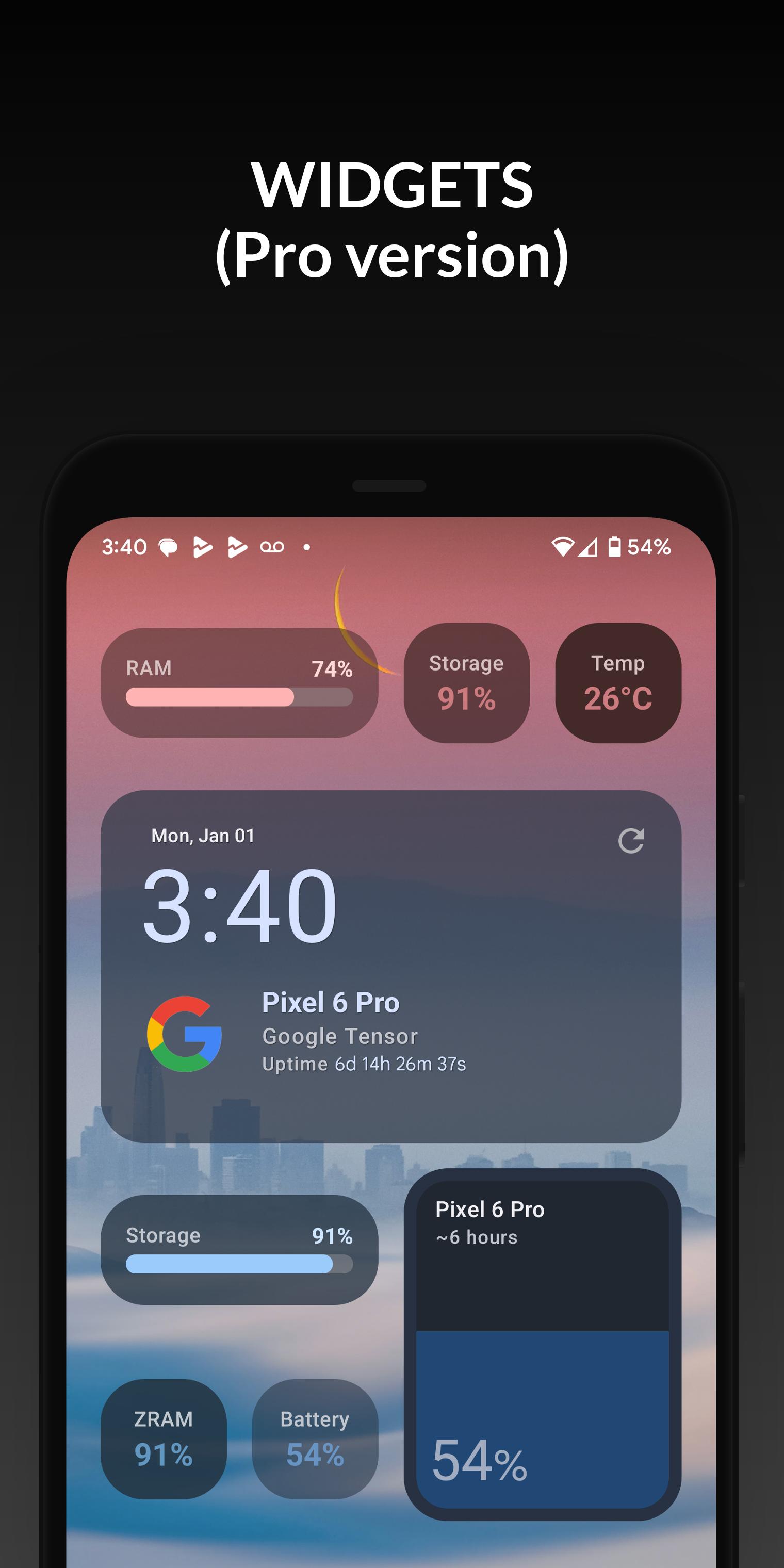
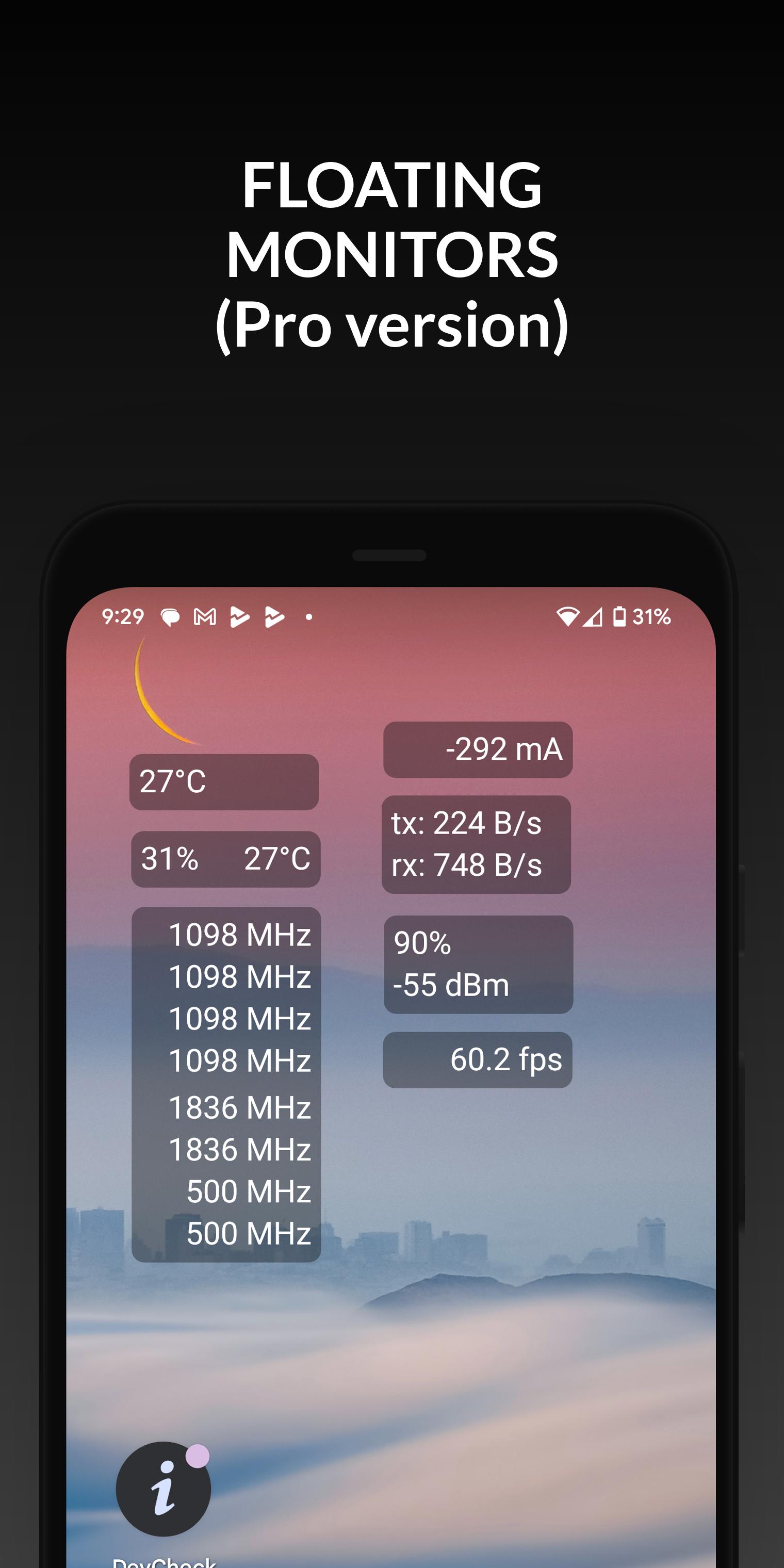
DevCheck includes an app manager, WiFi scan, USB tester, GPS view, permissions explorer, and simple benchmarks. You can add widgets to the home screen for always on stats. Moreover, DevCheck Pro offers floating monitors that stay on top during games and stress tests.
DevCheck separates cellular info by SIM, so you can compare each line side by side. Look at signal strength, network type, operator, and data connection state for SIM 1 and SIM 2. In addition, public IP and IPv6 status help confirm if your carrier uses NAT or specific routing that may affect apps.
When you plug in a charger, DevCheck displays current, voltage, and an estimate of wattage. Swap cables or chargers and watch the values change to see which pair performs better. Also, temperature and throttling indicators show if the device slows charging during heat.
DevCheck is straightforward to use. The dashboard presents live readings, and you can move into tabs for deeper analysis. Follow these steps to check your device in minutes.
Open DevCheck and review the dashboard to see CPU, memory, and battery updates in real time.
Tap Hardware to view chipset, RAM, storage, display, and camera details. After that, open Network to check WiFi, SIM status, signal strength, and public IP.
Then go to Battery to see health, temperature, and charging data. On Android 14 and newer, follow the prompt to grant the battery stats permission for hidden fields.
Explore Tools to run a WiFi scan, test USB devices, view GPS status, and review app permissions in the Apps section. So enable widgets or floating monitors in settings if you use DevCheck Pro.
Finally, use quick links to jump into system settings when you need to change radios, developer options, or battery optimization.
DevCheck helps you understand your device with live data and clear pages. Get the DevCheck APK latest version on APKPure and keep your hardware, network, and battery in view at all times.
For official product information from the developer, see:
Website: https://devcheck.app/
Is DevCheck safe to download?
Yes, DevCheck is ad free and respects user privacy. To download DevCheck safely, use the download button on APKPure. You can get the DevCheck APK latest version directly from this page.
What is DevCheck used for on Android?
DevCheck provides real time device and system information for Android. It shows live performance, hardware specs, network status, sensors, and battery data, so you can diagnose issues and confirm component details without guesswork.
How do I view hidden battery health on Android 14 with DevCheck?
To view hidden battery health fields, open Battery in DevCheck and follow the prompt to grant the battery stats permission. DevCheck supports granting this access through root or Shizuku where available, and the values appear after permission is granted.
Can DevCheck help with dual SIM issues?
Yes, DevCheck separates information for each SIM so you can compare signal strength, network type, data state, and public IP per line. This makes it easier to identify which SIM is dropping data or switching networks.
How can I verify my charger and cable wattage with DevCheck?
Connect your device and open the Battery page in DevCheck to see live current, voltage, and estimated wattage. Swap chargers or cables and watch the numbers change to confirm which combination delivers better power.
Last updated on Dec 14, 2025
6.28:
-Screen Time (PRO)
-bug fixes
6.19/6.24:
-improve battery, network, and other hardware info
-updated and improved some UI elements
-new temperature screen
-Network Mapper (PRO)
-bug fixes and optimizations
6.17:
-improve hardware detection
-support new hardware and devices
-Shizuku support (temperatures, battery info, CPU load, app memory usage list)
-task manager (requires Shizuku and PRO)
-improve temperature, battery, GPU, vulkan and OpenGL info
-modernize old stuff
Latest Version
 6.28
6.28
Uploaded by
flar2
Requires Android
Android 7.0+
Available on

Category
Report


Discover what you want easier, faster and safer.
