


Use APKPure App
Get Caustic old version APK for Android

Caustic is a mobile first digital audio workstation that builds electronic music with rack based instruments and real time effects.
Built by Single Cell Software, Caustic focuses on fast idea capture and detailed sound design on phones and tablets. The interface mirrors a hardware rack, so you switch between machines, the mixer, effects, and the sequencer without losing context. Everything runs in real time, which helps you sketch patterns, arrange parts, and automate controls with immediate feedback. You can start with presets, record your own tweaks, and shape a complete track on one device. Therefore, many creators use Caustic for portable production and later move projects to desktop for finishing.
Rack based studio with multiple machines
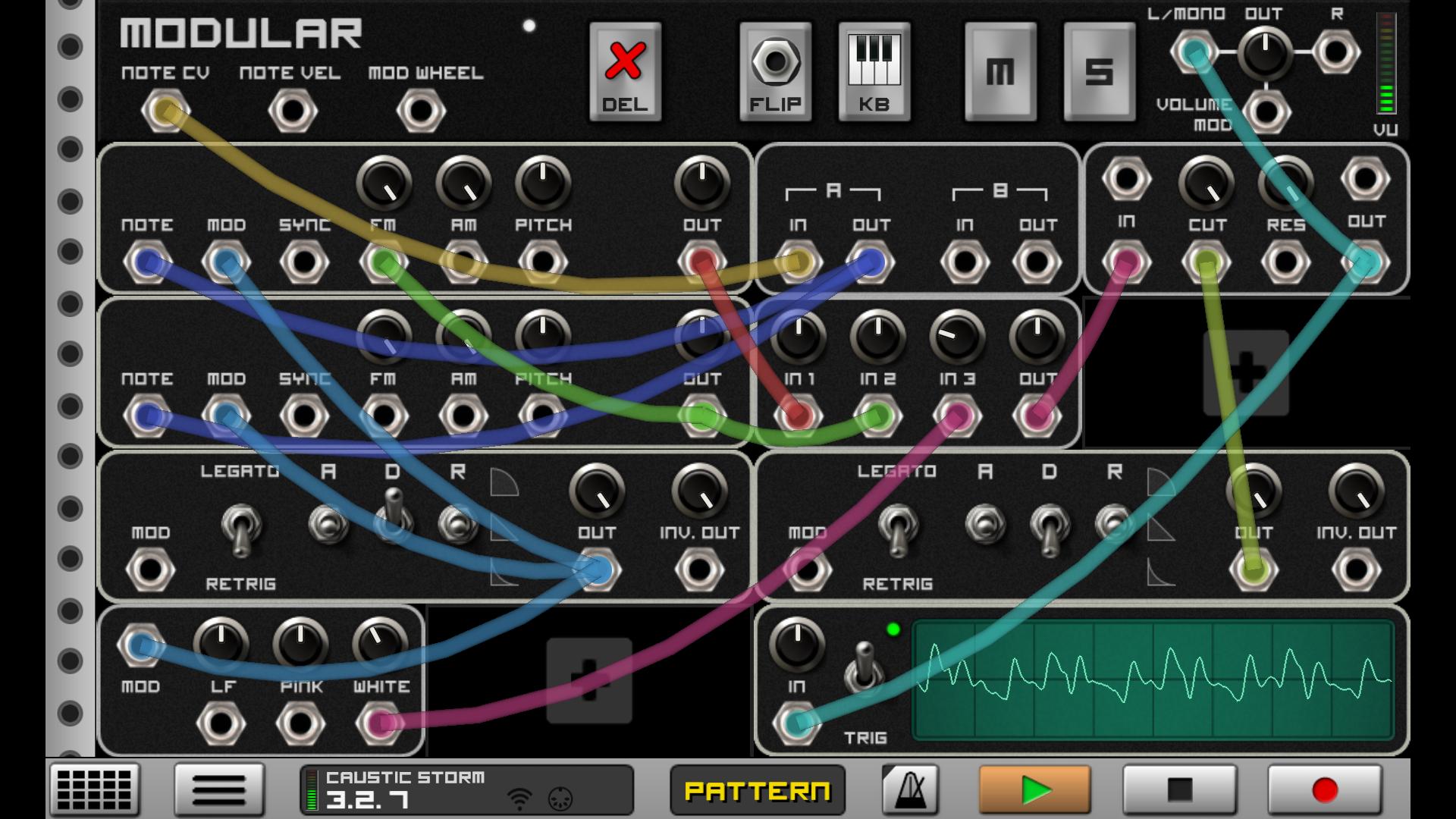
Caustic lets you build a custom rack with up to fourteen instruments and tools. You can mix classic subtractive synths, a 303 style bass unit, drum machines, a modular, samplers, and more. This flexible layout supports quick experimentation and structured workflows.
Real time effects and mixing
Each machine has its own effects rack with two slots and a wide set of processors. The mixer adds global delay and reverb for space, and the master section includes a parametric EQ plus a limiter. As a result, you can shape sounds and control loudness inside one project.
Pattern, song, and deep automation
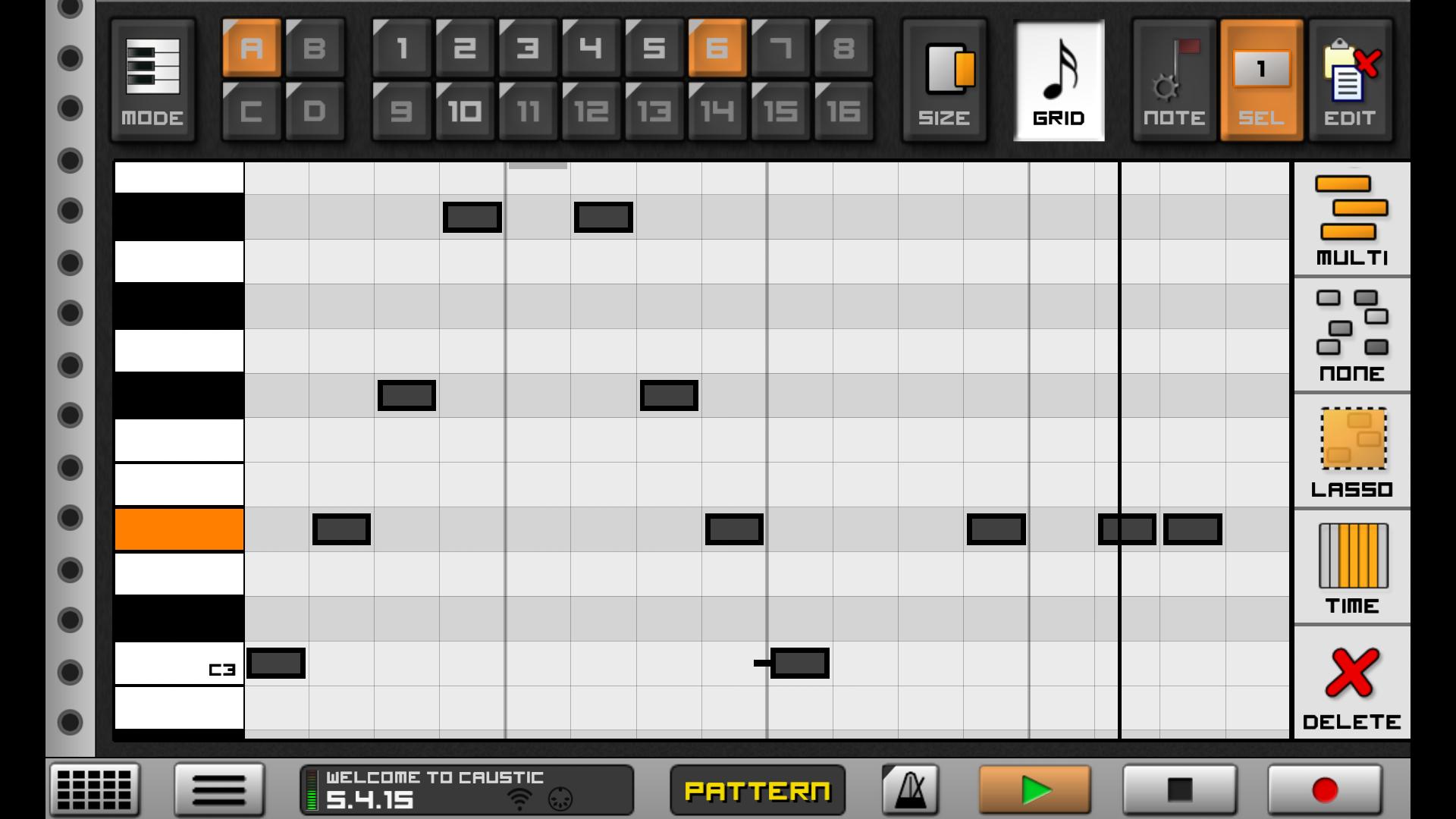
Caustic provides a pattern sequencer for quick loops and a song sequencer for full arrangements. Most controls support automation with curve editors, so you can draw precise filter moves, volume rides, and modulation. This keeps complex changes repeatable and easy to edit.
Sampling and flexible file support
You can import WAV files and build custom kits and instruments. PCMSynth loads SoundFont and SFZ content, while BeatBox and the vocoder work with user samples. In addition, this file support helps you bring favorite sounds into new tracks.
MIDI friendly performance
Caustic supports class compliant USB MIDI controllers through OTG, so you can play keys, record notes, and tweak knobs by hand. This improves timing and makes live input simple. Moreover, you can combine touch control with hardware for a balanced workflow.
Saving and export with the Unlock Key
The demo lets you explore all tools without time limits. To save songs and export audio or MIDI, install the separate Caustic Unlock Key. After activating, you can render WAV or OGG and export MIDI to use parts in other tools.
Caustic includes the complete studio for learning and creation, and the demo does not expire. However, saving and export are disabled in the demo. Installing the Caustic Unlock Key enables save, WAV or OGG mixdown, and MIDI export. Therefore, you can test everything first, then add the key when you need to finish and share tracks. Related add ons, such as Caustic Mastering and sample packs, can further support your workflow.
Official development has paused and there are no planned updates from the original creator. Even so, Caustic remains popular because it is stable and efficient on many devices. We provide the Caustic APK for secure download, and our listing helps you get the build you need with confidence. If you are on a newer Android version and see install errors, community threads report workarounds such as trying an earlier build or alternative install methods. In addition, you can follow user discussions for preservation tips and long term project access.
A free PC version is available from the developer, and it reads the same project format as mobile. This makes it easy to move work between phone and desktop for editing or mixdown. As a result, you can draft ideas on the go and refine them later on a larger screen.
Caustic encourages a simple loop to song workflow. You start with a few machines, shape patterns, and then arrange the full piece while automating key controls.
Caustic brings a fast, rack based music studio to your device with real time control and flexible sequencing. Get the Caustic APK latest version on APKPure to start sketching, arranging, and exporting your tracks. If you need save and export, add the Caustic Unlock Key when you are ready.
How do I install or update Caustic on my device?
To install or update, get the Caustic APK from APKPure and follow the on screen prompts to allow install from this source. If your device blocks the install, clear the package installer cache, retry the download Caustic process, and ensure you have enough storage. For persistent issues, check community discussions for device specific guidance.
What is the difference between the demo and the Caustic Unlock Key?
The demo gives you full access to all machines and editing, but it does not allow saving or exporting. Installing the Caustic Unlock Key activates save, WAV or OGG render, and MIDI export so you can back up projects and share audio created in Caustic.
Is Caustic still updated or is Caustic 4 coming?
Active development has paused and there is no confirmed Caustic 4. The current Caustic 3 APK remains widely used, and the core workflow continues to work well on many devices.
Can I move Caustic projects between mobile and PC?
Yes, Caustic uses the same project format on mobile and the free PC version. You can copy the project folder between devices to continue editing, arrange on desktop, or export final audio from Caustic.
Does Caustic work on Android 14 or Android 15?
Some users report install issues on newer Android versions due to platform changes. You can try the Caustic app download from APKPure again, test an earlier build if available, or consult community threads for confirmed workarounds. Once installed, Caustic runs entirely offline and saves projects locally when the Unlock Key is present.
Last updated on Jan 12, 2026
Minor bug fixes and improvements. Install or update to the newest version to check it out!
Latest Version
 3.2.2
3.2.2
Uploaded by
Single Cell Software-
Requires Android
Android 11.0+
Category
Report





Discover what you want easier, faster and safer.
