


Use APKPure App
Get ArduinoDroid old version APK for Android

Write sketches, compile and upload to Arduino/ESP8266/ESP32 over USB or WiFi
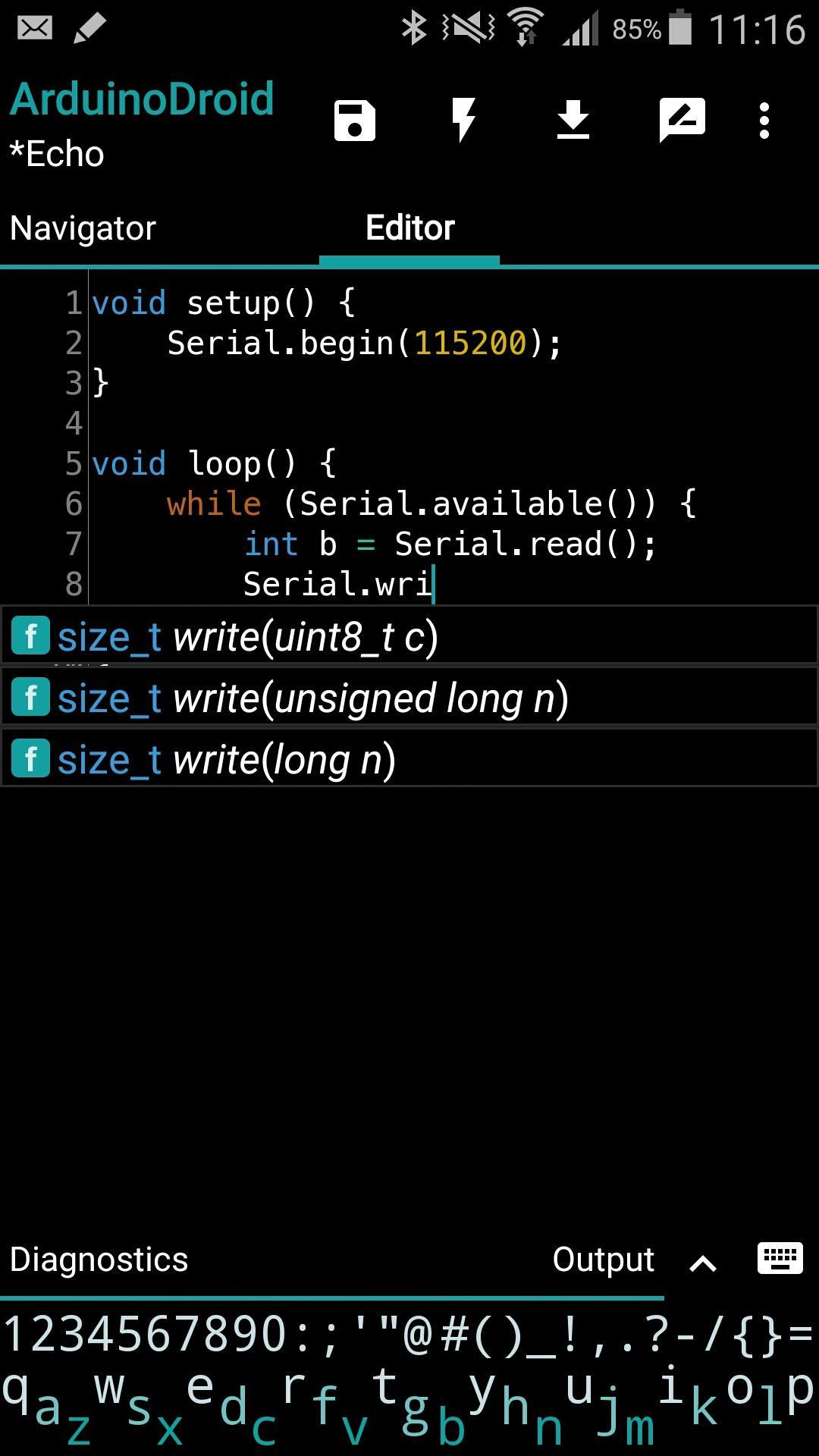
Write with code complete and libraries, compile, upload Arduino or ESP8266/ESP32 sketches over USB or WiFi and monitor your board right from your Android device with ArduinoDroid. No internet connection, no cloud service account is required.
Important:
The app takes about 500Mb in internal storage as it contains IDE, compiler and uploader for AVR and ESP8266/ESP32. Make sure you have enough free space and it can't be currently installed on sd card because of Android security policy.
Features:
* onboarding
* open/edit Arduino/ESP8266/ESP32 sketches
* example sketches and libraries included
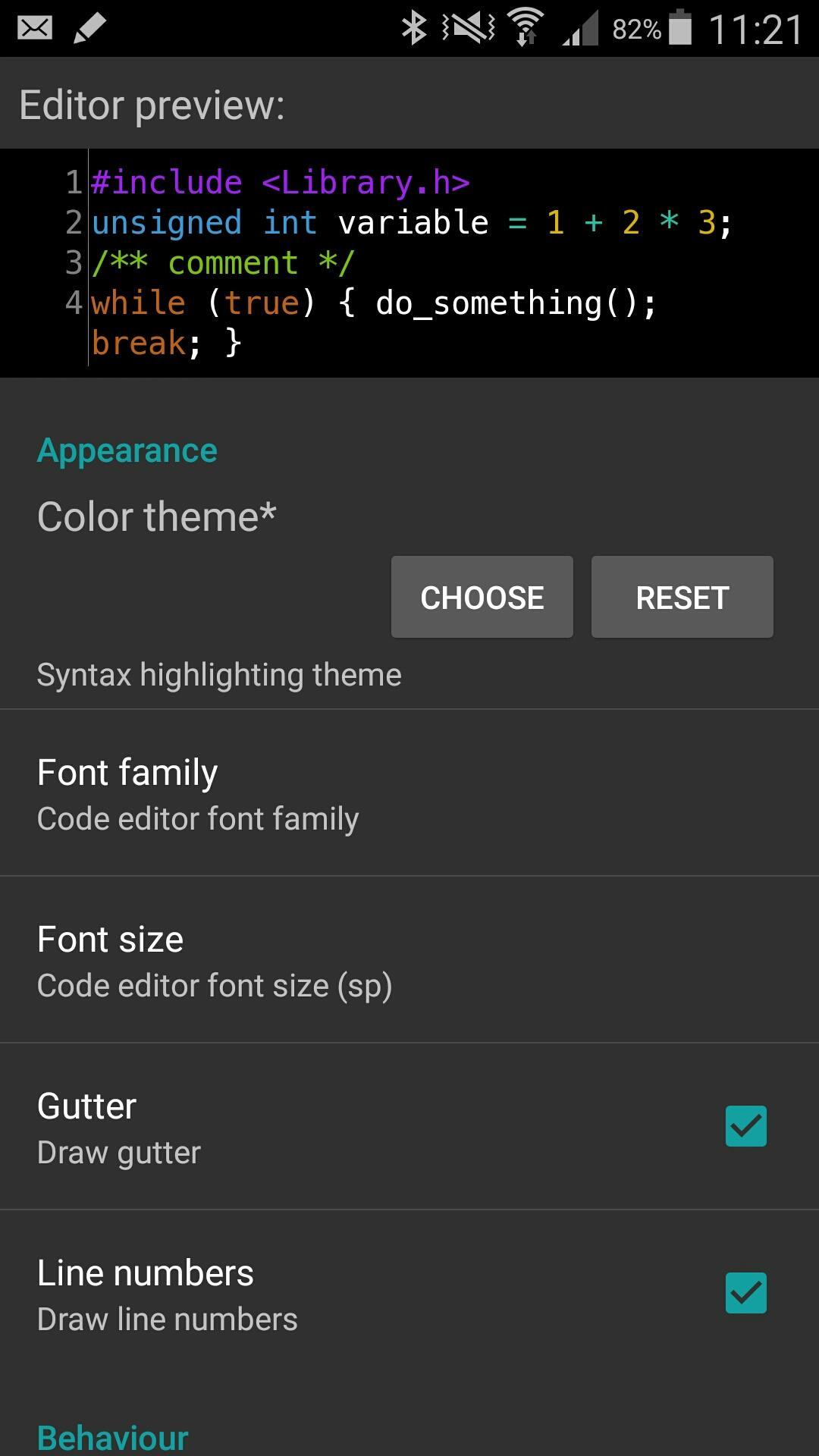
* code syntax highlighting with themes support *
* code complete *
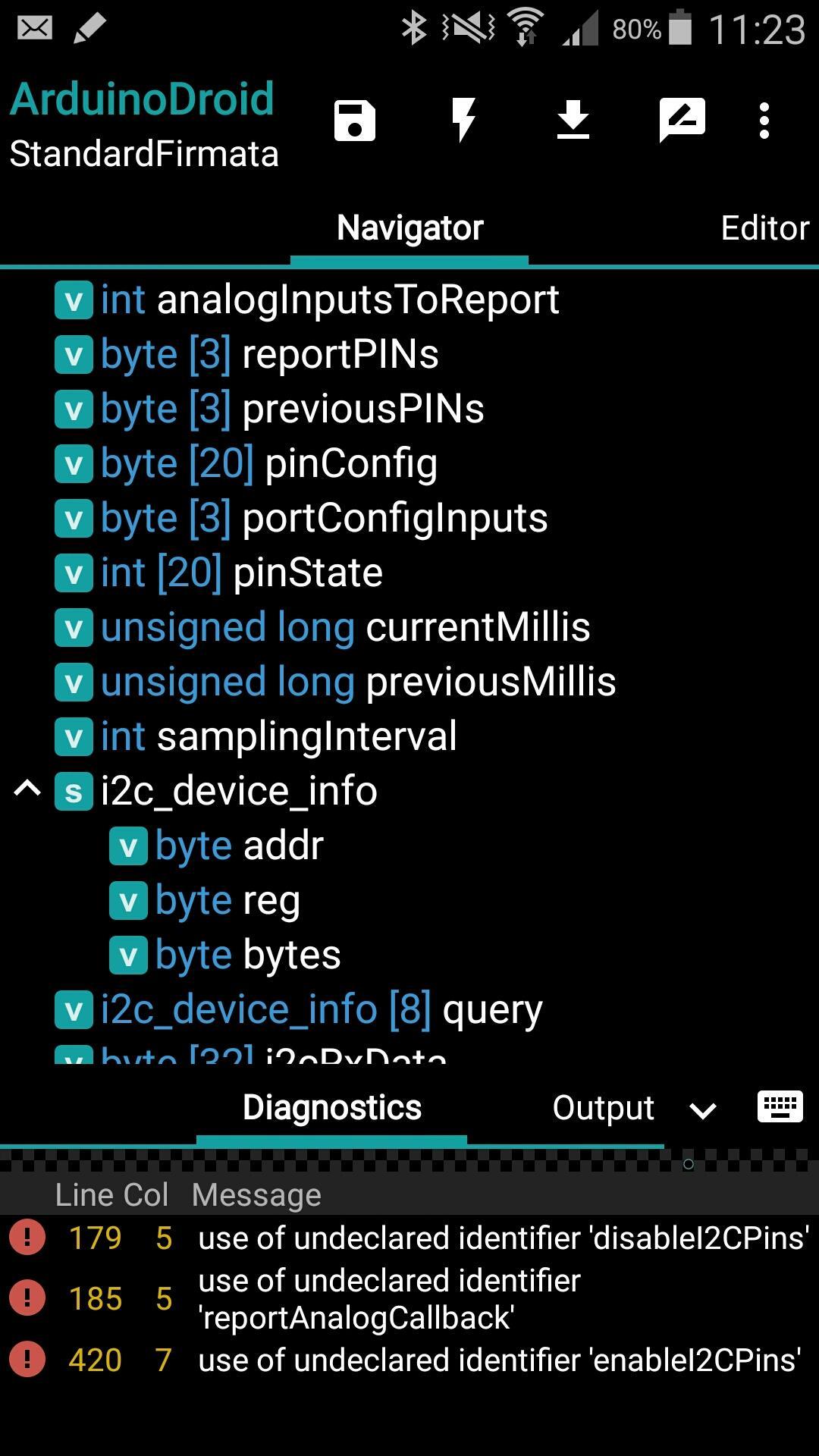
* real-time diagnostics (errors and warnings) and fixes *
* file navigator *
* tiny built-in software keyboard *
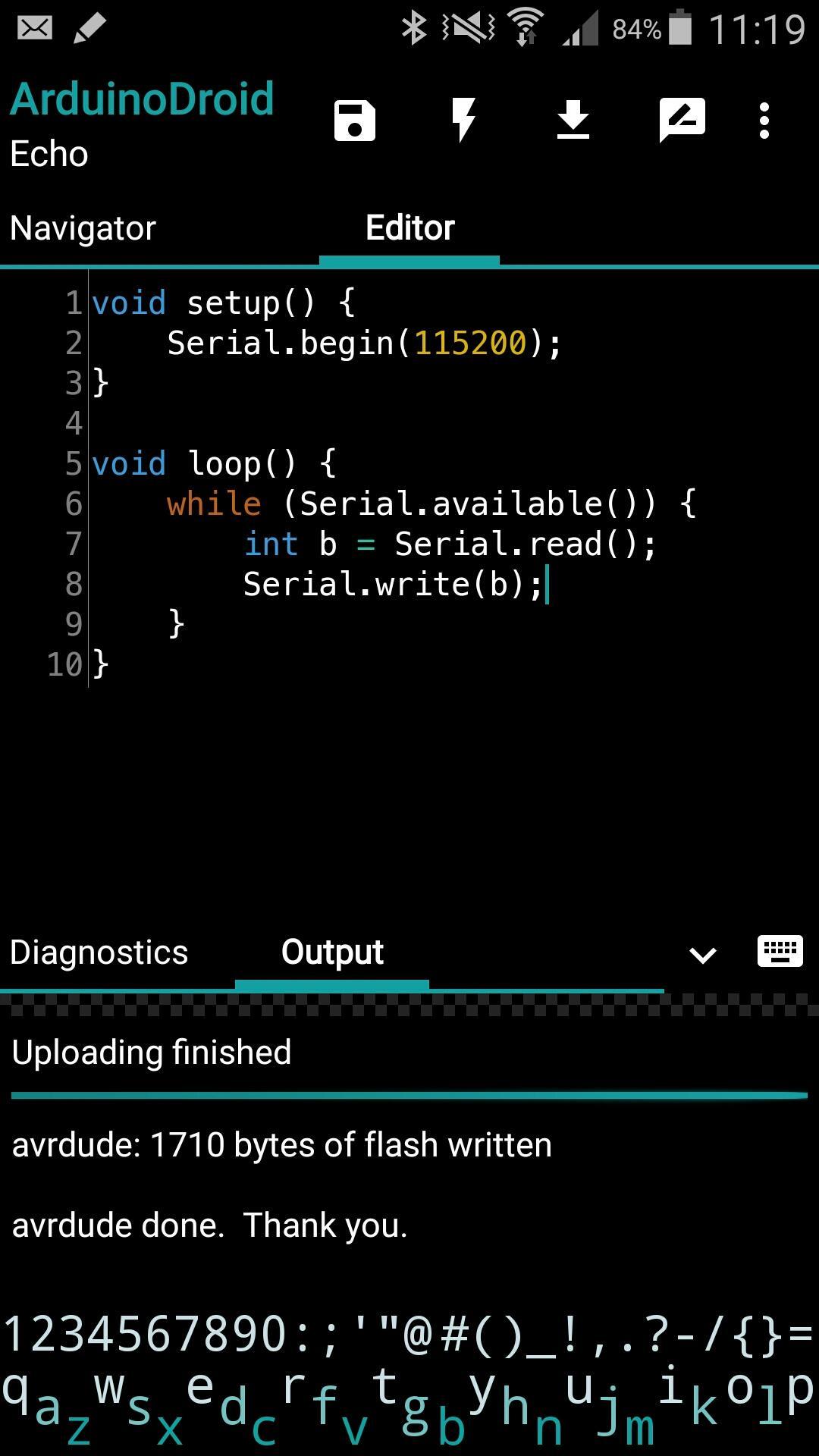
* compile sketches (no root required)
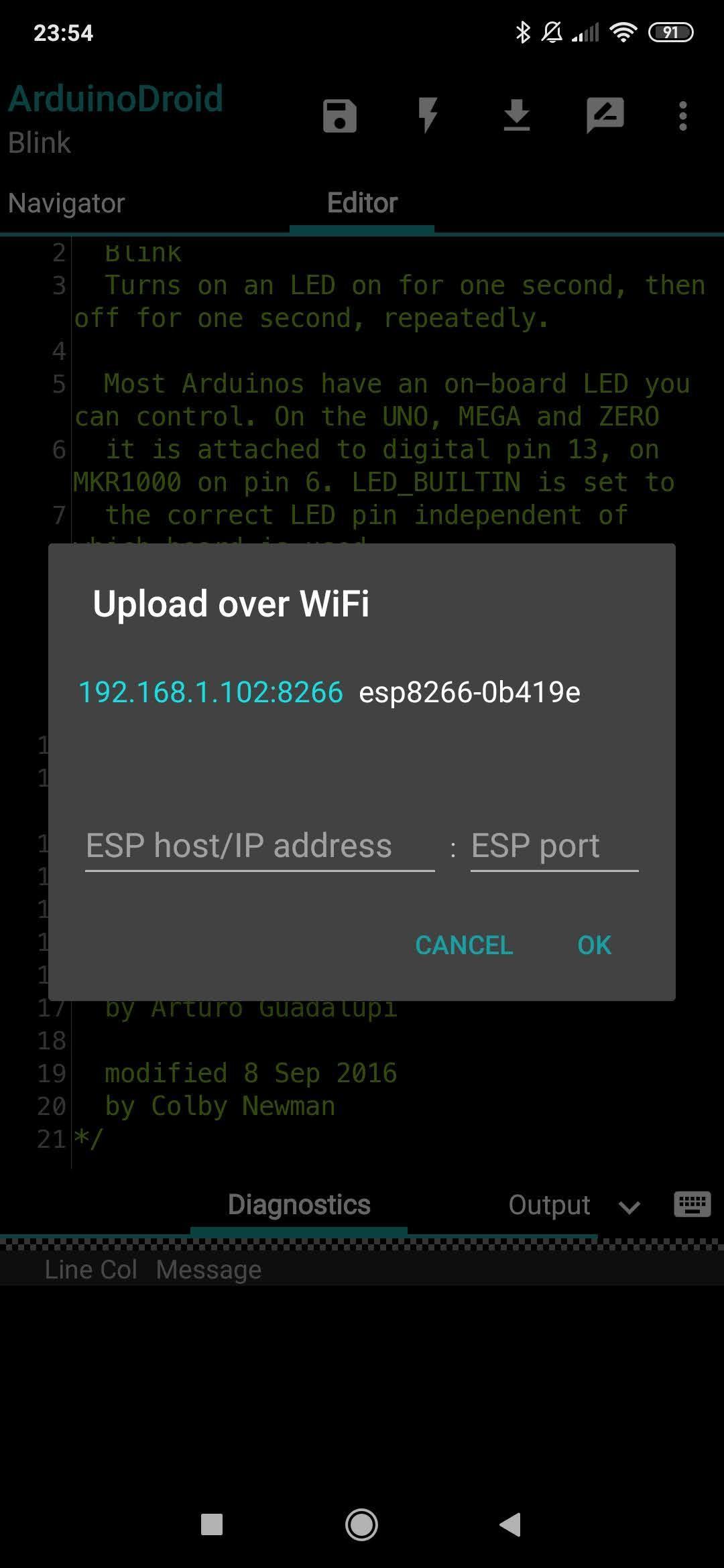
* upload sketches over USB (all ESP8266 boards, all ESP32 boards, Arduino Uno/Uno_r3, Duemilanove, Nano, Mega 2560, Leonardo, Micro/Pro Micro, Pro, Pro Mini, Yun, Esplora, Robot Control, Robot Motor boards are supported, android devices with USB-host support required) and WiFi (OTA for ESP8266/ESP32)
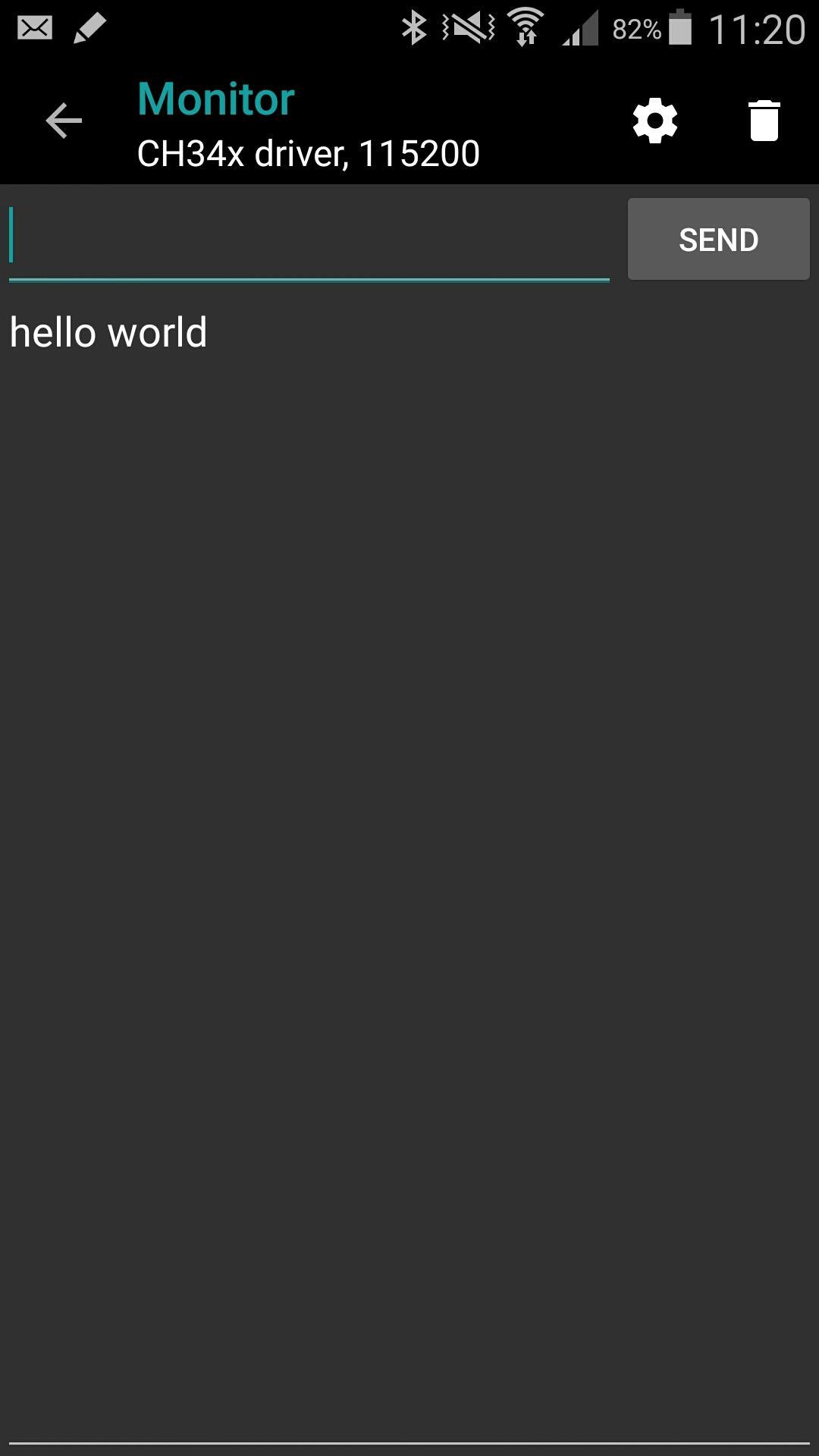
* serial monitor
* works offline (no internet connection required)
* Dropbox support
* Google Drive support
* material design
App blog:
https://www.arduinodroid.app
Troubleshooting:
https://www.arduinodroid.app/p/troubleshooting.html
Advanced paid features (marked with *) review:
https://www.arduinodroid.app/p/advanced-features.html
Note: this is NOT an official Arduino team application, but a 3rd-party mobile application with the same functionality developed and supported by an independent developer.
© "Arduino" is a trademark of Arduino team.
Last updated on Dec 15, 2025
* Full file system access request on Android 11+ (to access the files anywhere on file system instead just app sandboxed directory)
* Now showing not matching files (eg. during sketch opening) as disabled (compared to not showing at all)
* Fixed: minor uploading issue (update Avrdude to show the actually received character 0x10)
* Fixed: onboarding screen blinking on app launch
* Fixed: rare crash on library version selection
Latest Version
 7.2.0
7.2.0
Uploaded by
Martin Riquelme
Requires Android
Android 8.0+
Available on

Category
Report



Discover what you want easier, faster and safer.
